Your Grok Bot drafts newsletters and welcome emails in your brand, sends you a test and reports back on results. Nitrosend does the sending.
Paste this in
Tell your Grok BotFree to start
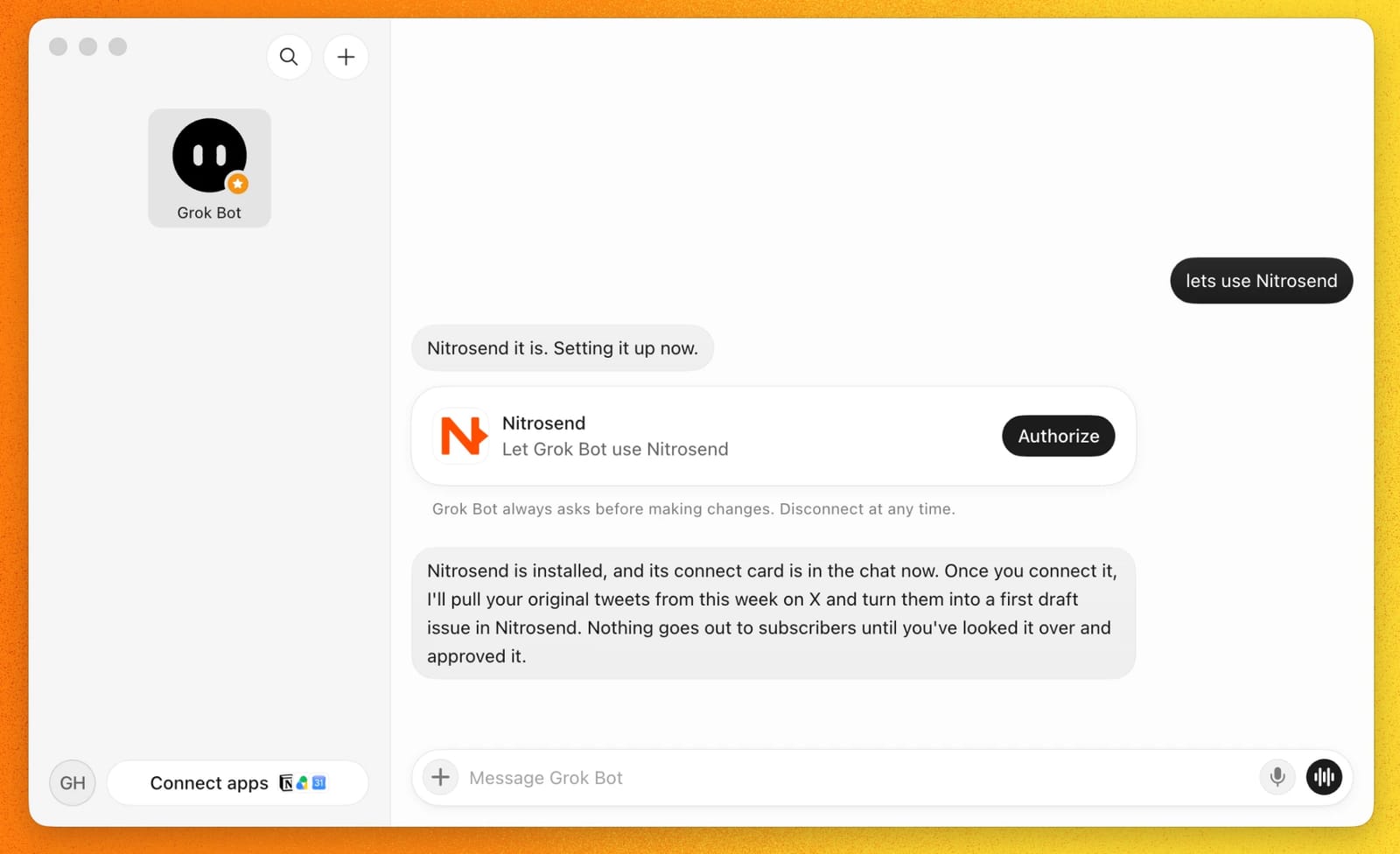
Use Nitrosend for our email. Connect it, then send me a test.
Then choose Authorize on the Nitrosend card.
A real Grok Bot session from 22 October 2026. Earlier messages hidden.
×
Nitrosend is a registered SpaceX Super Intelligence Marketplace Partner and a launch partner of the Partner Network.
How it works
Three steps to your first test.
Your Bot does the setup. You sign in once and check the email in your inbox.
01
Tell your Bot to use Nitrosend
It installs the Nitrosend plugin and posts a card in the chat. You can also add Nitrosend from Connect apps in the sidebar.
02
Choose Authorize
Finish the sign-in in your browser. Log in, or create a free account there. No API key, no config file.
03
Ask for a test
Give your Bot its first job. It drafts in your brand and sends the test to you.
Read nitrosend.com/SKILL.md. Use our connected Nitrosend account to draft a welcome email in our brand and send me a test. Ask for anything missing. Keep it as a draft.
Other ways to connect
If your Bot can't find Nitrosend, paste this:
Add a custom MCP server called nitrosend at https://api.nitrosend.com/mcp
A Bot with no plugin can sign itself up over the REST API: create the account, mint its own key, reserve a sender and send the first test. Every call is in SKILL.md and the OpenAPI spec.
Built with Grok Bot
“It’s directly integrated into my Grok bots… Makes email marketing so easy.”
Filmed in September 2026. Nik is a Nitrosend customer and a member of our affiliate program, which pays commission on referrals.
Give it the next email job.
Copy a prompt
Each one works as written. Paste it into Grok Bot and your Bot takes it from there, test first.
A real first issue from George's Grok BotEvery Friday
Newsletter
Every Friday, turn my best posts on X from this week into a Nitrosend newsletter. Keep it under 250 words. Send me a test and ask before sending to customers.
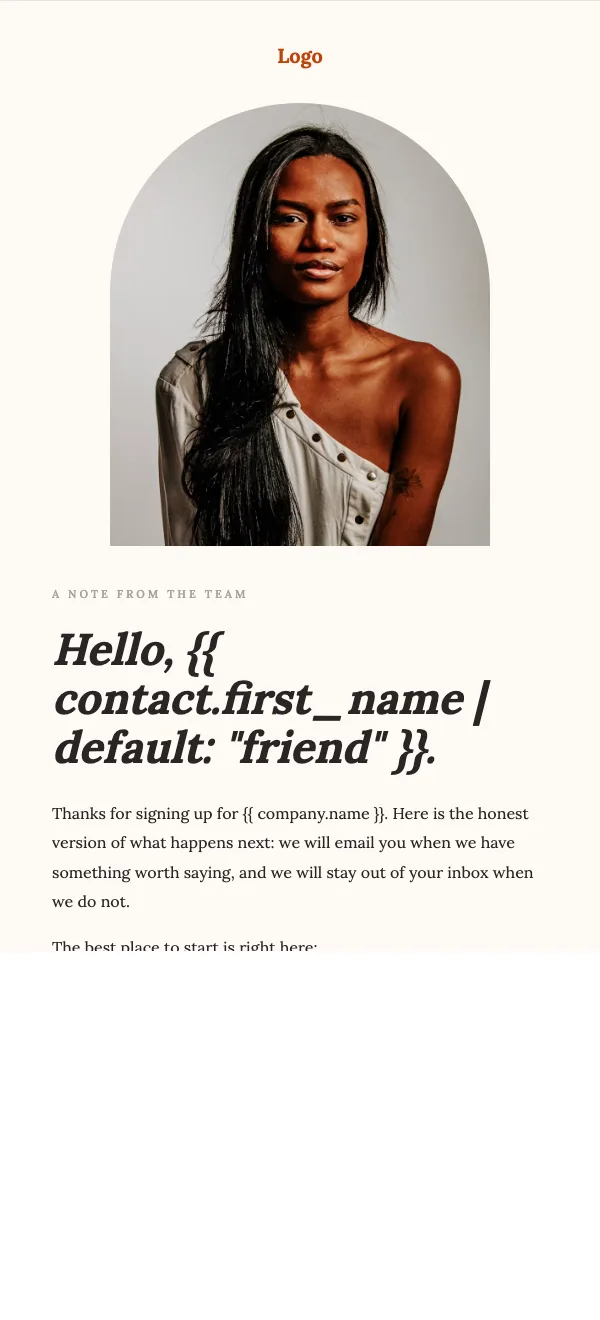
Starts from The Welcome Note templateFlow
Welcome emails
Draft three welcome emails for new signups in Nitrosend. Send me a test and ask before activating the series.
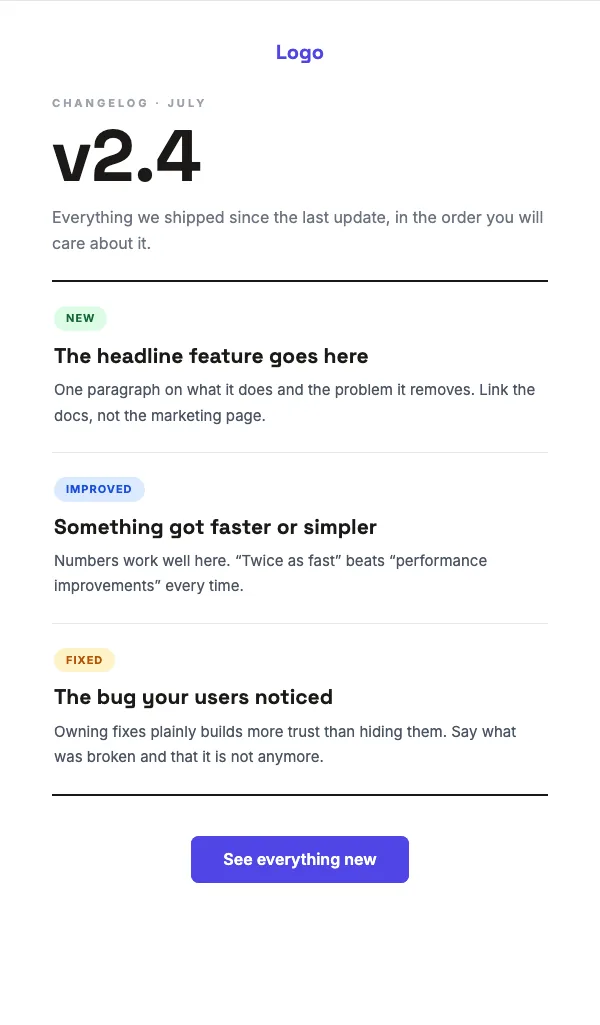
Starts from The Changelog templateWhen you ship
Launch email
When we ship, turn our changelog into a product update email in Nitrosend. Send me a test and ask before it goes to customers.
More email jobs
Every Monday
Campaign results
Every Monday, review last week's Nitrosend campaigns and tell me what to change for the next send.
Transactional
Receipts
Set up our order receipt and password reset emails in Nitrosend, on brand, and send me a test of each.
Contacts
Audience
Import customers.csv into Nitrosend, tag everyone by plan, and build a segment of anyone who hasn't opened in 90 days.
A few good questions.
What do I need to do?
Tell your Bot to use Nitrosend and choose Authorize once. Your Bot can start with a sender Nitrosend reserves for your brand; sending from your own domain needs DNS verification. The skill tells your Bot to send you a test and ask before a campaign or flow goes live.
How does Grok Bot connect to Nitrosend?
Through the Nitrosend plugin: one hosted MCP server with OAuth sign-in, so your Bot gets an access token, not your password. Ask for Nitrosend in the chat or add it from Connect apps. A Bot can also add a custom MCP server called nitrosend at https://api.nitrosend.com/mcp.
Is it free?
Free to start. The plugin is free and MIT licensed, and Nitrosend has a Free plan with unlimited contacts. Paid plans start at US$20 a month, and every plan gets the full MCP, API and CLI.
What gets checked before a send?
Brand Kit gives every draft your colors, fonts, logo and tone. Nitrosend checks content, sender readiness and sending limits before mail goes out, and sending can pause when delivery health checks fail.
Can my Bot have its own email address?
Yes, in beta. An agent inbox gives a Bot its own address on your domain, like [email protected], so it can send and answer one to one. We switch agent inboxes on by request: ask from inside Nitrosend or at [email protected].
Grok Bot or Cursor?
Grok Bot is for knowledge work: an AI teammate with its own computer. Cursor is for code. Nitrosend works in both with the same account.
Your Grok Bot. Your email job.
Free to start. Tell your Bot to use Nitrosend, choose Authorize, and the first test lands in your inbox.

 Email marketing for Grok Bot