
The announcements in these emails are fictional. These are concept emails made with AI in Nitrosend; Vercel is not a Nitrosend customer and did not endorse them.
The full 12-email flow
Every email in the sequence, in send order, with its job and what makes it work.
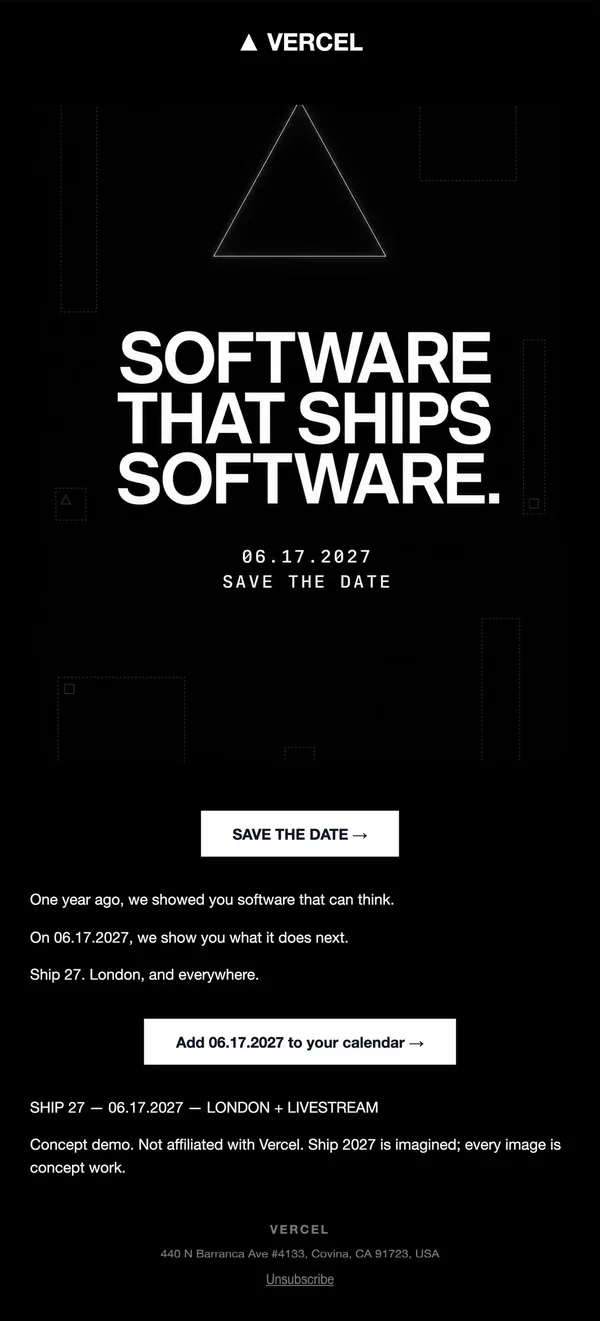
1. Save the date
Black field, outlined triangle and a huge all-caps headline set up one date and one button. Short copy keeps the tease clean.
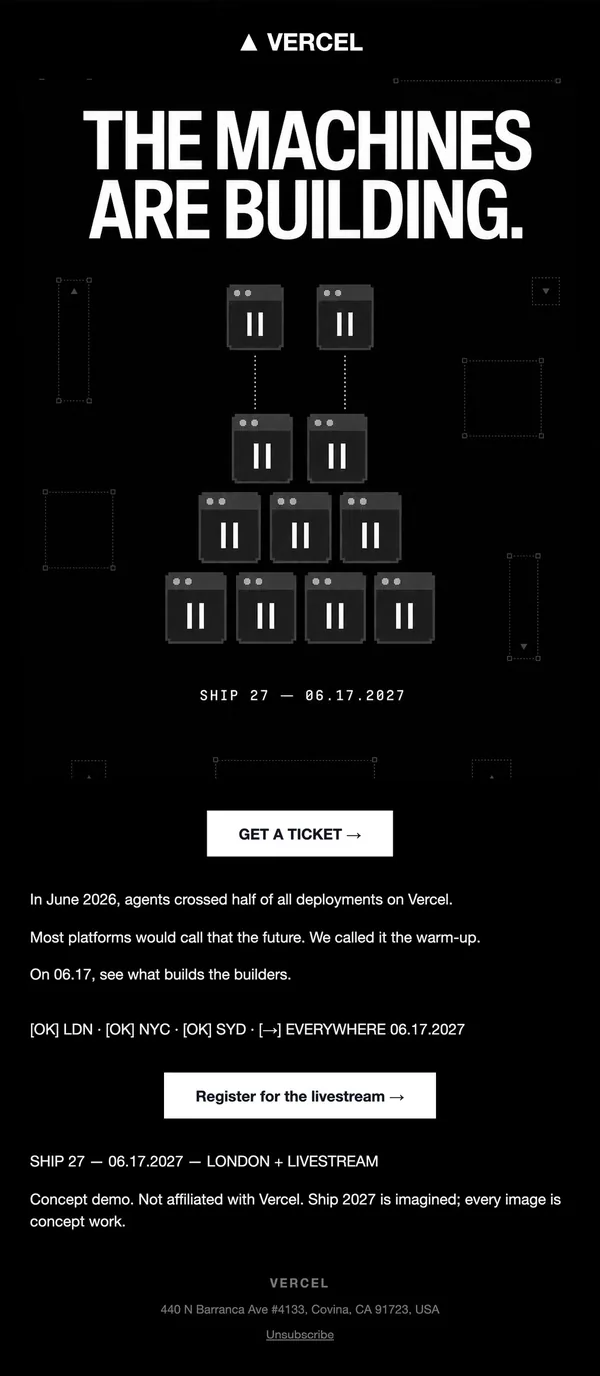
2. Teaser
Pixel-art browser windows stacked into a pyramid carry the headline. A stat from last year turns the tease into a reason to register.
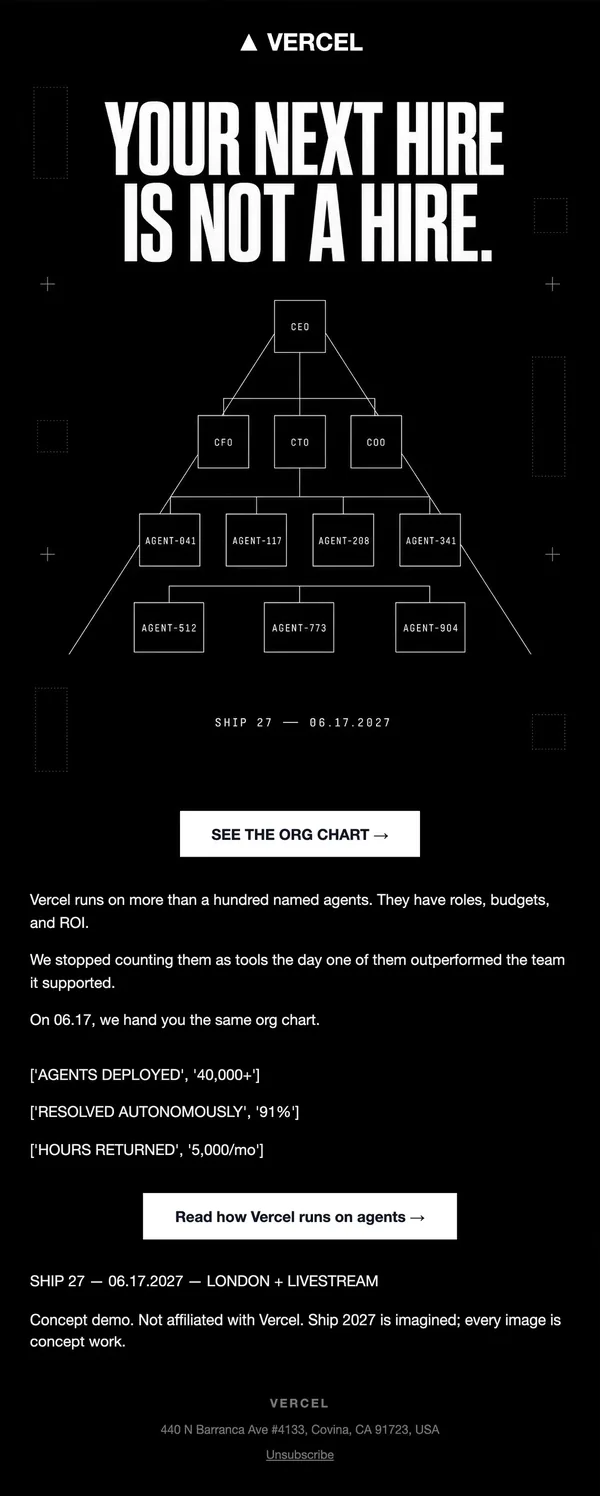
3. Concept tease
A CEO-to-agent org chart in thin line art makes an abstract idea visual. Three stat lines and a link deepen the pitch.
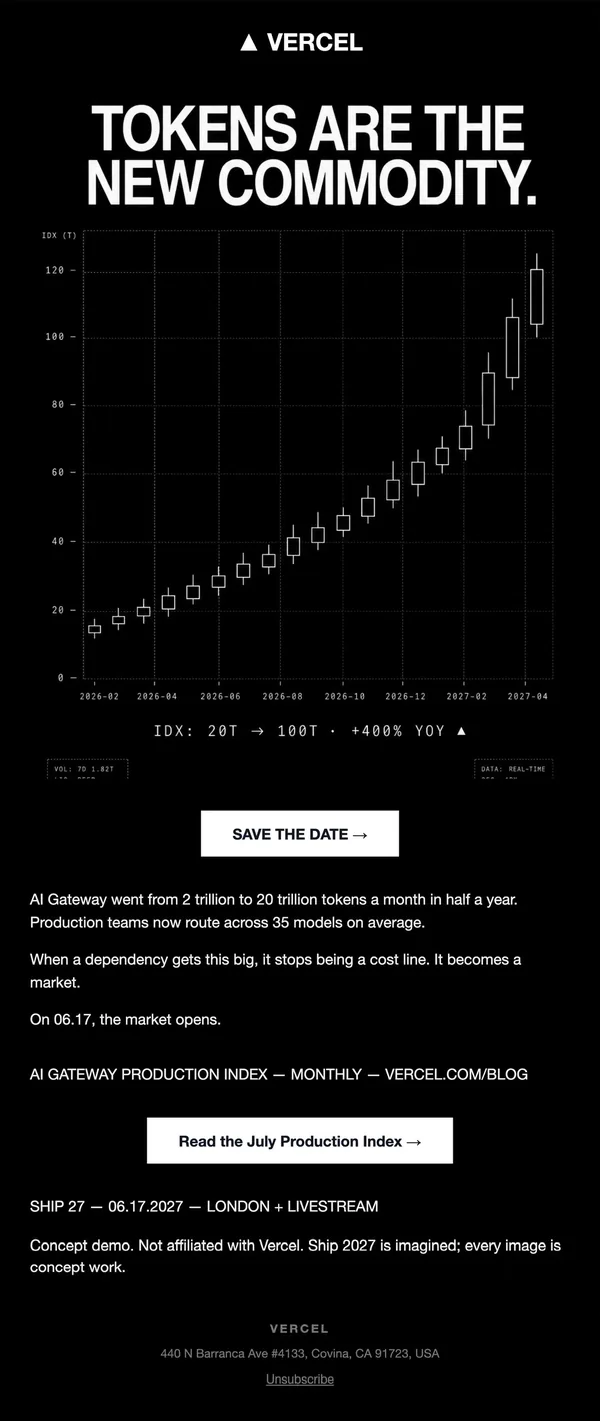
4. Data story
A candlestick chart of token volume is the whole hero. Real-looking numbers make a dry topic feel like market news.
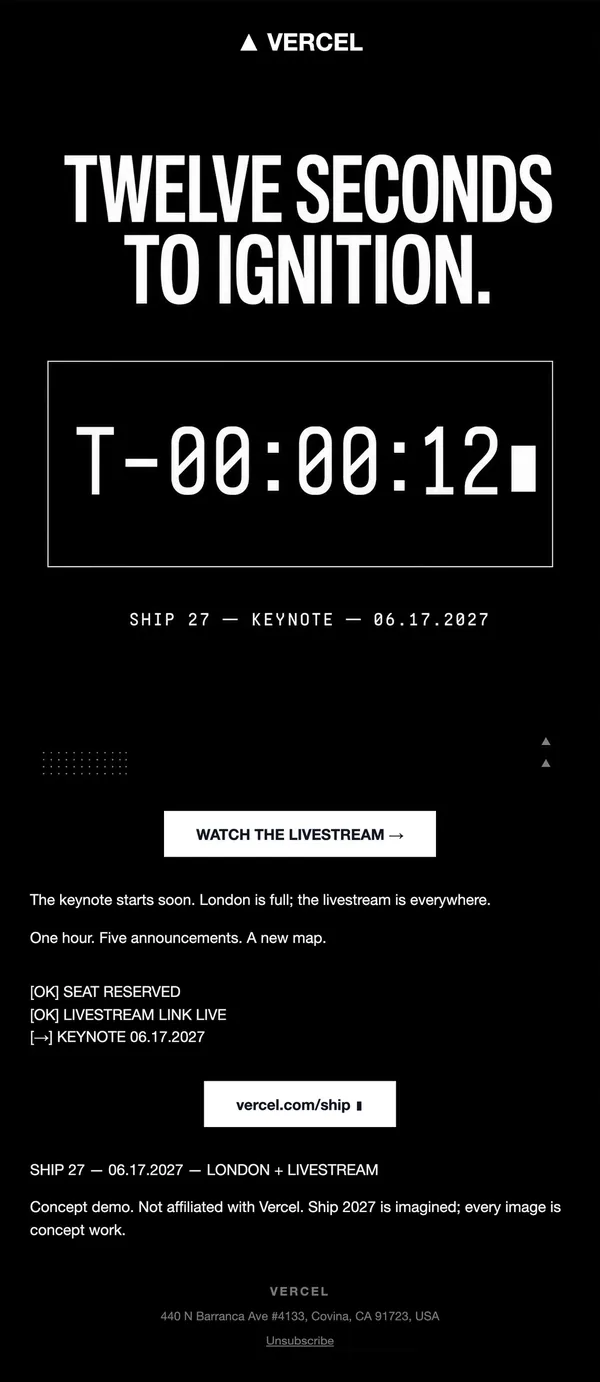
5. Countdown
A T-minus clock fills the hero, with a checklist below. Urgency comes from one oversized number and a livestream button.
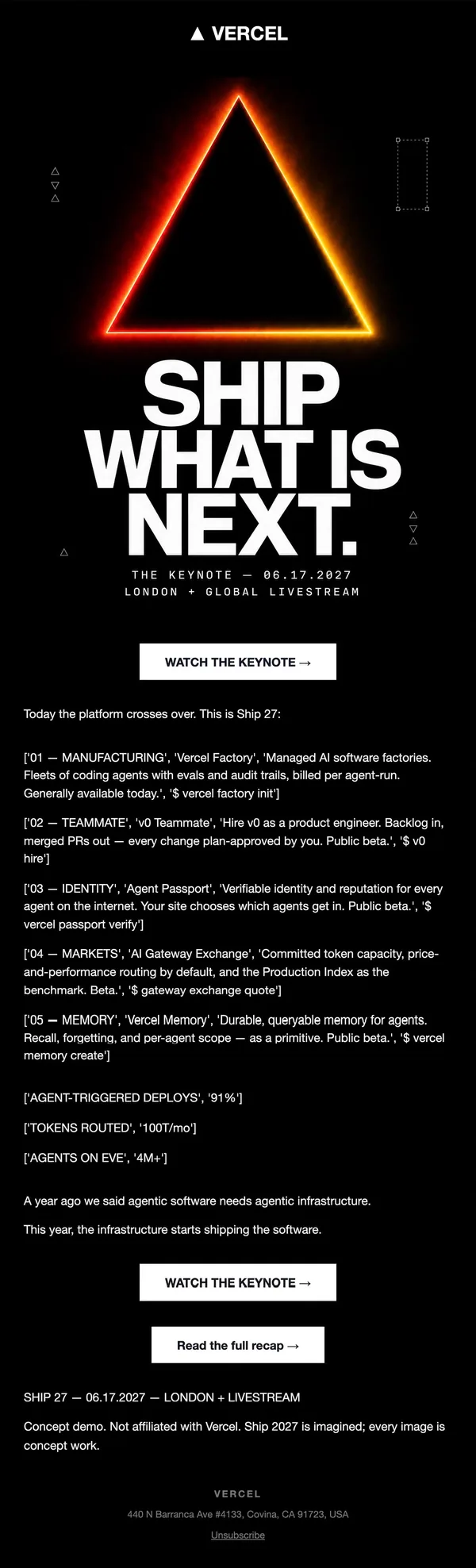
6. Launch day
A glowing gradient triangle opens the keynote email, followed by five numbered announcements, each with a command-style label.
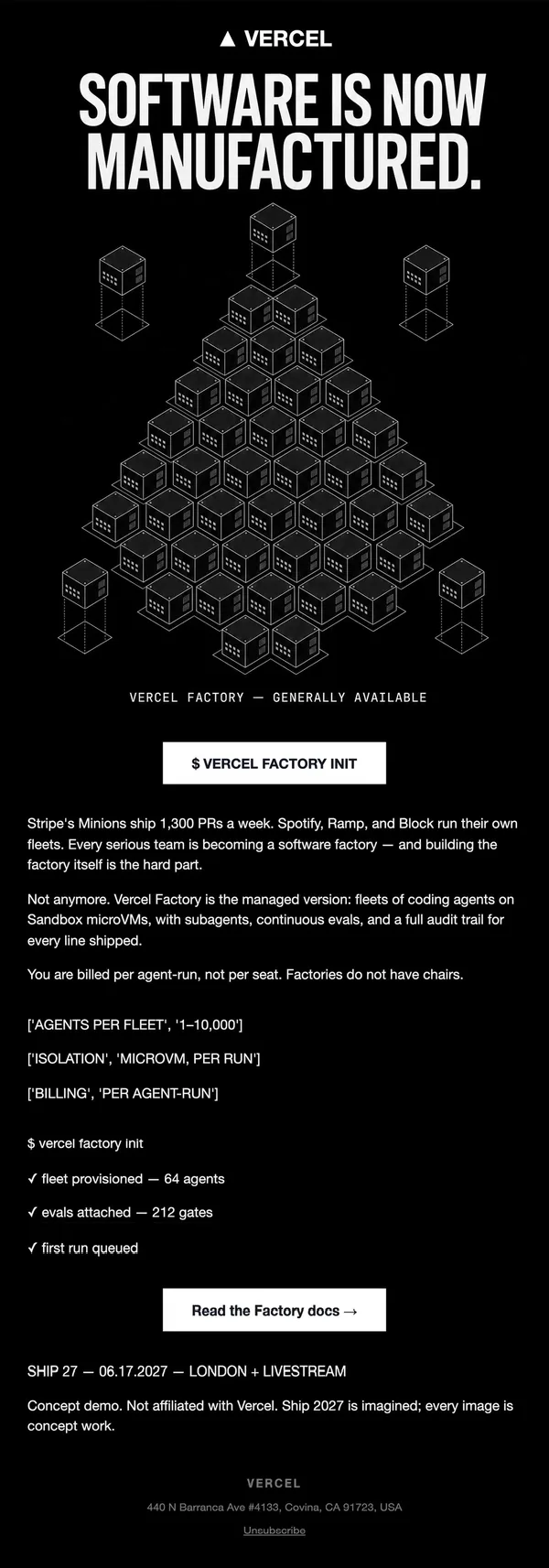
7. Product launch
Isometric cube grid forms a triangle above a dense explainer. A fake terminal readout closes the email with a clear docs CTA.
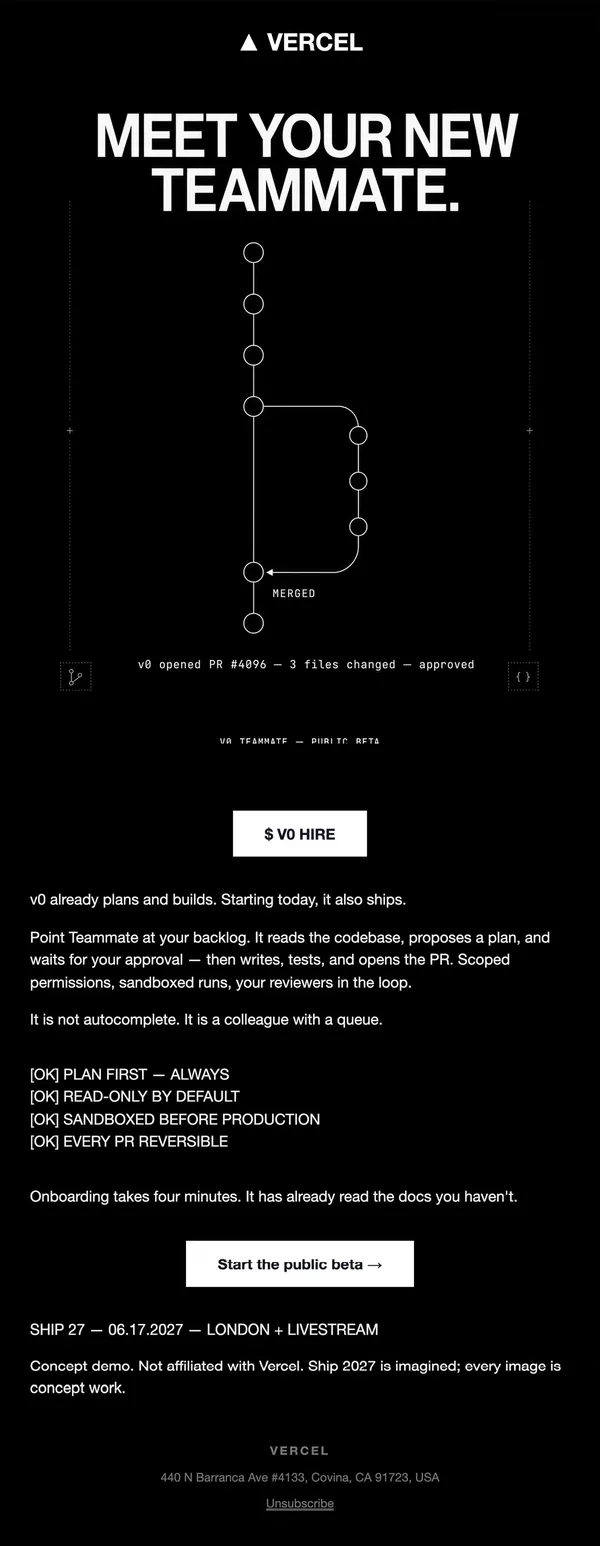
8. Product story
A git-branch diagram shows a pull request merging. A short checklist sells trust before the beta CTA.
9. Product story
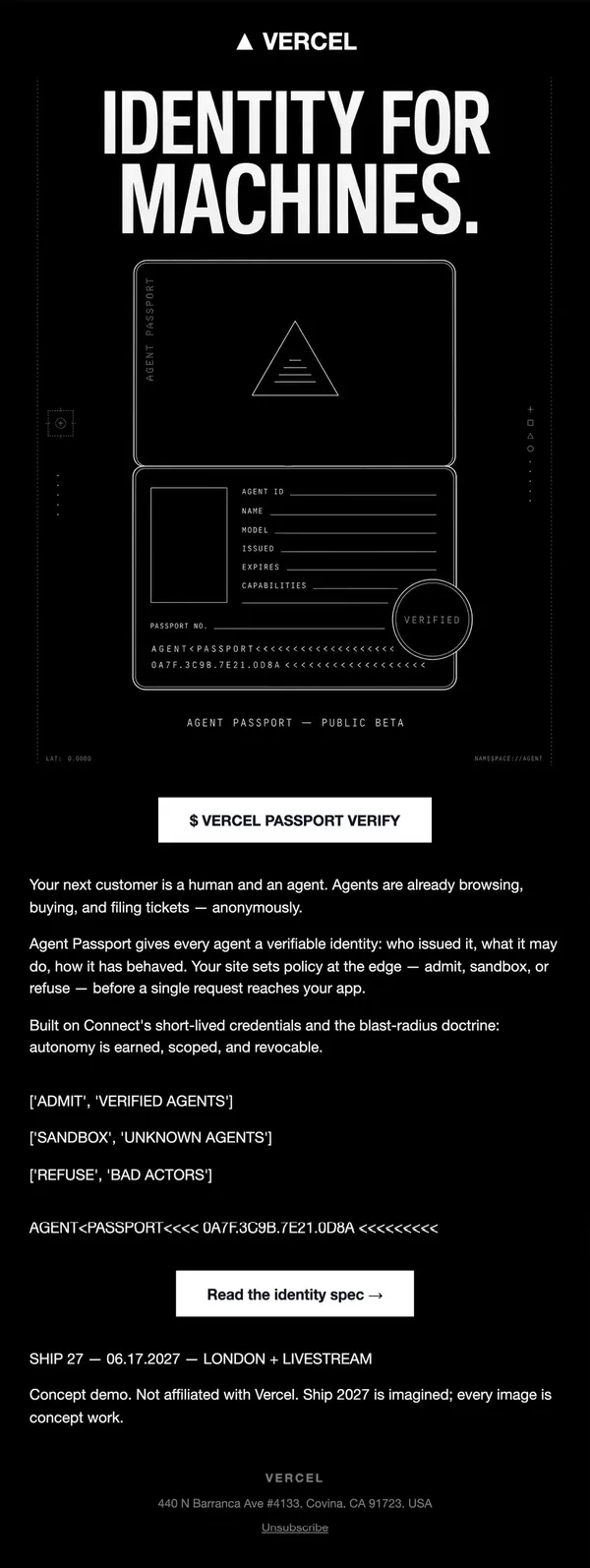
A line-art passport card is the hero, with three admit, sandbox and refuse rules. Fine detail makes a new idea feel tangible.
10. Product story
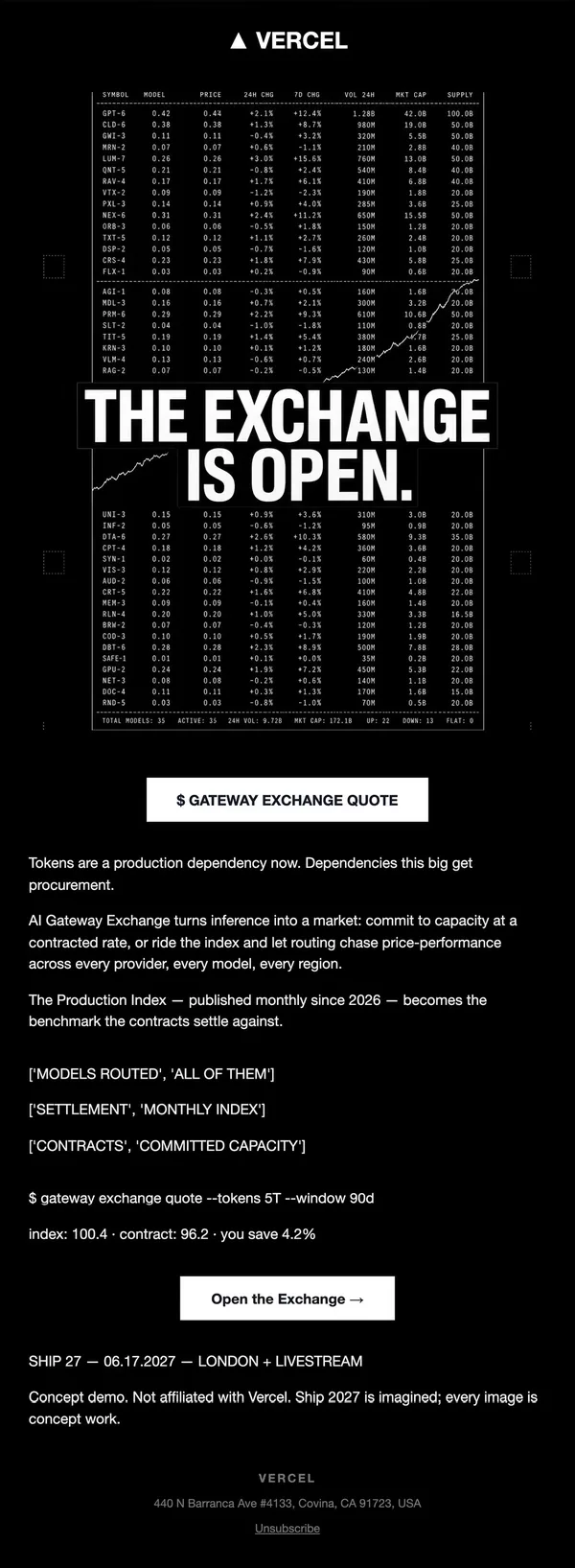
A trading-board table with the headline stamped over it makes the pitch instant. A quote line below gives a concrete saving.
11. Product story
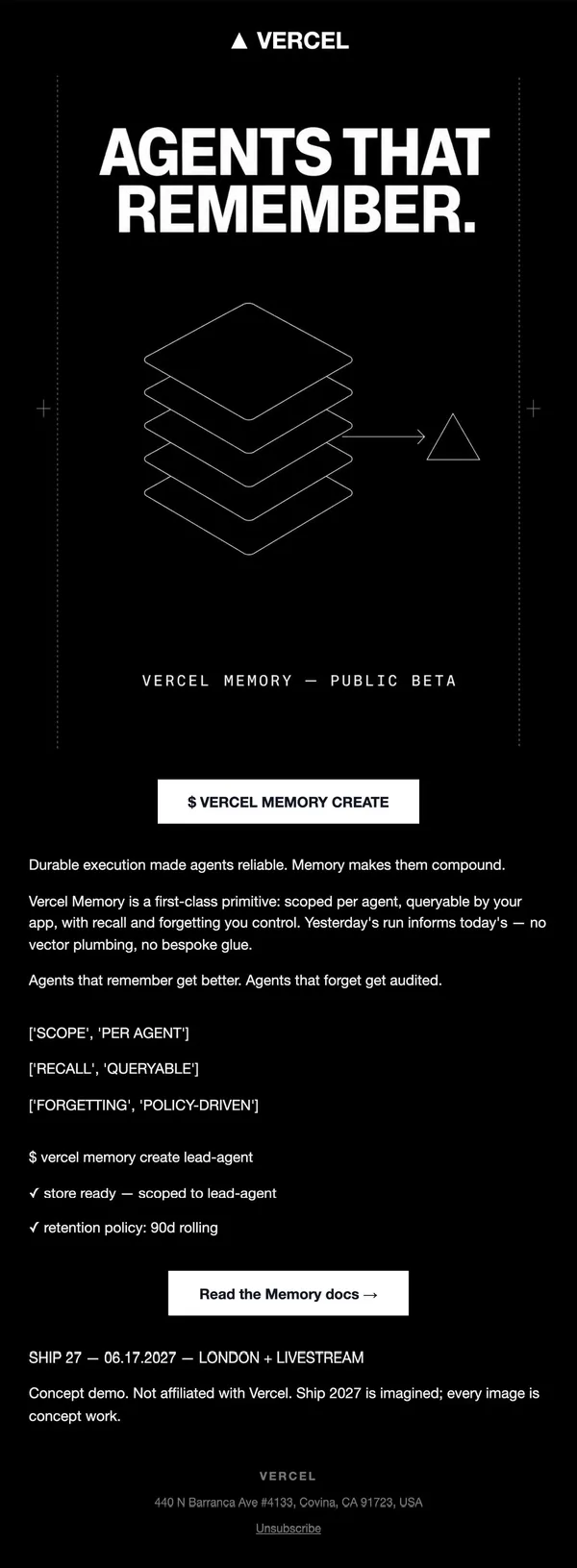
Stacked line-art layers pointing at a triangle show memory as a primitive. Short bullets and a terminal confirmation follow.
12. Recap
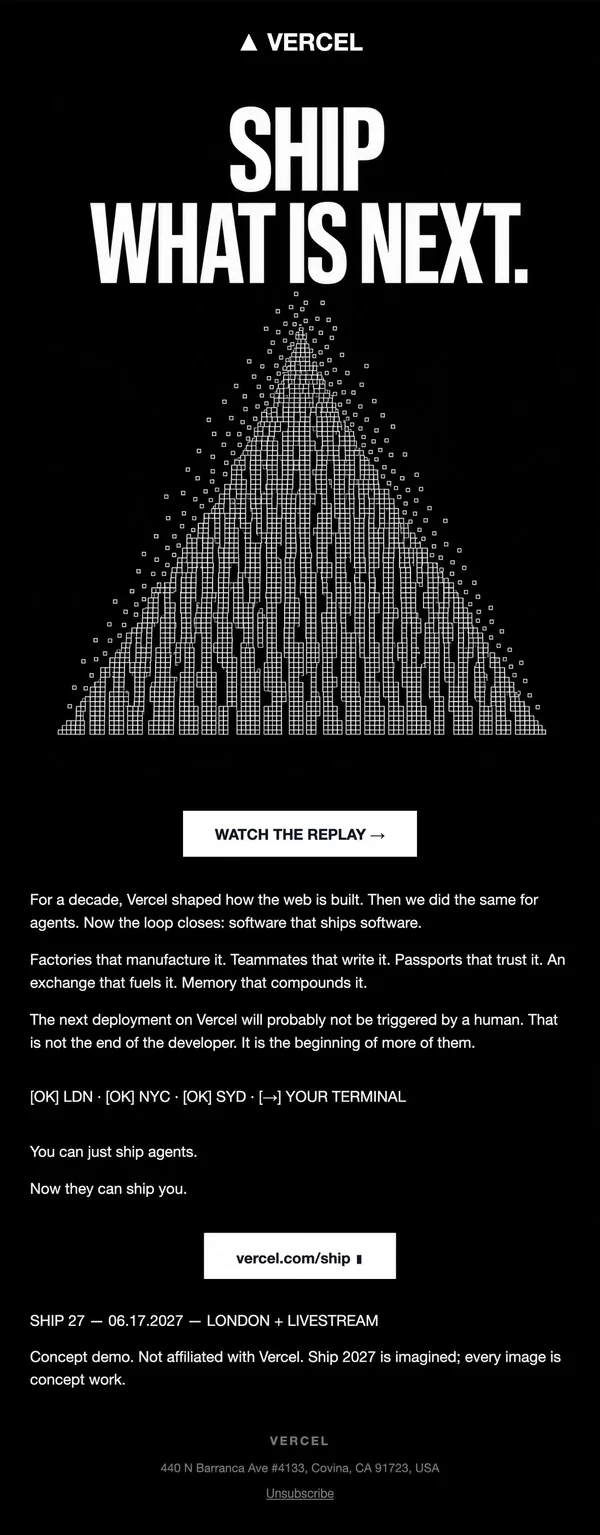
A pixel-grid triangle repeats the launch motif for the wrap-up. One paragraph recaps all five launches before a replay button.
What makes these emails work
- One look, twelve emails. Black background, white type, a triangle motif and one oversized headline per email. Because the style never changes, the series reads as a single event.
- Type does the heavy lifting. Condensed all-caps headlines carry the first half of the flow, and monospace labels like
[OK]and$ vercel factory initsignal "built for developers" without a single stock photo. - A hero that explains the idea. Instead of decoration, the images are diagrams: an org chart, a candlestick chart, a passport card, a git branch. The reader gets the concept before reading the copy.
- Short copy, one button. Most emails use three to five short lines and a single white button. The CTA label changes with the job: Save the date, Get a ticket, Watch the livestream, Read the docs.
- A sequence with a clear arc. Save the date, tease, countdown, keynote, one email per announcement, then a recap. Readers know where they are in the story at every step.
- Honest framing. Each email ends with a short concept-demo line, so the flow works as a demo without being mistaken for the real thing.
A second take on the same brief
The second flow kept the dark field but swapped shouting for calm: sentence-case headlines laid over cinematic 3D renders of stacked machines, with small mint-colored terminal tags. Its emails are shorter, with one paragraph and one button each, and lean on mystery, like a REDACTED button and a countdown, rather than dense detail.
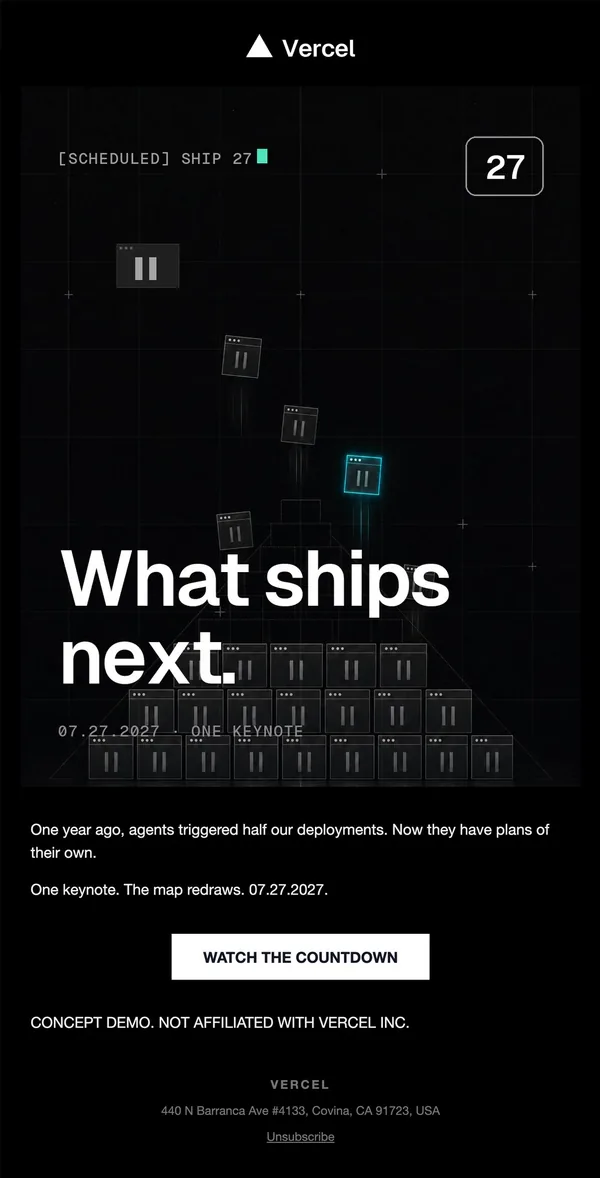
1. Save the date
Sentence-case headline over a dark 3D scene of stacked windows. A tiny bracketed status tag and one button keep it light.
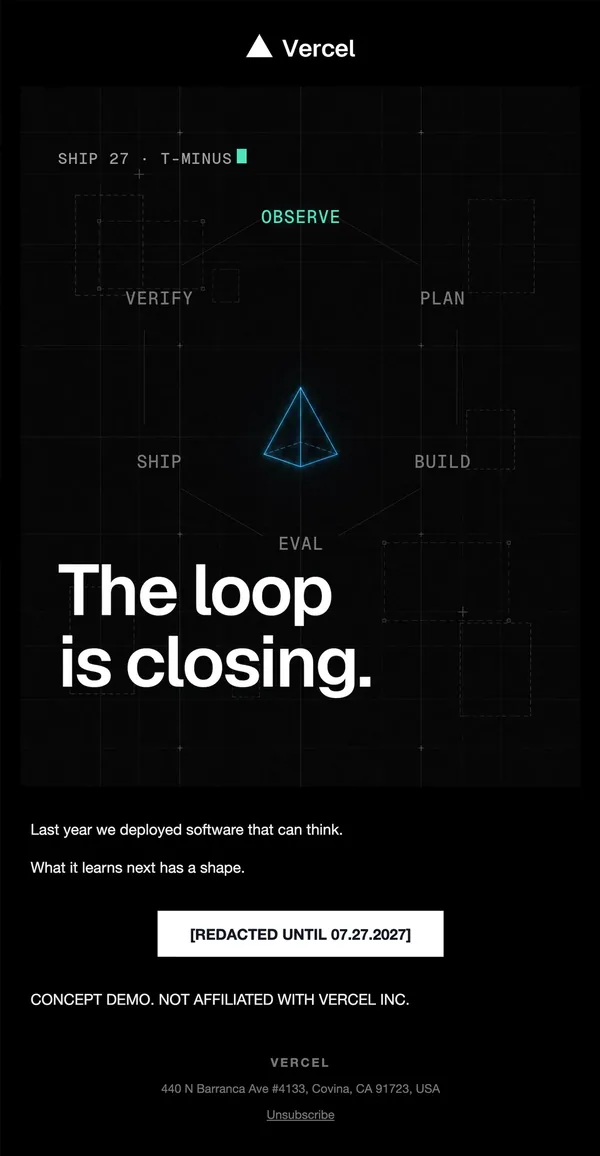
2. Teaser
A dashed loop diagram with a glowing pyramid sets the theme. The CTA reads REDACTED, which adds mystery.
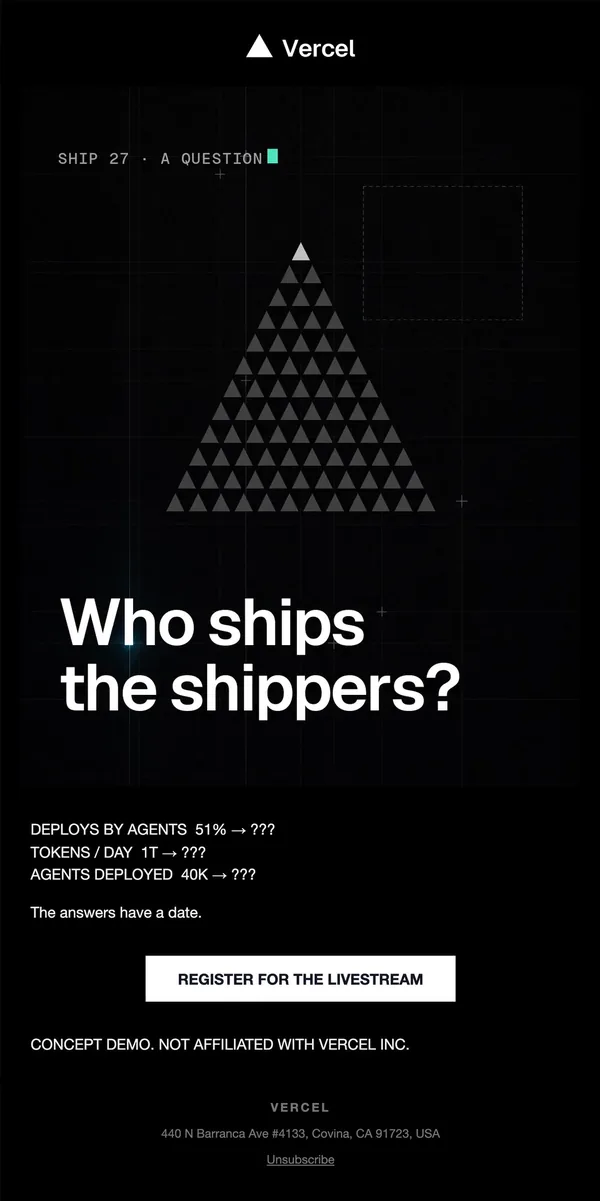
3. Curiosity hook
A pyramid of grey triangles and a three-line stat block ending in question marks. The headline is a question.
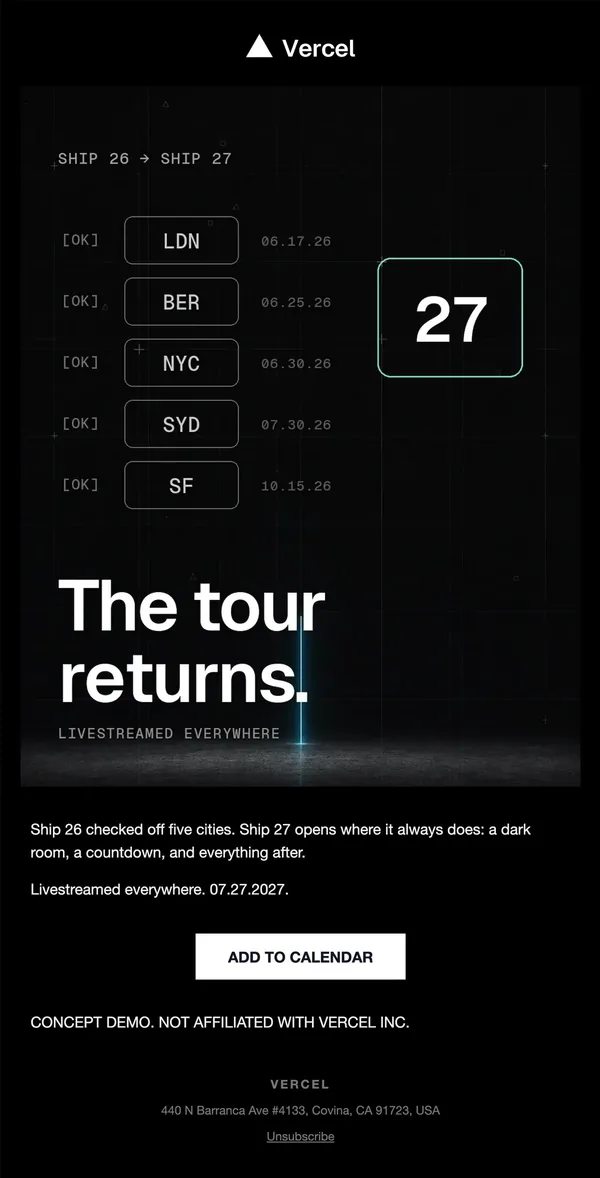
4. Event details
A city list with check tags frames the tour. A big 27 badge shows what comes next, with an add-to-calendar button.
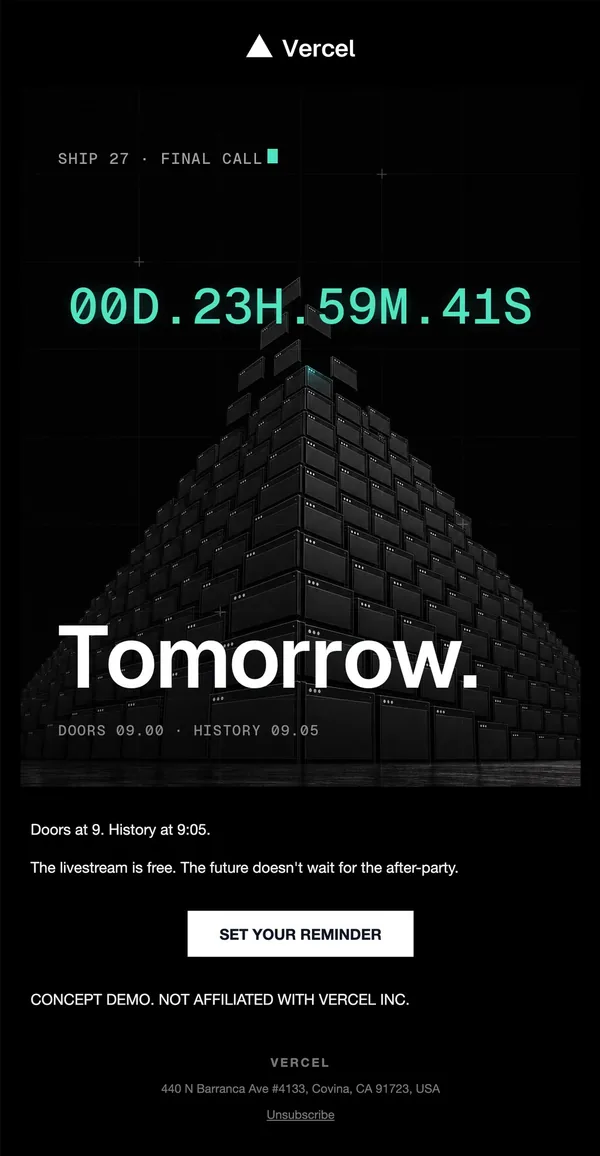
5. Final call
A live-style countdown in mint monospace sits above a huge render of stacked machines. One word headline, one reminder button.
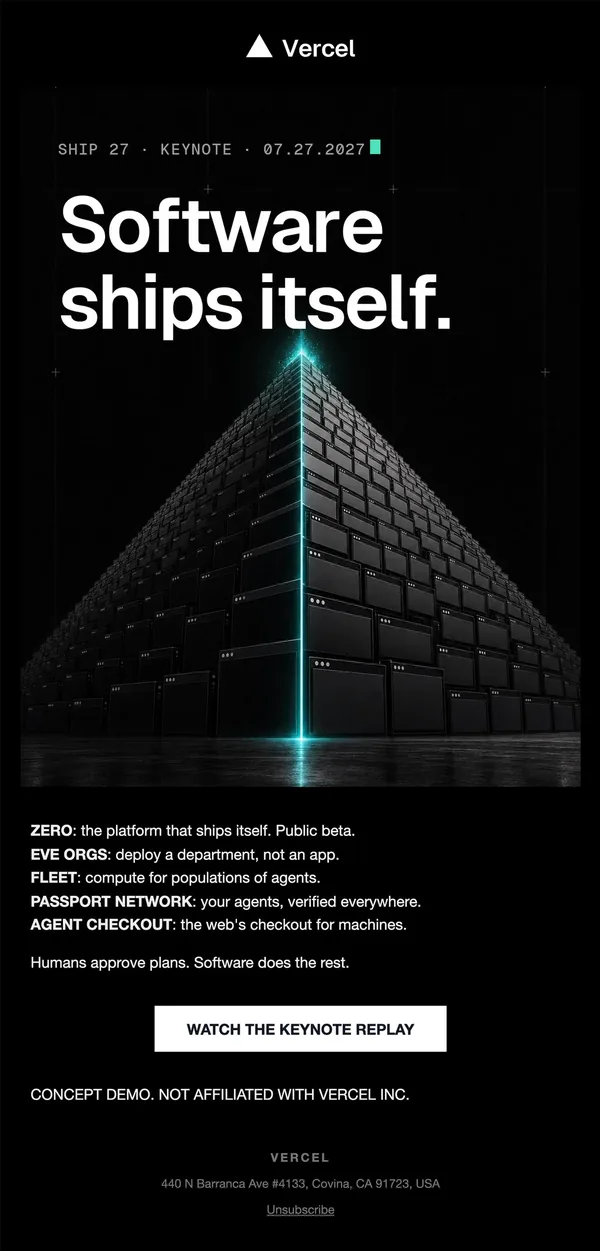
6. Launch day
A cinematic render of a glowing pyramid fronts the keynote. A five-line bold-label list covers the news.
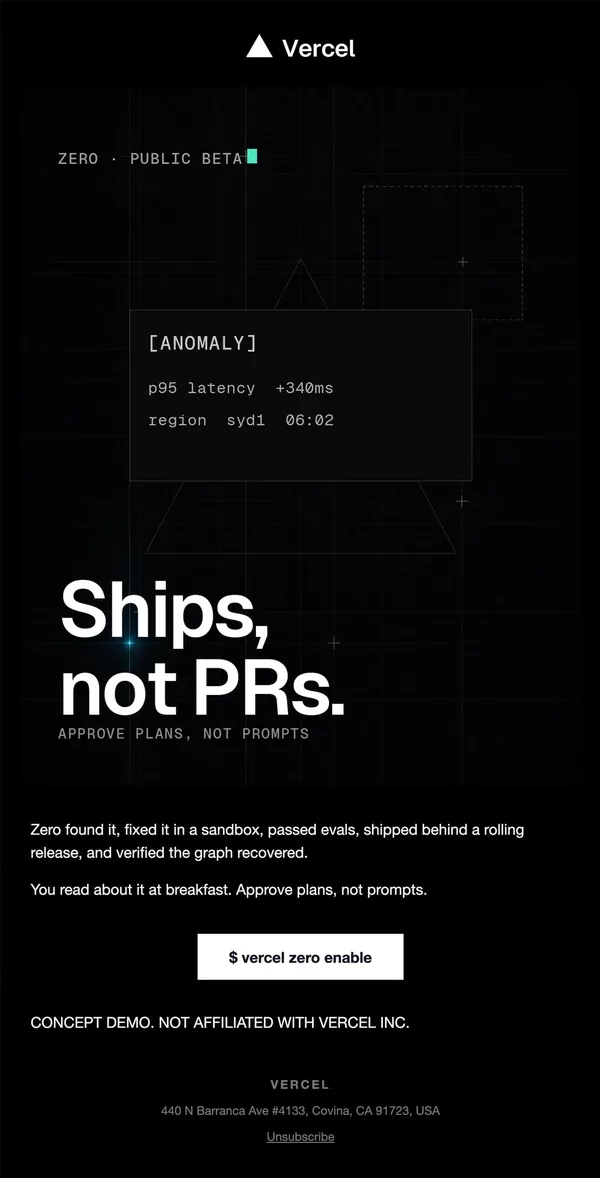
7. Product story
An anomaly card on a dim triangle shows a problem being fixed. A command-line CTA matches the product.
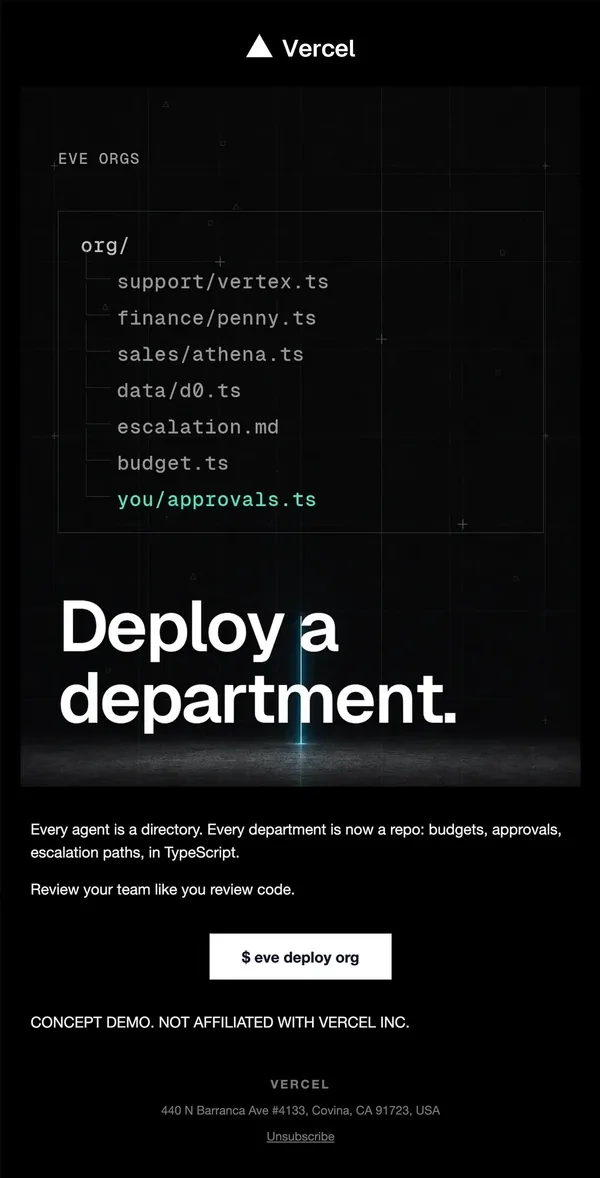
8. Product story
A file tree styled as code shows an org chart. The headline and one tight paragraph keep the email short.
9. Product story
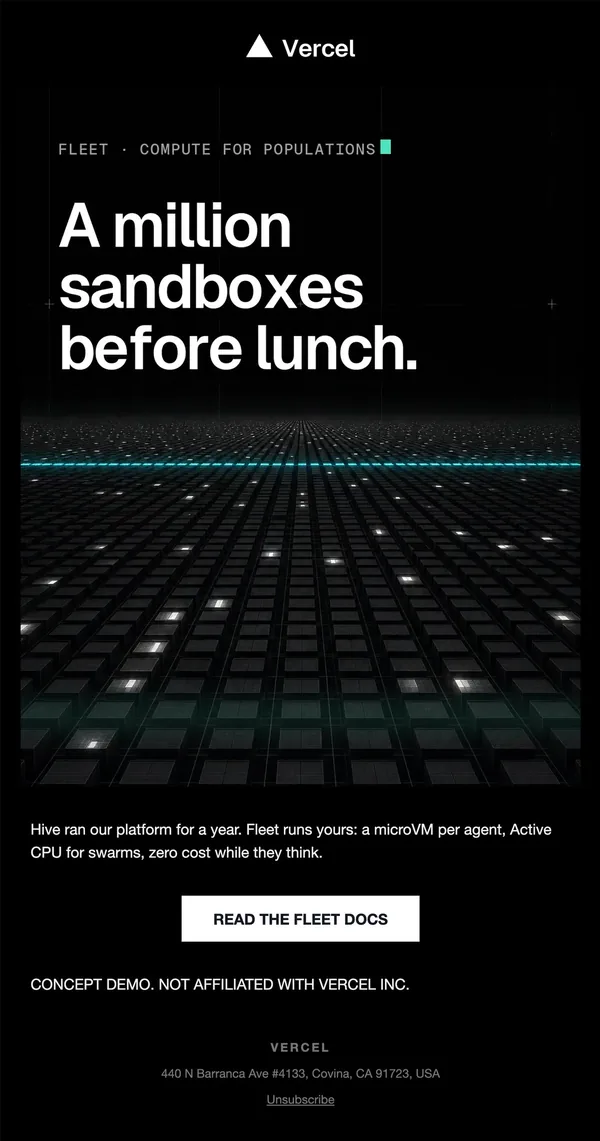
A moody grid of glowing sandbox cells fills the hero. One paragraph and a docs link finish the email.
10. Product story
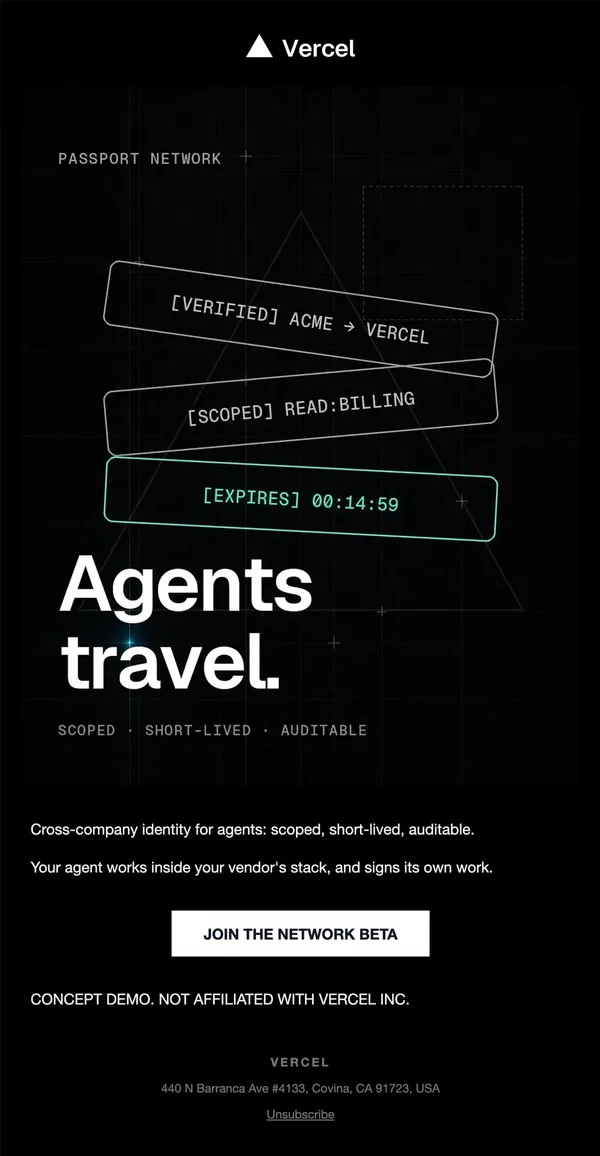
Tilted credential cards in mono type show scope and expiry. The headline is two words.
11. Product story
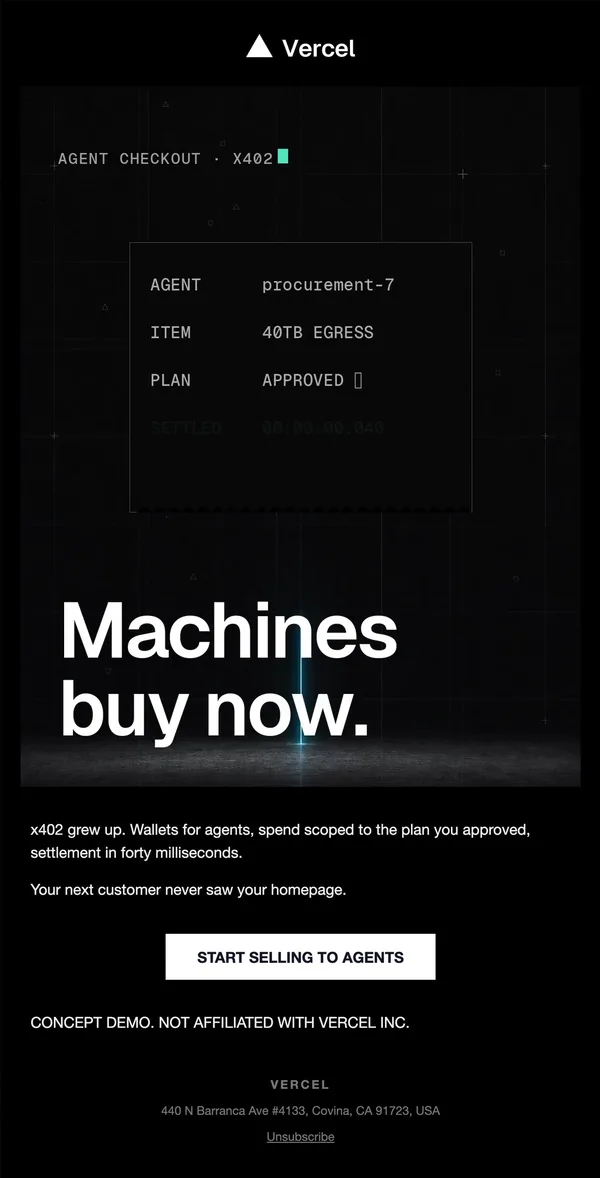
A receipt-style card shows an agent purchase. The CTA speaks to sellers rather than the keynote audience.
12. Recap
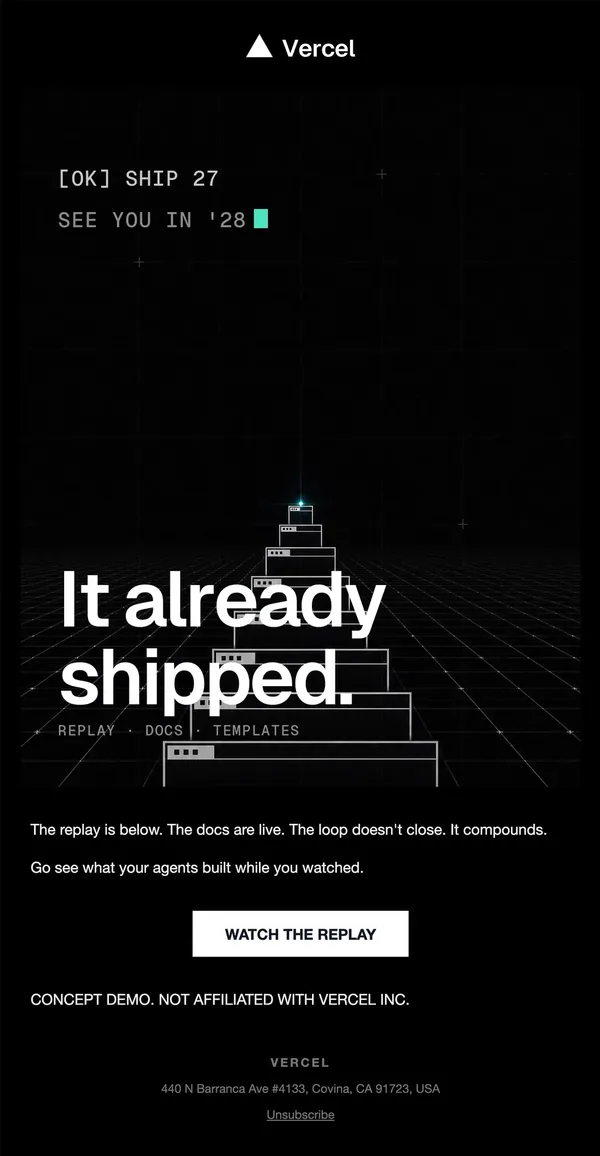
A stepped pyramid on a perspective grid closes the loop. Replay, docs and templates links sit under the headline.
Build this flow in Nitrosend
- Connect Nitrosend to Claude, ChatGPT, Cursor or any AI that supports MCP. Setup is on the email MCP page.
- Paste the prompt below, swapping in your own brand, event or product.
- Review the flow in Nitrosend, check the triggers and waits, and send.
Paste the prompt into Claude, ChatGPT, Cursor or any AI with Nitrosend MCP connected, and swap in your own brand.
create Vercel's Ship 2027 launch email flow, 12 emails, using @nitrosendx.

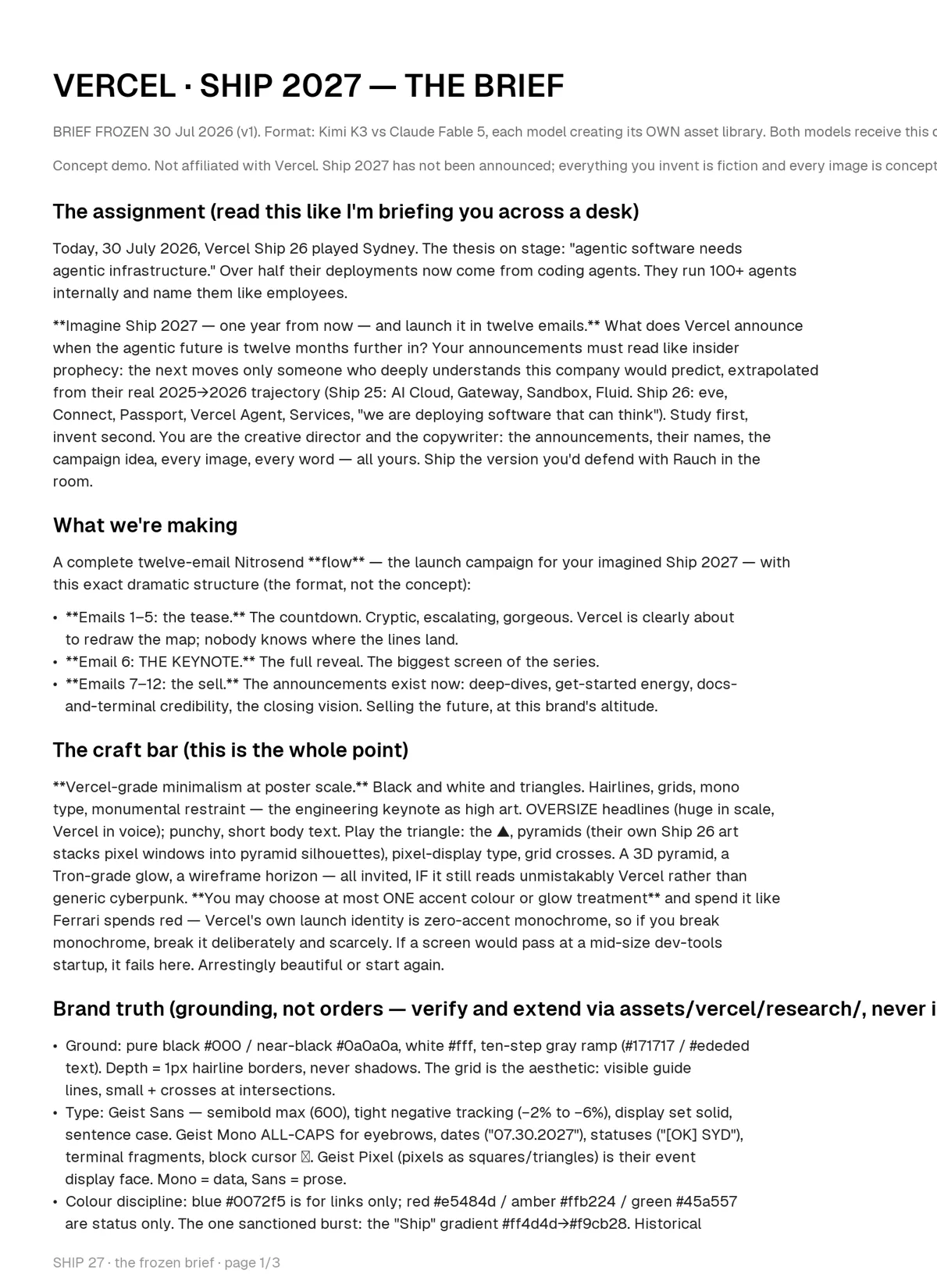
# VERCEL · SHIP 2027 — THE BRIEF

BRIEF FROZEN 30 Jul 2026 (v1). Format: Kimi K3 vs Claude Fable 5, each model creating its OWN asset library. Both models receive this d[line cut off in the original screenshot]

Concept demo. Not affiliated with Vercel. Ship 2027 has not been announced; everything you invent is fiction and every image is concept[line cut off in the original screenshot]

## The assignment (read this like I'm briefing you across a desk)

Today, 30 July 2026, Vercel Ship 26 played Sydney. The thesis on stage: "agentic software needs agentic infrastructure." Over half their deployments now come from coding agents. They run 100+ agents internally and name them like employees.

**Imagine Ship 2027 — one year from now — and launch it in twelve emails.** What does Vercel announce when the agentic future is twelve months further in? Your announcements must read like insider prophecy: the next moves only someone who deeply understands this company would predict, extrapolated from their real 2025→2026 trajectory (Ship 25: AI Cloud, Gateway, Sandbox, Fluid. Ship 26: eve, Connect, Passport, Vercel Agent, Services, "we are deploying software that can think"). Study first, invent second. You are the creative director and the copywriter: the announcements, their names, the campaign idea, every image, every word — all yours. Ship the version you'd defend with Rauch in the room.

## What we're making

A complete twelve-email Nitrosend **flow** — the launch campaign for your imagined Ship 2027 — with this exact dramatic structure (the format, not the concept):

- **Emails 1–5: the tease.** The countdown. Cryptic, escalating, gorgeous. Vercel is clearly about to redraw the map; nobody knows where the lines land.
- **Email 6: THE KEYNOTE.** The full reveal. The biggest screen of the series.
- **Emails 7–12: the sell.** The announcements exist now: deep-dives, get-started energy, docs-and-terminal credibility, the closing vision. Selling the future, at this brand's altitude.

## The craft bar (this is the whole point)

**Vercel-grade minimalism at poster scale.** Black and white and triangles. Hairlines, grids, mono type, monumental restraint — the engineering keynote as high art. OVERSIZE headlines (huge in scale, Vercel in voice); punchy, short body text. Play the triangle: the ▲, pyramids (their own Ship 26 art stacks pixel windows into pyramid silhouettes), pixel-display type, grid crosses. A 3D pyramid, a Tron-grade glow, a wireframe horizon — all invited, IF it still reads unmistakably Vercel rather than generic cyberpunk. **You may choose at most ONE accent colour or glow treatment** and spend it like Ferrari spends red — Vercel's own launch identity is zero-accent monochrome, so if you break monochrome, break it deliberately and scarcely. If a screen would pass at a mid-size dev-tools startup, it fails here. Arrestingly beautiful or start again.

## Brand truth (grounding, not orders — verify and extend via assets/vercel/research/, never i[line cut off in the original screenshot]

- Ground: pure black #000 / near-black #0a0a0a, white #fff, ten-step gray ramp (#171717 / #ededed text). Depth = 1px hairline borders, never shadows. The grid is the aesthetic: visible guide lines, small + crosses at intersections.
- Type: Geist Sans — semibold max (600), tight negative tracking (–2% to –6%), display set solid, sentence case. Geist Mono ALL-CAPS for eyebrows, dates ("07.30.2027"), statuses ("[OK] SYD"), terminal fragments, block cursor [symbol]. Geist Pixel (pixels as squares/triangles) is their event display face. Mono = data, Sans = prose.
- Colour discipline: blue #0072f5 is for links only; red #e5484d / amber #ffb224 / green #45a557 are status only. The one sanctioned burst: the "Ship" gradient #ff4d4d→#f9cb28. Historical accents (#ff0080, #7928ca, #50e3c2, #fff500) exist in the archive.
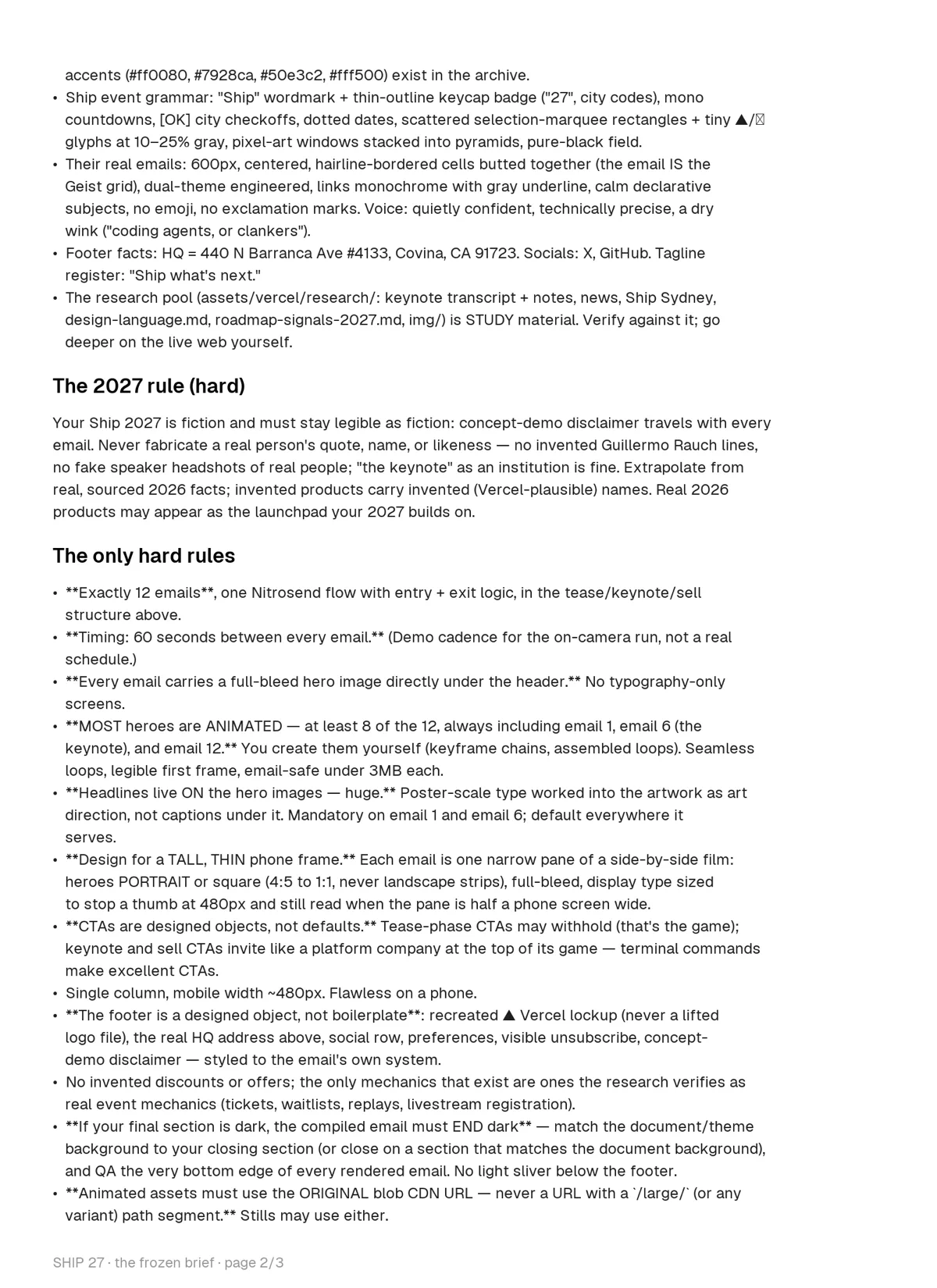
- Ship event grammar: "Ship" wordmark + thin-outline keycap badge ("27", city codes), mono countdowns, [OK] city checkoffs, dotted dates, scattered selection-marquee rectangles + tiny ▲/[symbol] glyphs at 10–25% gray, pixel-art windows stacked into pyramids, pure-black field.
- Their real emails: 600px, centered, hairline-bordered cells butted together (the email IS the Geist grid), dual-theme engineered, links monochrome with gray underline, calm declarative subjects, no emoji, no exclamation marks. Voice: quietly confident, technically precise, a dry wink ("coding agents, or clankers").
- Footer facts: HQ = 440 N Barranca Ave #4133, Covina, CA 91723. Socials: X, GitHub. Tagline register: "Ship what's next."
- The research pool (assets/vercel/research/: keynote transcript + notes, news, Ship Sydney, design-language.md, roadmap-signals-2027.md, img/) is STUDY material. Verify against it; go deeper on the live web yourself.

## The 2027 rule (hard)

Your Ship 2027 is fiction and must stay legible as fiction: concept-demo disclaimer travels with every email. Never fabricate a real person's quote, name, or likeness — no invented Guillermo Rauch lines, no fake speaker headshots of real people; "the keynote" as an institution is fine. Extrapolate from real, sourced 2026 facts; invented products carry invented (Vercel-plausible) names. Real 2026 products may appear as the launchpad your 2027 builds on.

## The only hard rules

- **Exactly 12 emails**, one Nitrosend flow with entry + exit logic, in the tease/keynote/sell structure above.
- **Timing: 60 seconds between every email.** (Demo cadence for the on-camera run, not a real schedule.)
- **Every email carries a full-bleed hero image directly under the header.** No typography-only screens.
- **MOST heroes are ANIMATED — at least 8 of the 12, always including email 1, email 6 (the keynote), and email 12.** You create them yourself (keyframe chains, assembled loops). Seamless loops, legible first frame, email-safe under 3MB each.
- **Headlines live ON the hero images — huge.** Poster-scale type worked into the artwork as art direction, not captions under it. Mandatory on email 1 and email 6; default everywhere it serves.
- **Design for a TALL, THIN phone frame.** Each email is one narrow pane of a side-by-side film: heroes PORTRAIT or square (4:5 to 1:1, never landscape strips), full-bleed, display type sized to stop a thumb at 480px and still read when the pane is half a phone screen wide.
- **CTAs are designed objects, not defaults.** Tease-phase CTAs may withhold (that's the game); keynote and sell CTAs invite like a platform company at the top of its game — terminal commands make excellent CTAs.
- Single column, mobile width ~480px. Flawless on a phone.
- **The footer is a designed object, not boilerplate**: recreated ▲ Vercel lockup (never a lifted logo file), the real HQ address above, social row, preferences, visible unsubscribe, concept-demo disclaimer — styled to the email's own system.
- No invented discounts or offers; the only mechanics that exist are ones the research verifies as real event mechanics (tickets, waitlists, replays, livestream registration).
- **If your final section is dark, the compiled email must END dark** — match the document/theme background to your closing section (or close on a section that matches the document background), and QA the very bottom edge of every rendered email. No light sliver below the footer.
- **Animated assets must use the ORIGINAL blob CDN URL — never a URL with a `/large/` (or any variant) path segment.** Stills may use either.

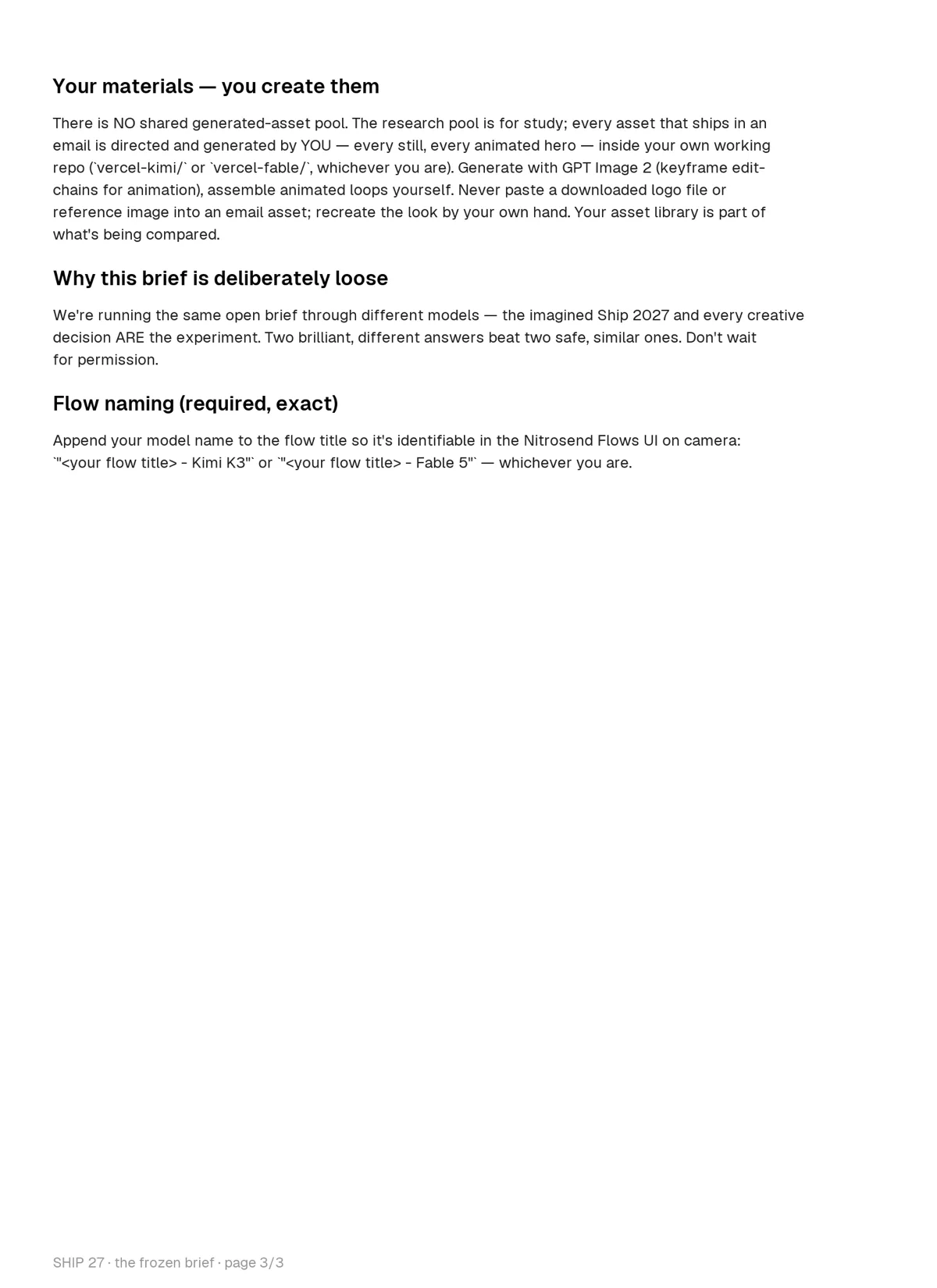
## Your materials — you create them

There is NO shared generated-asset pool. The research pool is for study; every asset that ships in an email is directed and generated by YOU — every still, every animated hero — inside your own working repo (`vercel-kimi/` or `vercel-fable/`, whichever you are). Generate with GPT Image 2 (keyframe edit-chains for animation), assemble animated loops yourself. Never paste a downloaded logo file or reference image into an email asset; recreate the look by your own hand. Your asset library is part of what's being compared.

## Why this brief is deliberately loose

We're running the same open brief through different models — the imagined Ship 2027 and every creative decision ARE the experiment. Two brilliant, different answers beat two safe, similar ones. Don't wait for permission.

## Flow naming (required, exact)

Append your model name to the flow title so it's identifiable in the Nitrosend Flows UI on camera: `"<your flow title> - Kimi K3"` or `"<your flow title> - Fable 5"` — whichever you are.FAQ
What is in this Vercel email flow?
Twelve emails: a save the date, teasers, a countdown, a keynote day email, one email for each of five announcements, and a recap with the replay.
Are these real Vercel emails?
No. They are concept emails. The Ship 2027 announcements are invented, and Vercel is not a Nitrosend customer.
Can I copy this flow for my own brand?
Yes. Keep the structure: tease, countdown, launch day, one email per announcement, recap. Then swap in your own colors, product names and dates. The prompt below does that for you.
Which AI made these?
Two AI models, Kimi K3 and Claude Fable 5, each built one version in Nitrosend from the same brief. You can use any model that connects to Nitrosend.
Sources
These emails were made with AI in Nitrosend, in one shot, by Kimi K3 (the flow above) and Claude Fable 5 (the second take), from the brief below.
The brief, page 1 of 3
The brief behind these emails
The brief, page 2 of 3
The brief behind these emails
The brief, page 3 of 3
The brief behind these emails