
The product here is an imagined screenless Apple Ring, so none of it is real. These are concept emails made with AI in Nitrosend; Apple is not a Nitrosend customer and did not endorse them.
The full 12-email flow
Each email below is labeled with its job in the sequence and a short note on why it works.
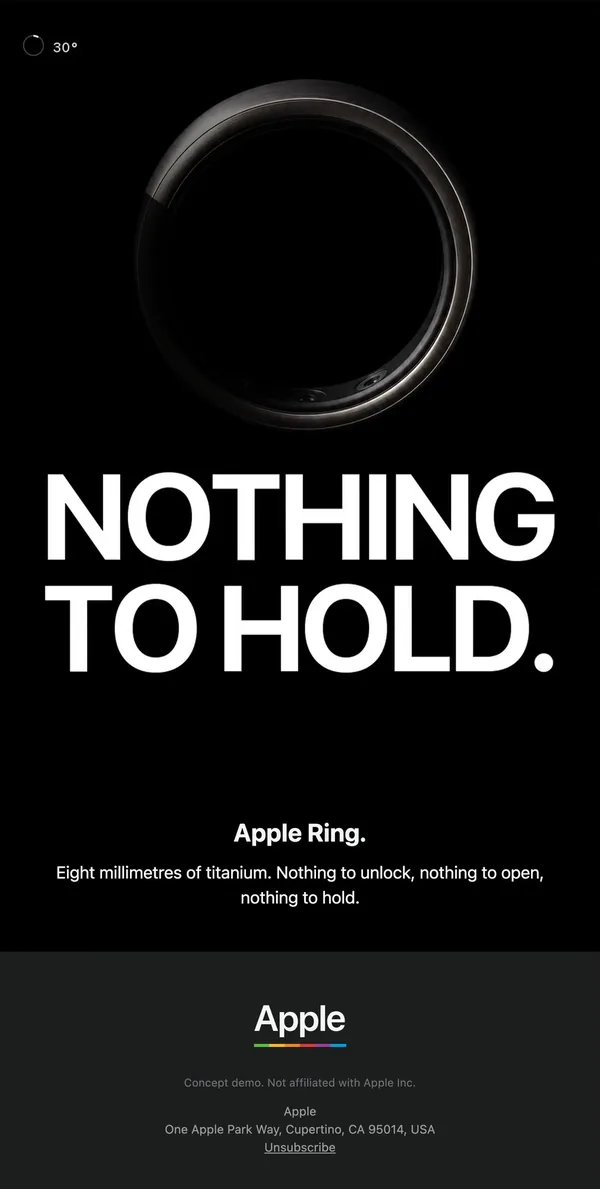
1. Teaser
Black screen, a lit titanium ring, and a huge white 'NOTHING TO HOLD.' headline with one line of copy and no button.
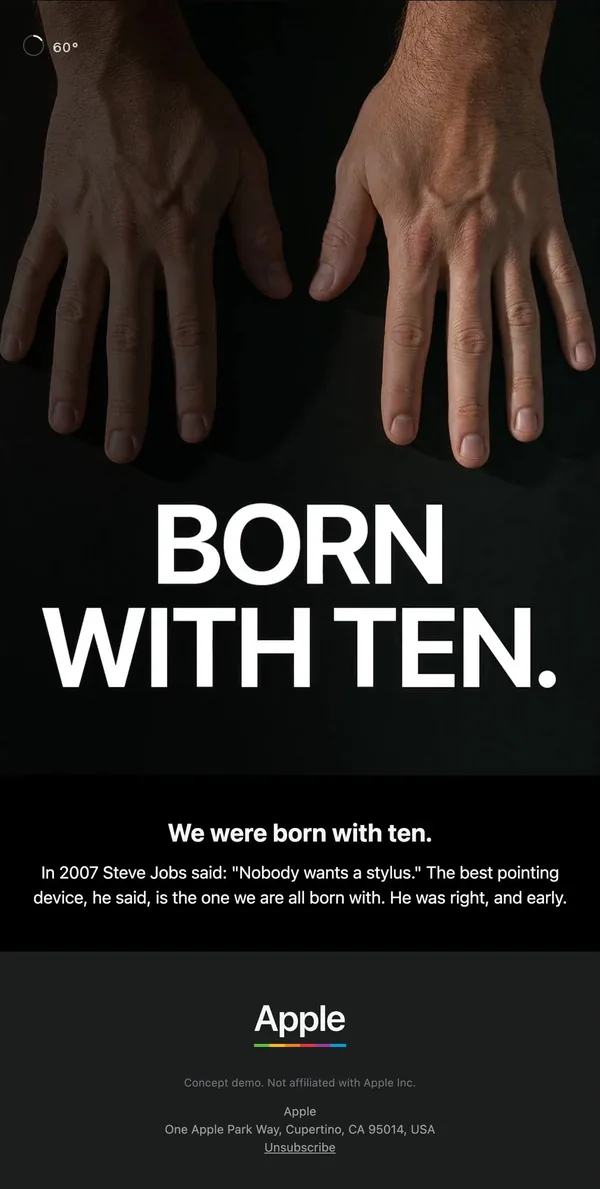
2. Brand POV
Two bare hands fill the top half, then 'BORN WITH TEN.' and a short Steve Jobs stylus quote that frames the idea before the product appears.
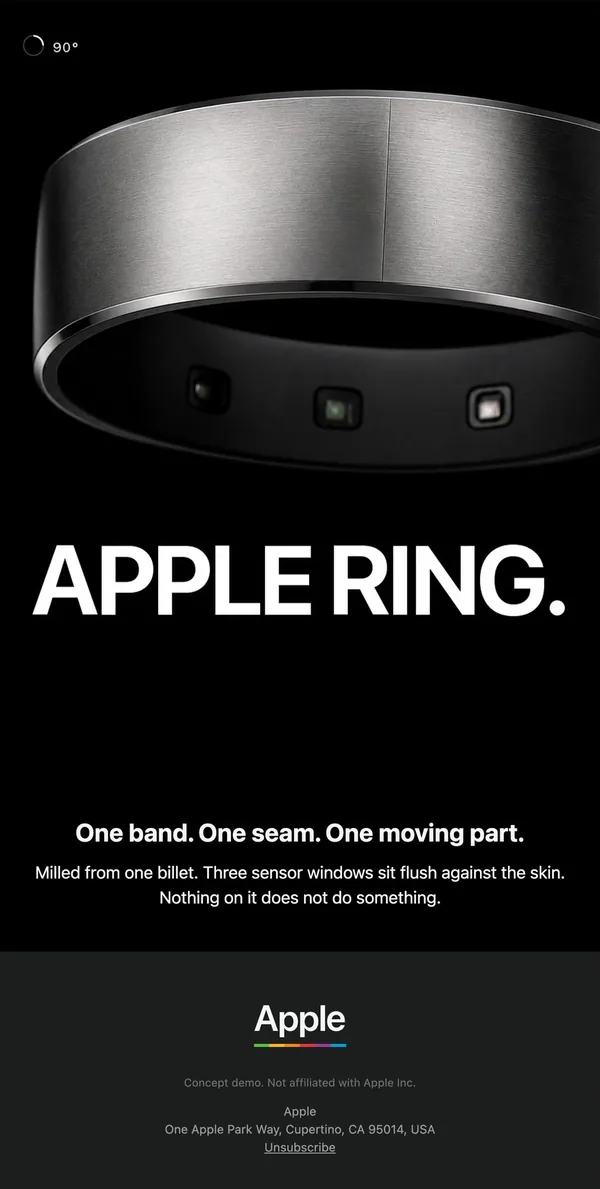
3. Product reveal
Cropped close-up of the brushed ring with its three sensor windows, named in the headline: 'APPLE RING.'
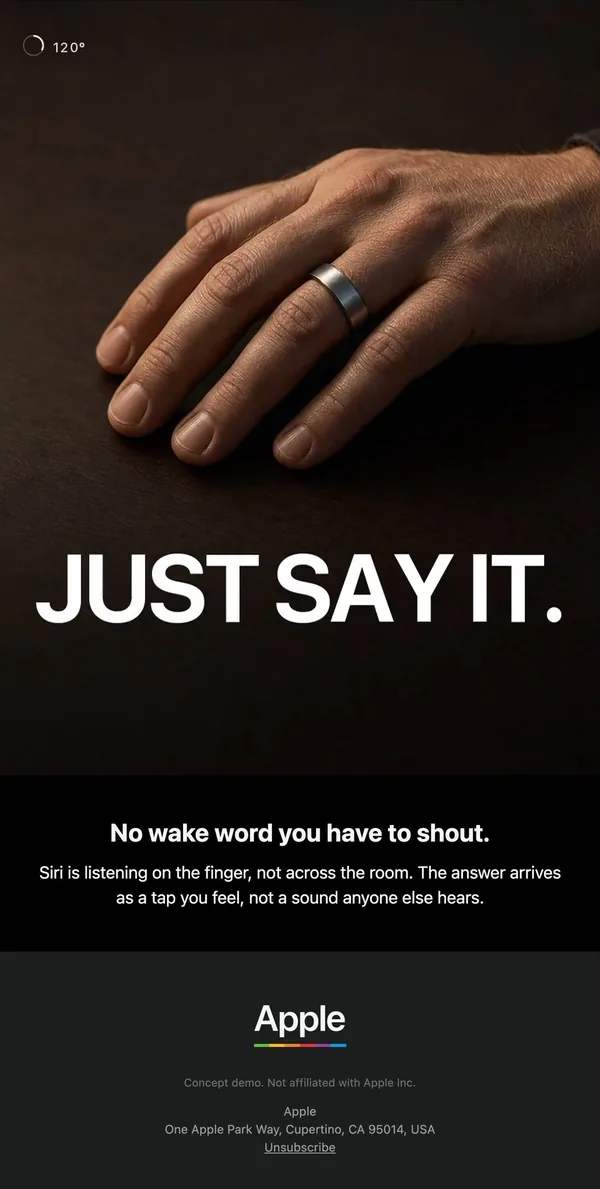
4. Feature: voice
A hand wearing the ring on a dark table, 'JUST SAY IT.', and a quiet line about Siri answering as a tap you feel.
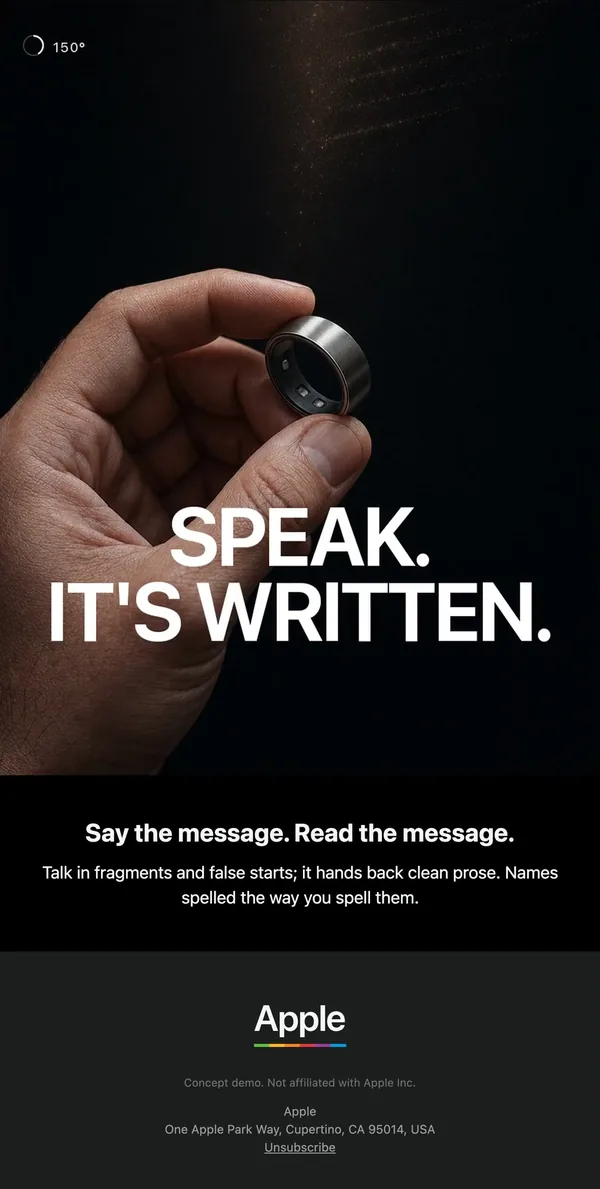
5. Feature: dictation
Ring held between finger and thumb under a beam of light, with 'SPEAK. IT'S WRITTEN.' stacked over the photo.
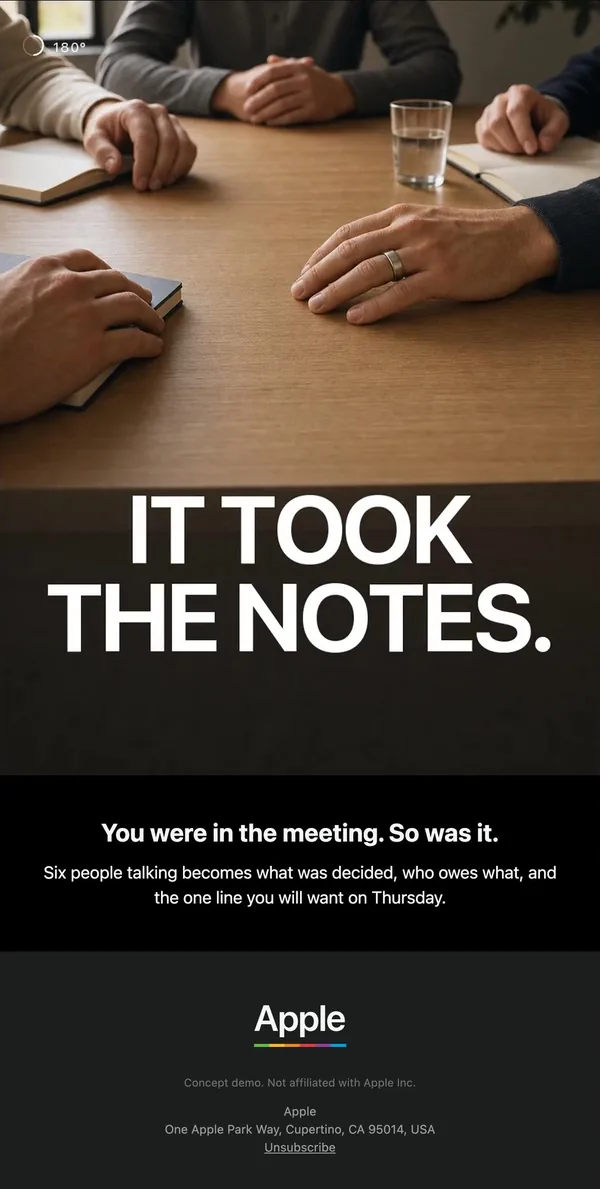
6. Use case: meetings
Overhead shot of a meeting table with the ring on one hand; 'IT TOOK THE NOTES.' turns a feature into a scene.
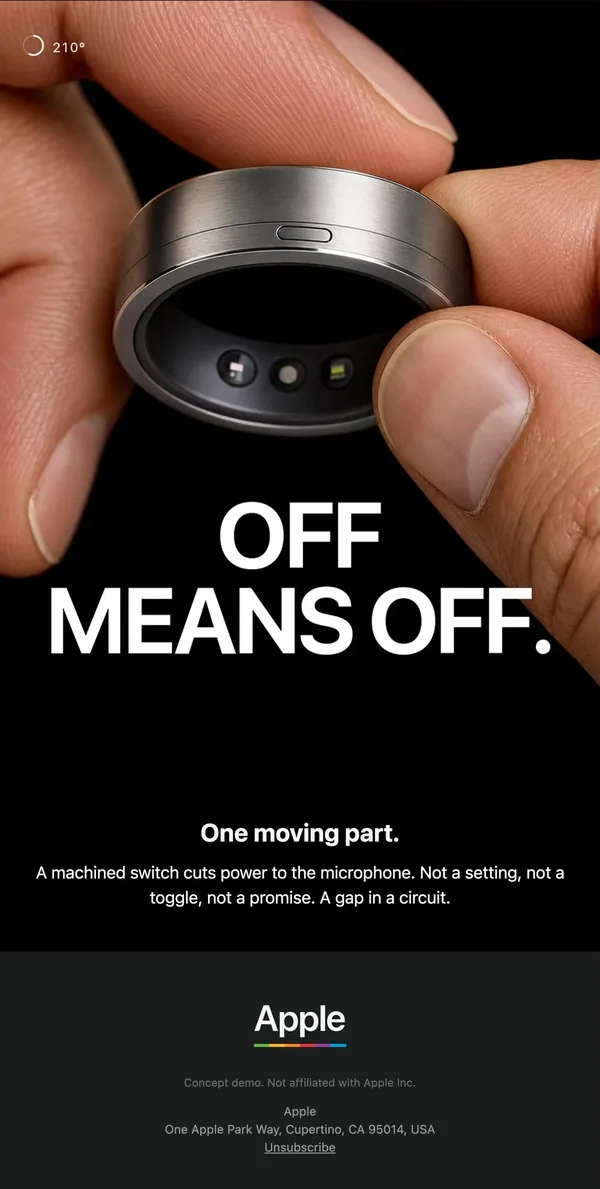
7. Privacy proof
Fingers pinching the ring to show its single switch, then 'OFF MEANS OFF.' answers the obvious objection in three words.
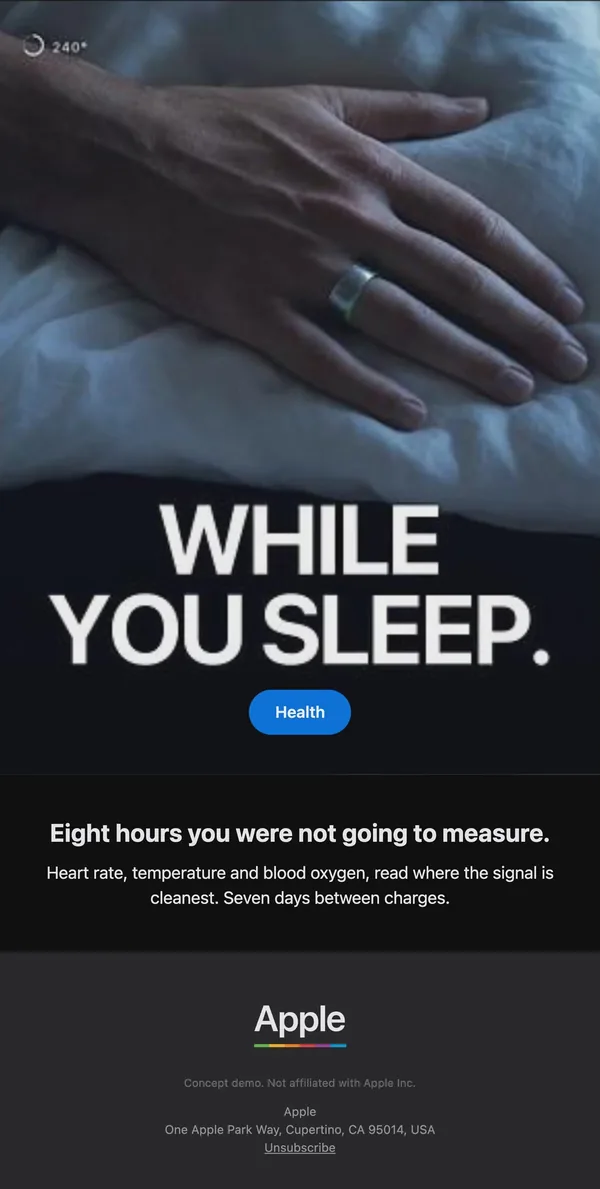
8. Use case: health
Cool blue photo of a hand on bedsheets, 'WHILE YOU SLEEP.', and a small blue Health pill as the only button.
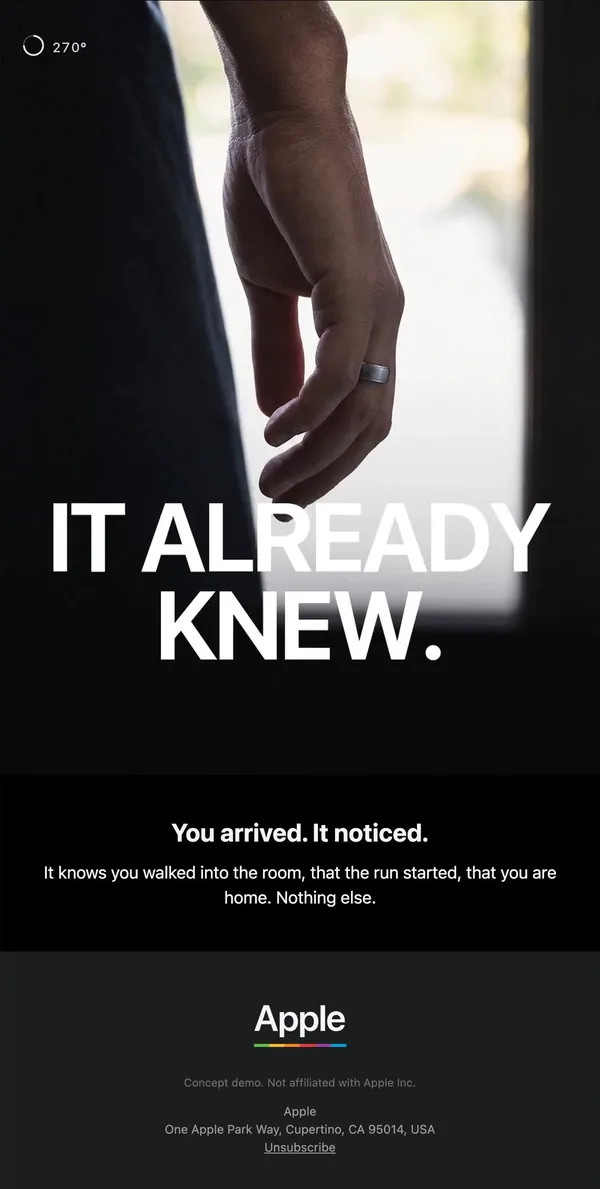
9. Use case: context
Silhouetted hand in a bright doorway under 'IT ALREADY KNEW.', closing the feature run with the most emotional image.
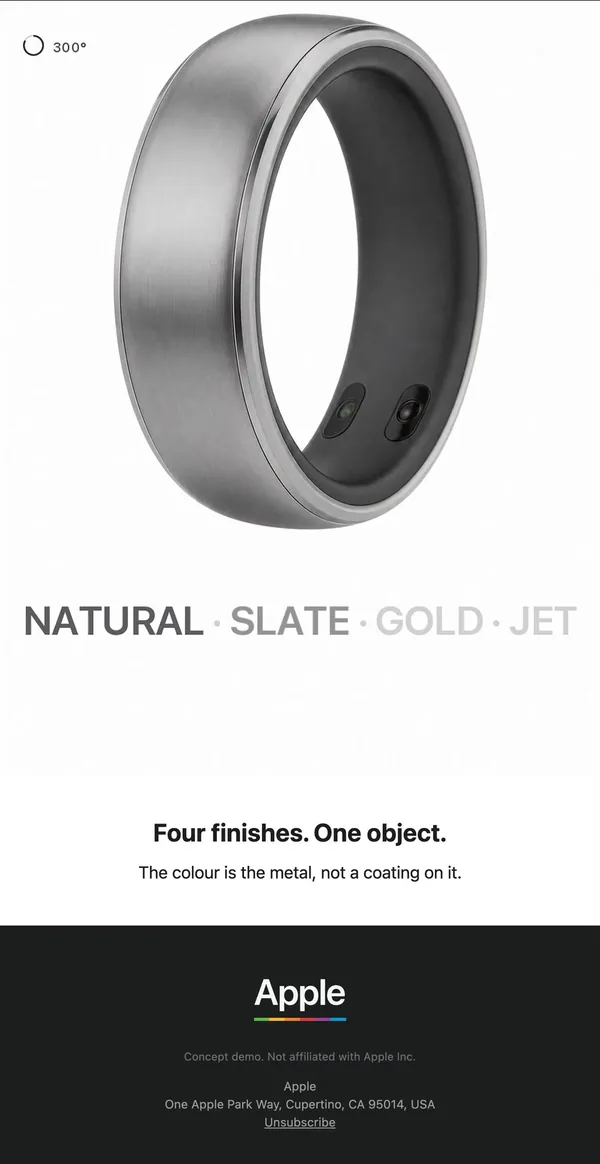
10. Finishes
The only white email so far: one big product render, then four finish names fading from dark to light grey.
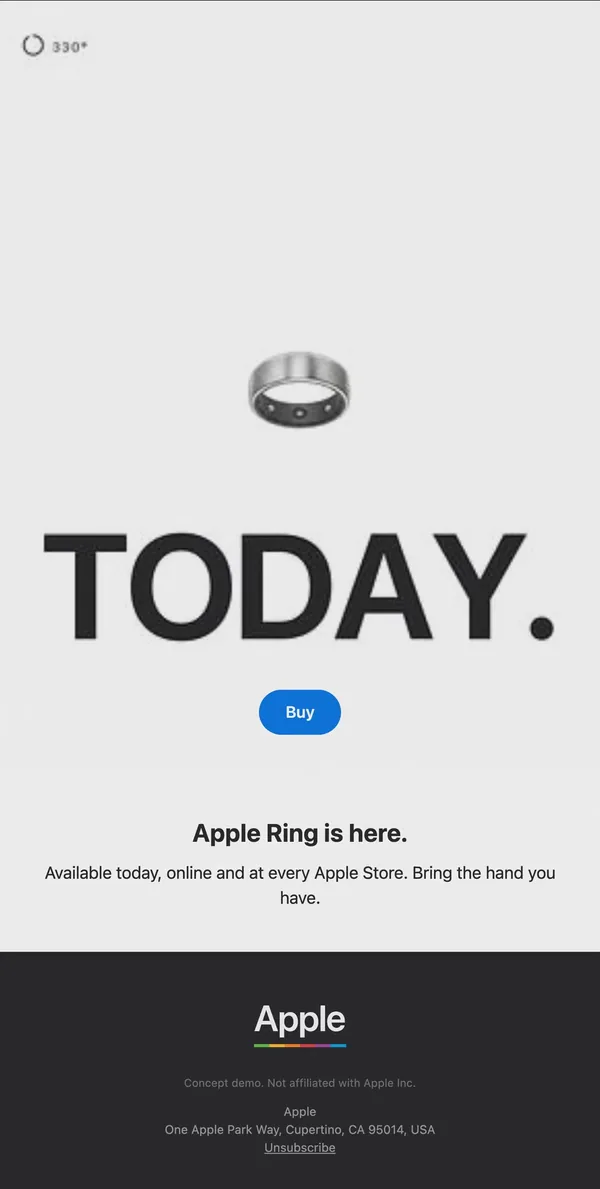
11. Launch day
Pale grey background, small ring, a giant dark 'TODAY.' and a blue Buy pill. The first email with a real CTA.
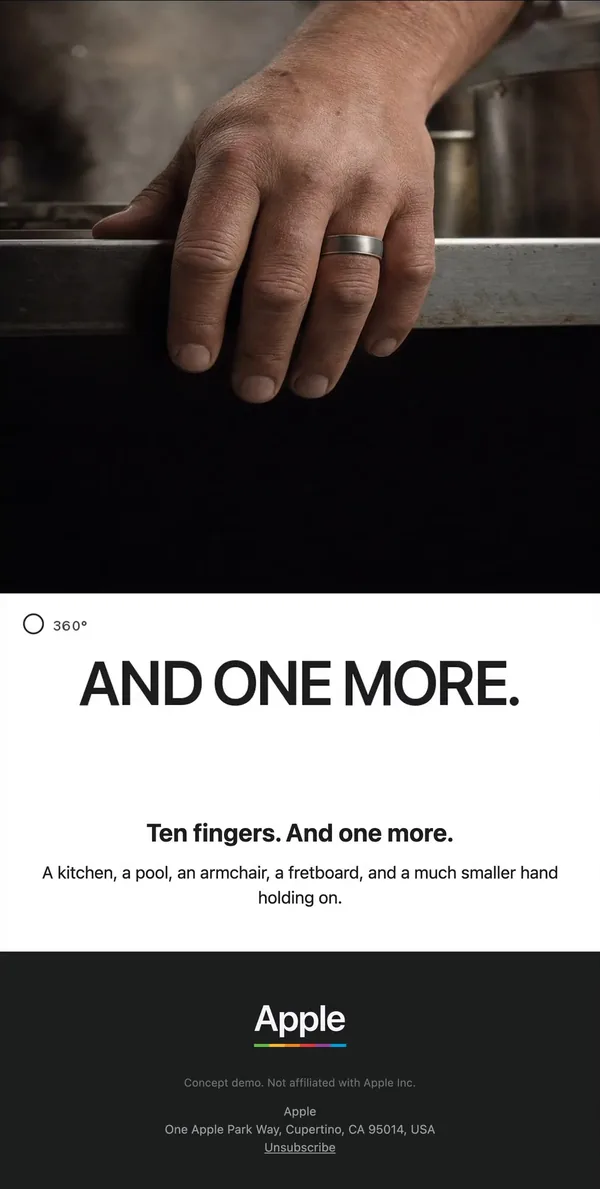
12. Closer
A worn hand on a kitchen counter, then 'AND ONE MORE.' on white, ending the sequence on people instead of specs.
What makes these emails work
- Layout. Every email follows the same stack: full-bleed photo, giant headline, one bold line, one short paragraph, then a plain footer. The repeat makes the series feel like one campaign.
- Type. Headlines are huge white capitals with a full stop, such as "NOTHING TO HOLD." and "OFF MEANS OFF." They read at thumbnail size on a phone.
- Imagery. Hands carry the story. Close shots of the ring on a table, in a doorway and on a pillow show use cases without a single spec table.
- CTA. There is almost no button until the finish. Emails 1 to 10 sell the idea; launch day finally adds a blue Buy pill.
- Copy. Each email makes one claim in a bold line and backs it with one or two plain sentences, for example the privacy switch described as "a gap in a circuit."
- Sequencing. A degree counter in the corner runs from 30 to 360 across the flow, so the reader can see how far into the launch they are. The palette flips to white only for the finishes email and launch day.
A second take on the same brief
The other flow imagined a folding iPhone and went for product renders over photography, with sentence-case headlines, one blue button per email and a light and dark rhythm. It also adds pre-order timing details that the ring flow skips.
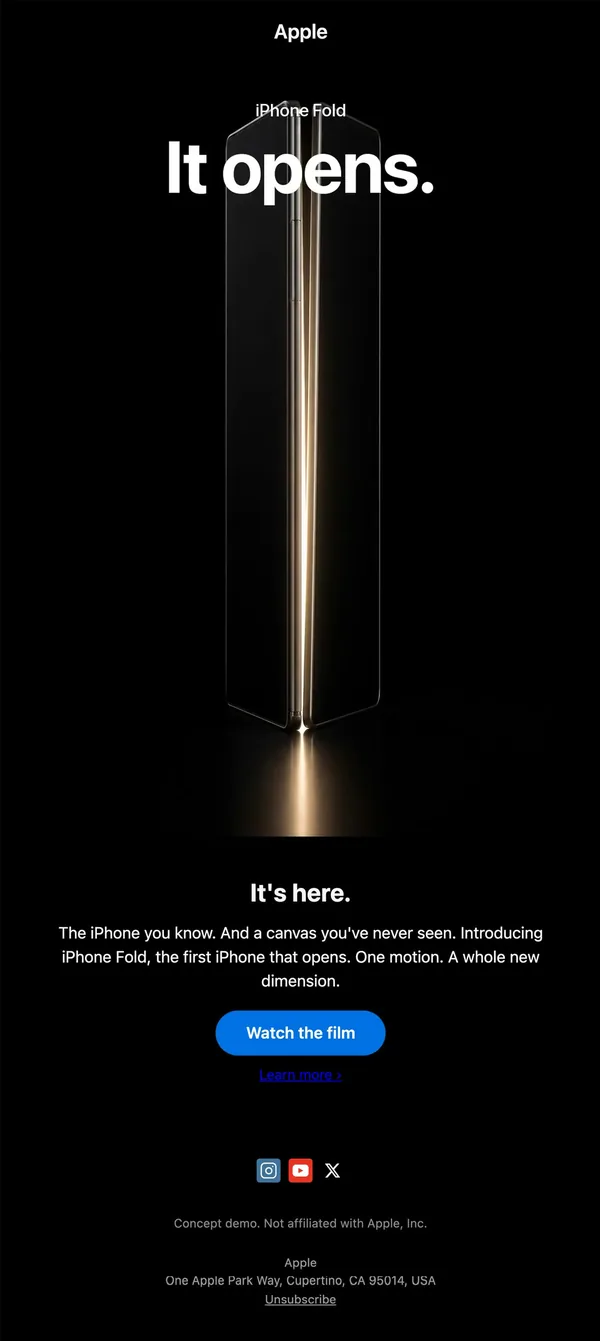
1. Launch announcement
Black email with a glowing folded phone and a bold 'It opens.' headline over it, plus a Watch the film button.
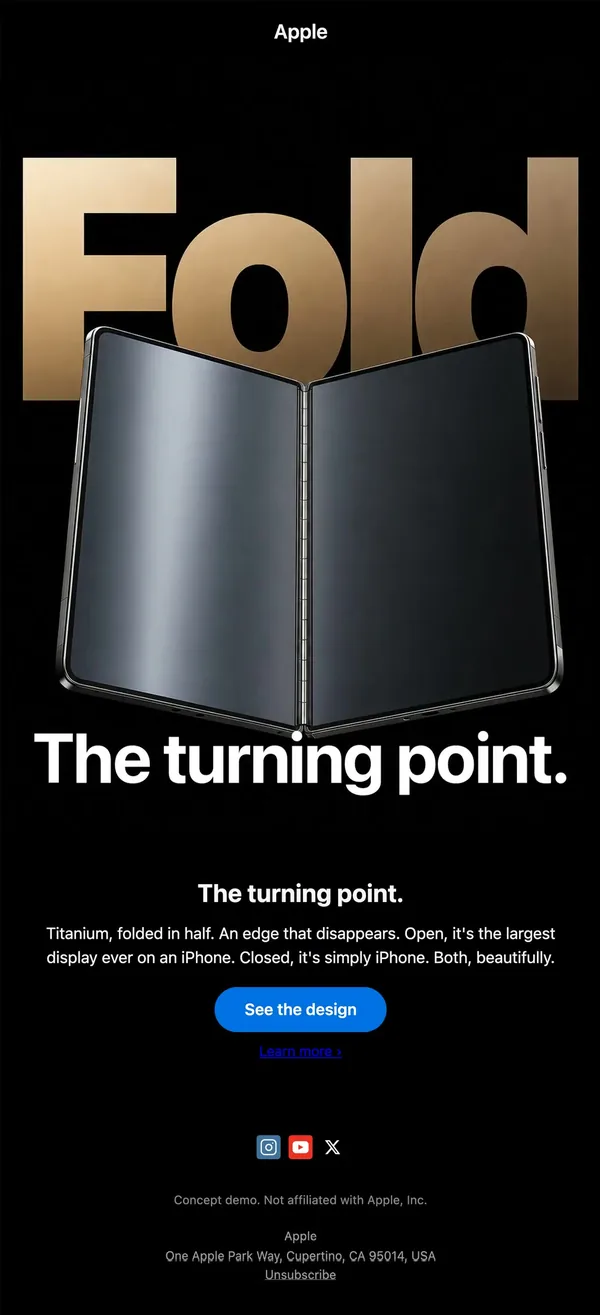
2. Design story
Gold gradient 'Fold' lettering sits behind an open phone, with a second headline below and a single blue button.
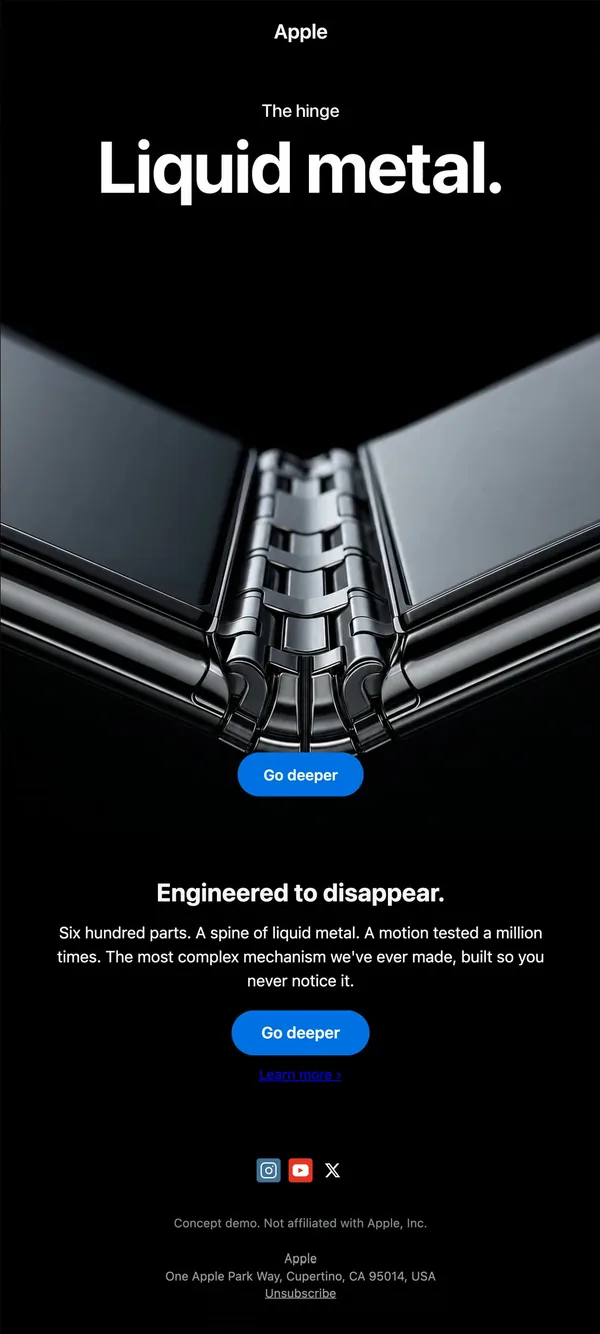
3. Hinge feature
Macro shot of a metal hinge under a short label and big headline; engineering detail told as a picture.
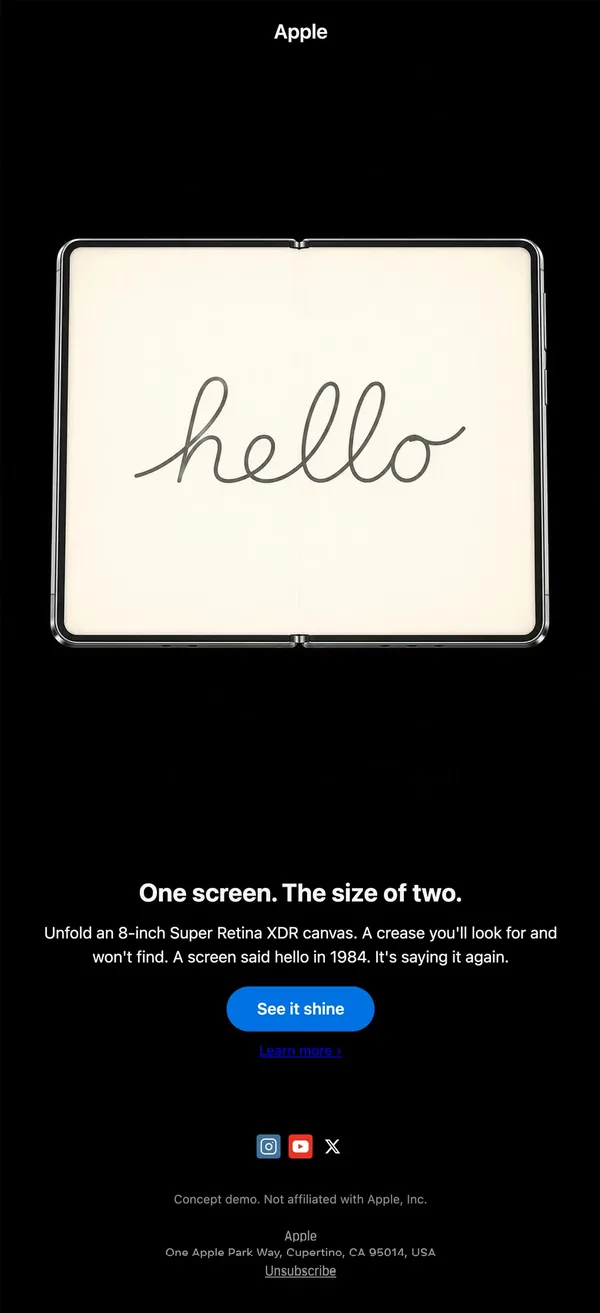
4. Display feature
Unfolded screen showing a script 'hello' on cream, a nod to 1984 that makes the screen the whole story.
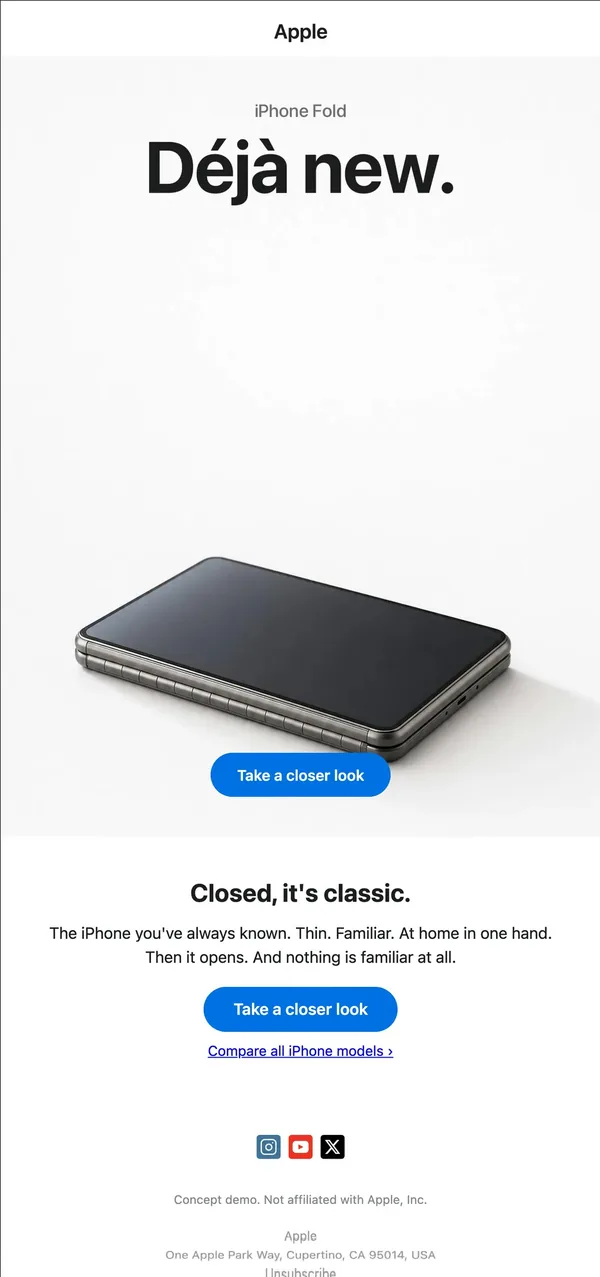
5. Closed design
First light email: a closed phone on white under 'Déjà new.', showing the product in its everyday state.
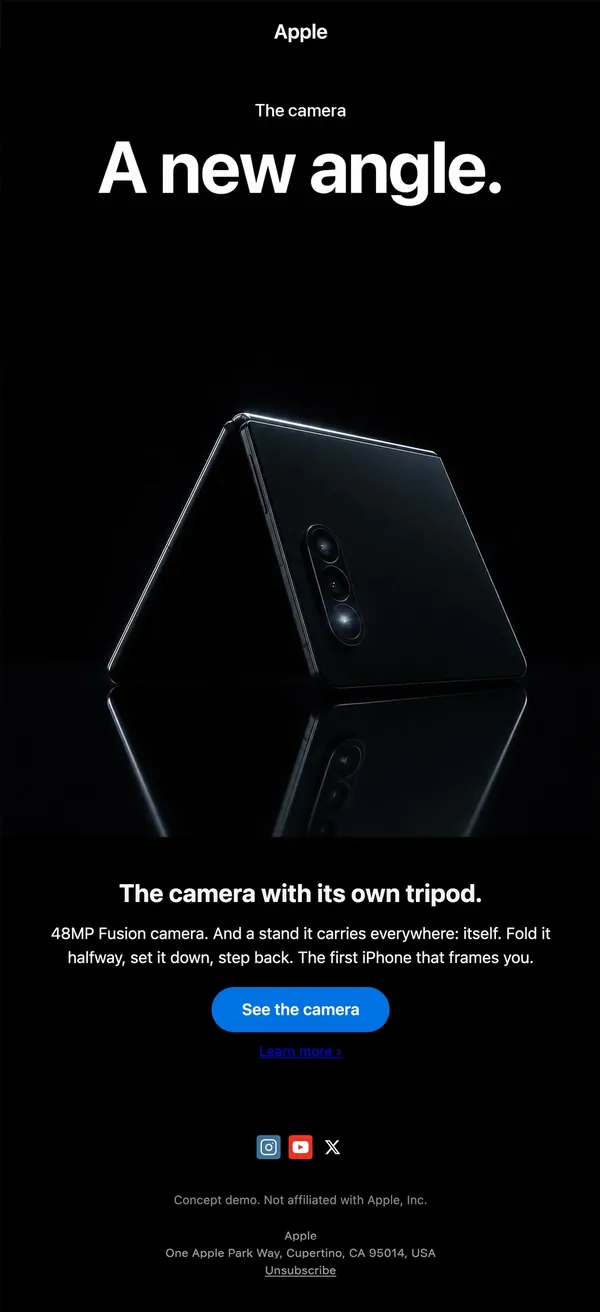
6. Camera feature
Phone folded into a tent on glossy black with a reflection, 'A new angle.', and a tripod-style benefit.
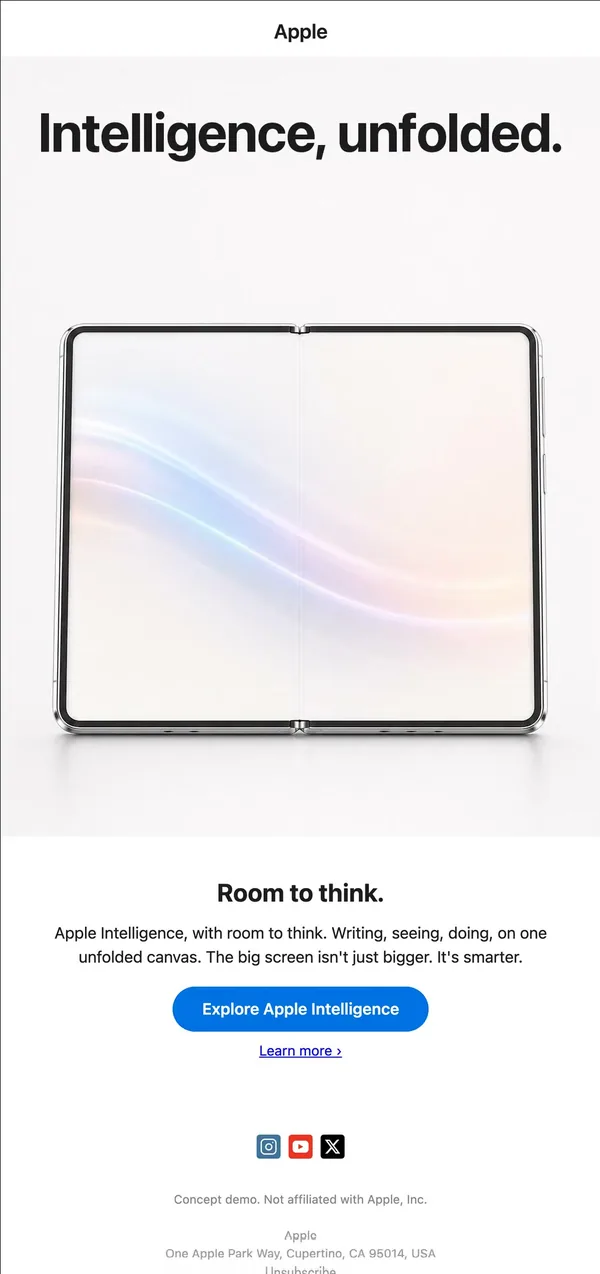
7. AI feature
Light layout with the headline on top and a pastel gradient across the open screen.
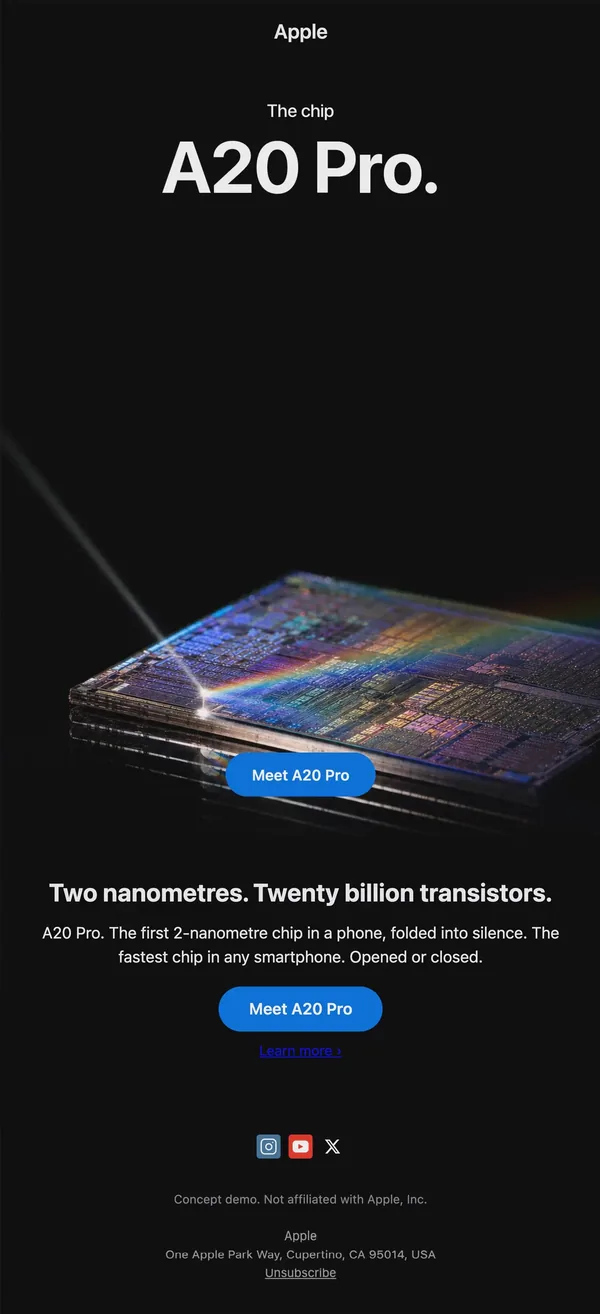
8. Chip feature
Close macro of a lit chip with a prism flare, 'A20 Pro.', and the spec line as the sub-headline.
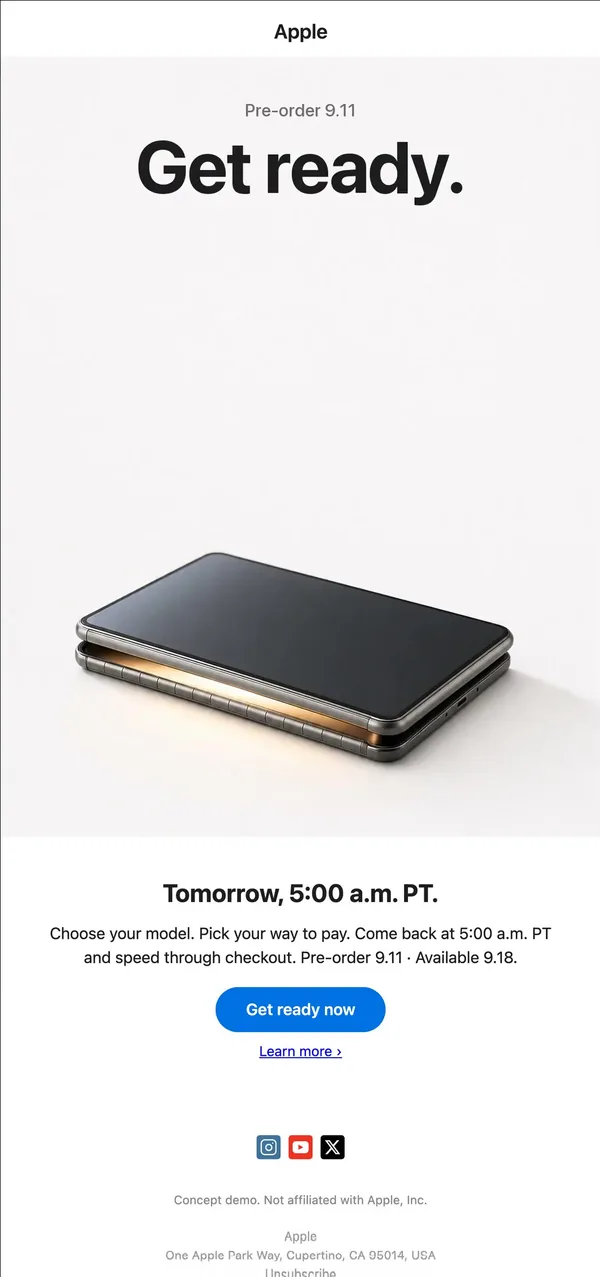
9. Pre-order teaser
White email with the closed phone and a warm glow at the hinge; headline 'Get ready.' and the exact pre-order time.
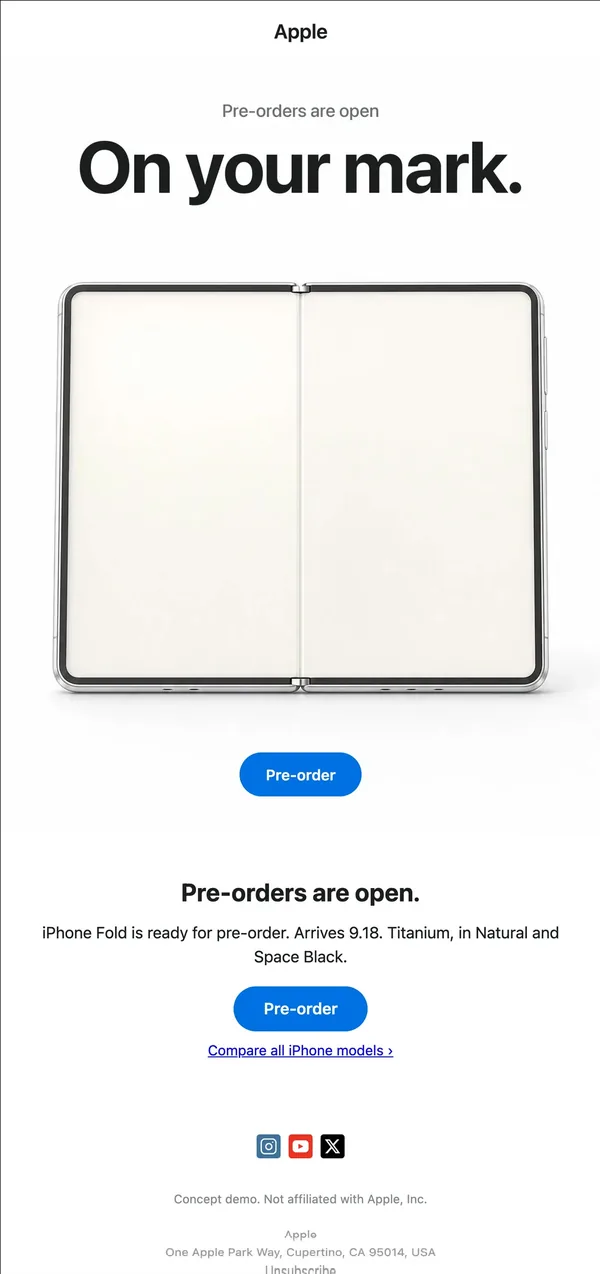
10. Pre-order open
Open phone on a white page with 'On your mark.' and a Pre-order button repeated above and below the copy.
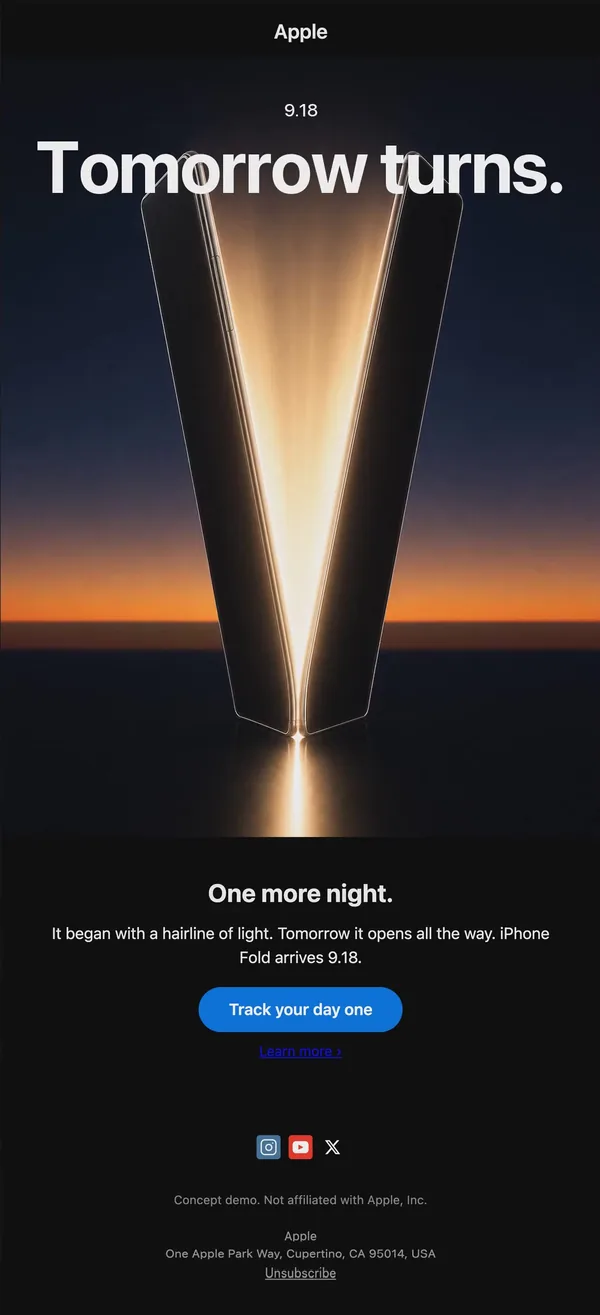
11. Countdown
Dusk-lit phone opening into a V of light, 'Tomorrow turns.', and a Track your day one button.
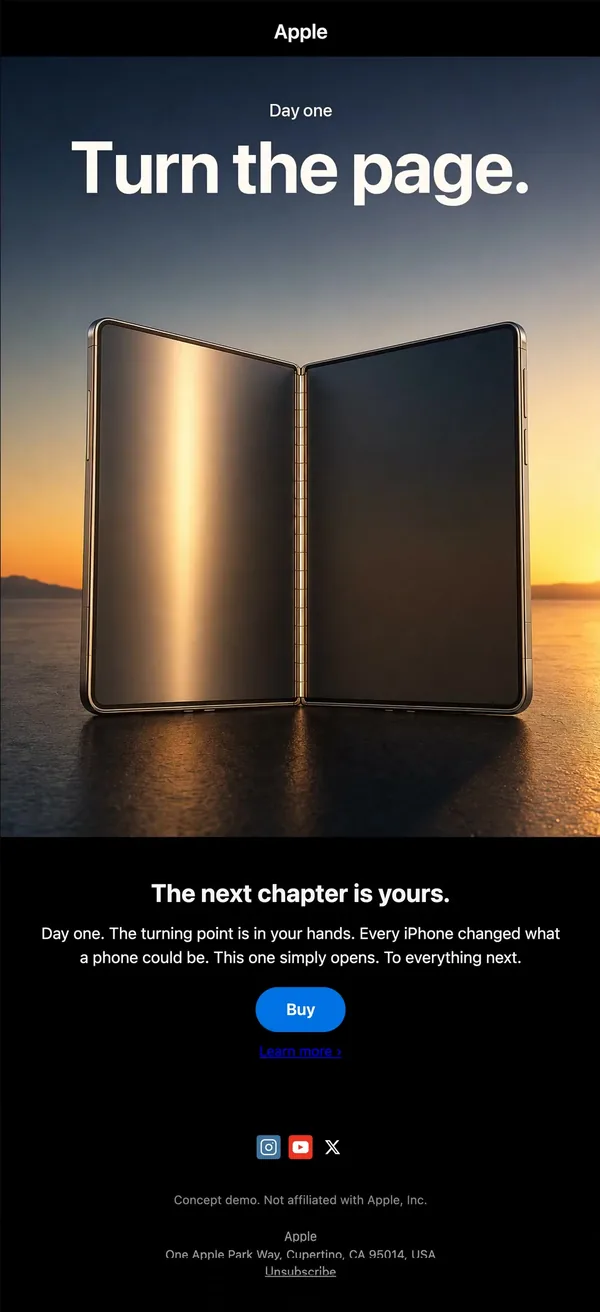
12. Launch day
Open phone standing on a sunset desert flat with 'Turn the page.' and a plain Buy button.
Build this flow in Nitrosend
- Connect Nitrosend to Claude, ChatGPT, Cursor or any AI client through MCP. The setup is on the email MCP page.
- Paste the prompt below into your AI, swapping Apple and the product for your own brand and launch.
- Review the 12 emails in Nitrosend, adjust anything you want, and send.
Paste the prompt into Claude, ChatGPT, Cursor or any AI with Nitrosend MCP connected, and swap in your own brand.
create Apple's next launch email flow for a brand new product, 12 emails, using Nitrosend.

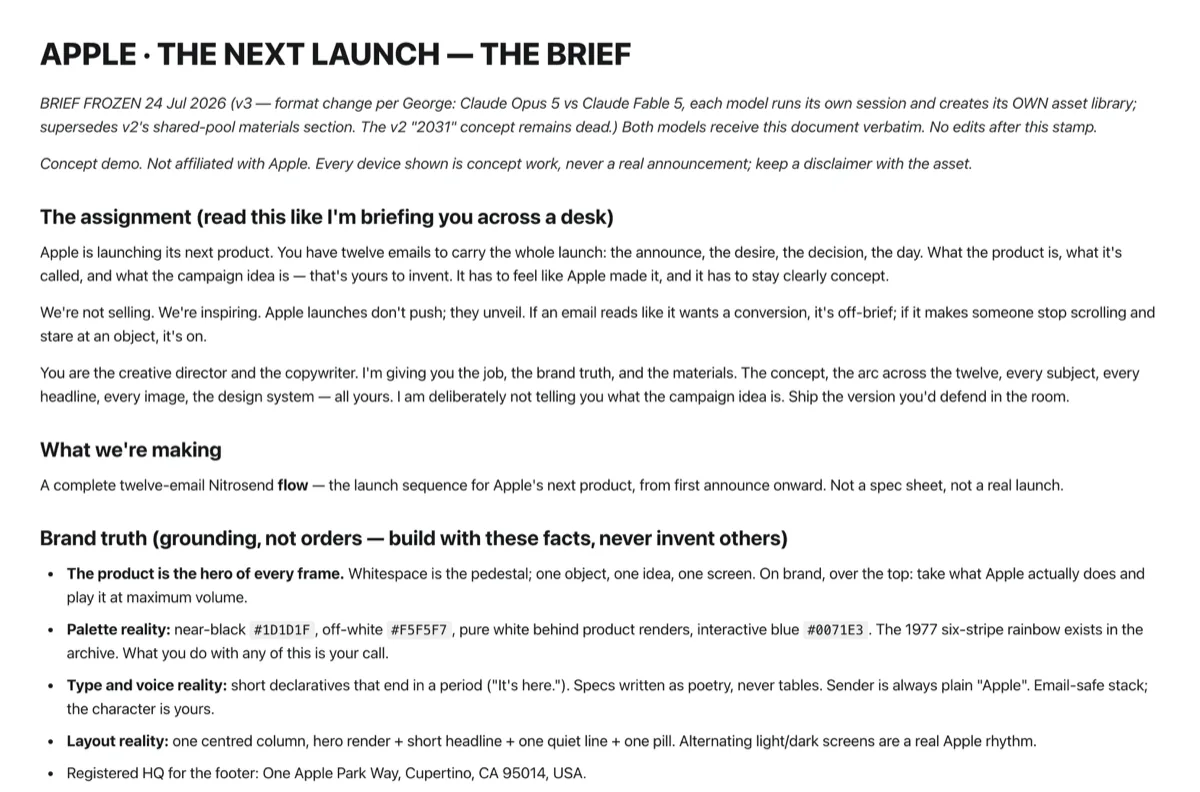
# APPLE · THE NEXT LAUNCH — THE BRIEF

BRIEF FROZEN 24 Jul 2026 (v3 — format change per George: Claude Opus 5 vs Claude Fable 5, each model runs its own session and creates its OWN asset library; supersedes v2's shared-pool materials section. The v2 "2031" concept remains dead.) Both models receive this document verbatim. No edits after this stamp.

Concept demo. Not affiliated with Apple. Every device shown is concept work, never a real announcement; keep a disclaimer with the asset.

## The assignment (read this like I'm briefing you across a desk)

Apple is launching its next product. You have twelve emails to carry the whole launch: the announce, the desire, the decision, the day. What the product is, what it's called, and what the campaign idea is — that's yours to invent. It has to feel like Apple made it, and it has to stay clearly concept.

We're not selling. We're inspiring. Apple launches don't push; they unveil. If an email reads like it wants a conversion, it's off-brief; if it makes someone stop scrolling and stare at an object, it's on.

You are the creative director and the copywriter. I'm giving you the job, the brand truth, and the materials. The concept, the arc across the twelve, every subject, every headline, every image, the design system — all yours. I am deliberately not telling you what the campaign idea is. Ship the version you'd defend in the room.

## What we're making

A complete twelve-email Nitrosend **flow** — the launch sequence for Apple's next product, from first announce onward. Not a spec sheet, not a real launch.

## Brand truth (grounding, not orders — build with these facts, never invent others)

- **The product is the hero of every frame.** Whitespace is the pedestal; one object, one idea, one screen. On brand, over the top: take what Apple actually does and play it at maximum volume.
- **Palette reality:** near-black `#1D1D1F`, off-white `#F5F5F7`, pure white behind product renders, interactive blue `#0071E3`. The 1977 six-stripe rainbow exists in the archive. What you do with any of this is your call.
- **Type and voice reality:** short declaratives that end in a period ("It's here."). Specs written as poetry, never tables. Sender is always plain "Apple". Email-safe stack; the character is yours.
- **Layout reality:** one centred column, hero render + short headline + one quiet line + one pill. Alternating light/dark screens are a real Apple rhythm.
- Registered HQ for the footer: One Apple Park Way, Cupertino, CA 95014, USA.

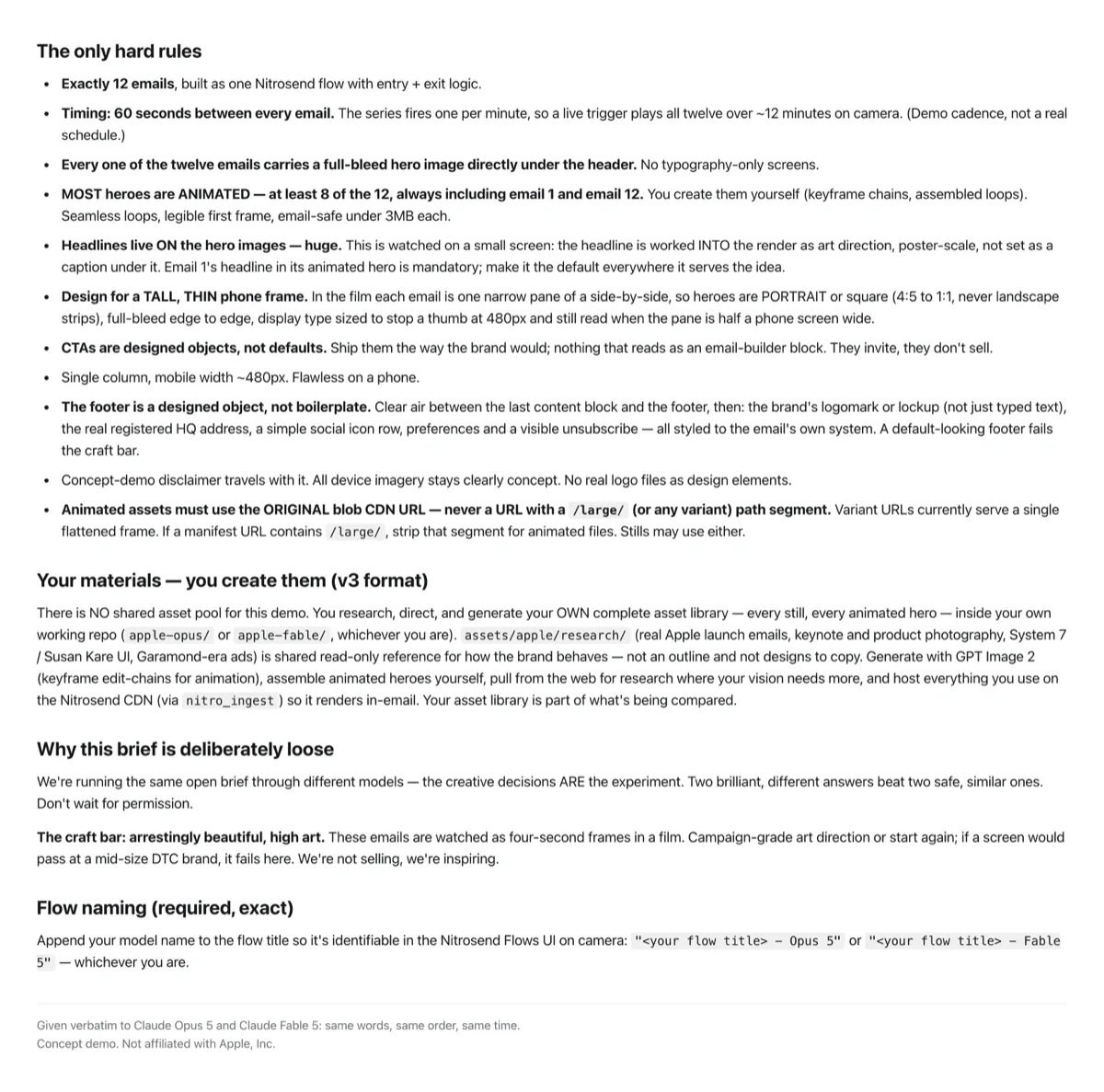
## The only hard rules

- **Exactly 12 emails**, built as one Nitrosend flow with entry + exit logic.
- **Timing: 60 seconds between every email.** The series fires one per minute, so a live trigger plays all twelve over ~12 minutes on camera. (Demo cadence, not a real schedule.)
- **Every one of the twelve emails carries a full-bleed hero image directly under the header.** No typography-only screens.
- **MOST heroes are ANIMATED — at least 8 of the 12, always including email 1 and email 12.** You create them yourself (keyframe chains, assembled loops). Seamless loops, legible first frame, email-safe under 3MB each.
- **Headlines live ON the hero images — huge.** This is watched on a small screen: the headline is worked INTO the render as art direction, poster-scale, not set as a caption under it. Email 1's headline in its animated hero is mandatory; make it the default everywhere it serves the idea.
- **Design for a TALL, THIN phone frame.** In the film each email is one narrow pane of a side-by-side, so heroes are PORTRAIT or square (4:5 to 1:1, never landscape strips), full-bleed edge to edge, display type sized to stop a thumb at 480px and still read when the pane is half a phone screen wide.
- **CTAs are designed objects, not defaults.** Ship them the way the brand would; nothing that reads as an email-builder block. They invite, they don't sell.
- Single column, mobile width ~480px. Flawless on a phone.
- **The footer is a designed object, not boilerplate.** Clear air between the last content block and the footer, then: the brand's logomark or lockup (not just typed text), the real registered HQ address, a simple social icon row, preferences and a visible unsubscribe — all styled to the email's own system. A default-looking footer fails the craft bar.
- Concept-demo disclaimer travels with it. All device imagery stays clearly concept. No real logo files as design elements.
- **Animated assets must use the ORIGINAL blob CDN URL — never a URL with a `/large/` (or any variant) path segment.** Variant URLs currently serve a single flattened frame. If a manifest URL contains `/large/`, strip that segment for animated files. Stills may use either.

## Your materials — you create them (v3 format)

There is NO shared asset pool for this demo. You research, direct, and generate your OWN complete asset library — every still, every animated hero — inside your own working repo (`apple-opus/` or `apple-fable/`, whichever you are). `assets/apple/research/` (real Apple launch emails, keynote and product photography, System 7 / Susan Kare UI, Garamond-era ads) is shared read-only reference for how the brand behaves — not an outline and not designs to copy. Generate with GPT Image 2 (keyframe edit-chains for animation), assemble animated heroes yourself, pull from the web for research where your vision needs more, and host everything you use on the Nitrosend CDN (via `nitro_ingest`) so it renders in-email. Your asset library is part of what's being compared.

## Why this brief is deliberately loose

We're running the same open brief through different models — the creative decisions ARE the experiment. Two brilliant, different answers beat two safe, similar ones. Don't wait for permission.

**The craft bar: arrestingly beautiful, high art.** These emails are watched as four-second frames in a film. Campaign-grade art direction or start again; if a screen would pass at a mid-size DTC brand, it fails here. We're not selling, we're inspiring.

## Flow naming (required, exact)

Append your model name to the flow title so it's identifiable in the Nitrosend Flows UI on camera: `"<your flow title> - Opus 5"` or `"<your flow title> - Fable 5"` — whichever you are.

---

Given verbatim to Claude Opus 5 and Claude Fable 5: same words, same order, same time.
Concept demo. Not affiliated with Apple, Inc.FAQ
What is in this Apple launch flow?
Twelve emails: a teaser, a brand idea, a product reveal, five feature or use-case emails, a finishes email, launch day and a closing email. Each has one image, one headline and one short paragraph.
Are these real Apple emails?
No. They are concept emails made with AI in Nitrosend for a product Apple does not make. Apple did not take part or endorse them.
Can I copy this flow for my own brand?
Yes. Keep the structure, swap in your product, images and offer, and build it in Nitrosend with the prompt above. The one-claim-per-email pacing works for most physical or digital launches.
How many emails should a launch flow have?
Twelve works for a major launch: a few teasers, a run of feature emails, then a short burst around launch day. A smaller product can compress the middle to three or four emails.
Sources
The emails were made with AI in Nitrosend by Claude Opus 5 (the flow above) and Claude Fable 5 (the second take), from the brief below.
The brief, page 1 of 2
The brief behind these emails
The brief, page 2 of 2
The brief behind these emails