
![Dropbox security alert email: [NAME], we noticed a new sign in to your Dropbox account](/email-examples/img/19ac92bf331723a6-t.webp)
What security alert emails are
A security alert email tells someone that something happened to their account that they may not have done: a new sign-in, a new device, a password reset or a change to their security details. It asks them to confirm it was them or to secure the account.
This page is one slice of the Nitrosend email library. We collected 99 security alerts from 58 brands out of two ordinary inboxes. Nine of those have since been removed from the library for personal details, so every number below describes the other 90, from 53 brands (counted on October 1, 2026). Of the 90, 52 were published here as images and this page shows 17 of them, from 16 brands. The other 35 are off this page because they print an IP address, a sign-in city or an account token (21), repeat a template already shown (9), or are off-topic, private, badly rendered or flagged for removal elsewhere in the library (5).
These are real sends from two inboxes. If you are checking an alert you received, do not use the links in it: go to the account directly.
Looking for sign-in codes, password resets and verification emails too? Those sit with these alerts on security email examples.
Security alert emails you can look at
The first five are the ones to start with: a new sign-in, a device check, a security-info change, a copy to the recovery address and a scam warning. Open any card to read the subject line, what it does, and the prompt that rebuilds it.
Dropbox
[NAME], we noticed a new sign in to your Dropbox account
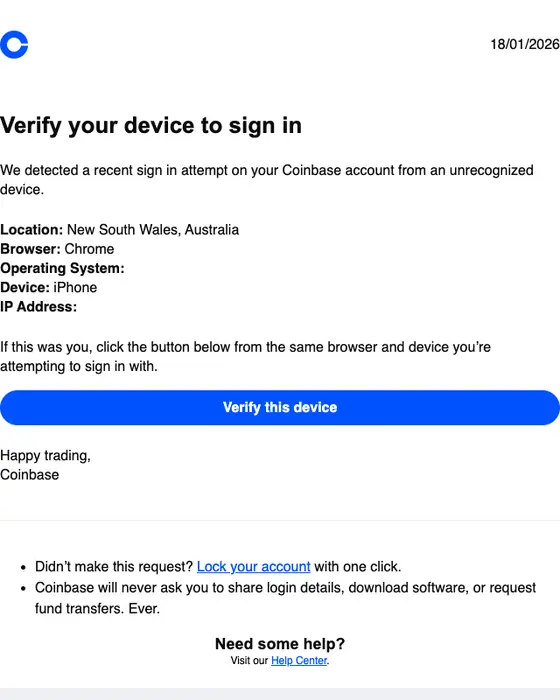
Coinbase
Verify your device to sign in
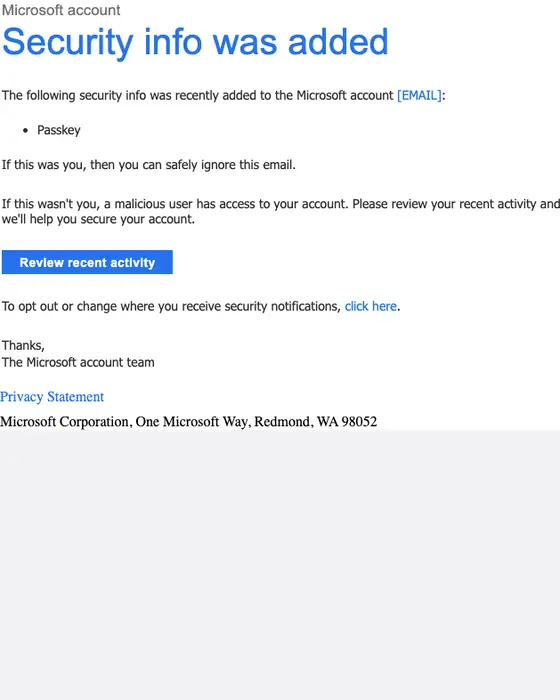
Microsoft account
Microsoft account security info was added
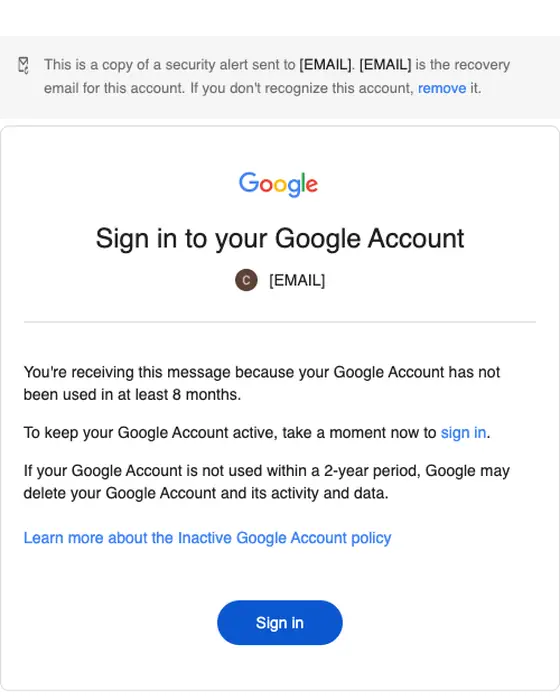
Sign in to your Google Account
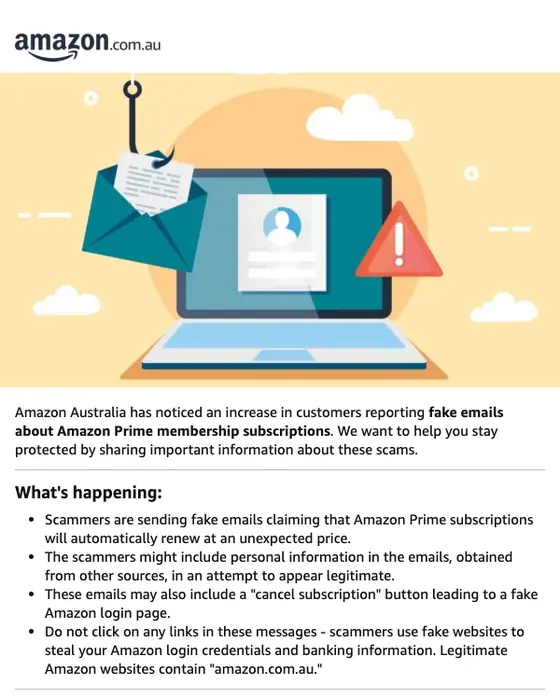
Amazon.com.au
Protect yourself from scams
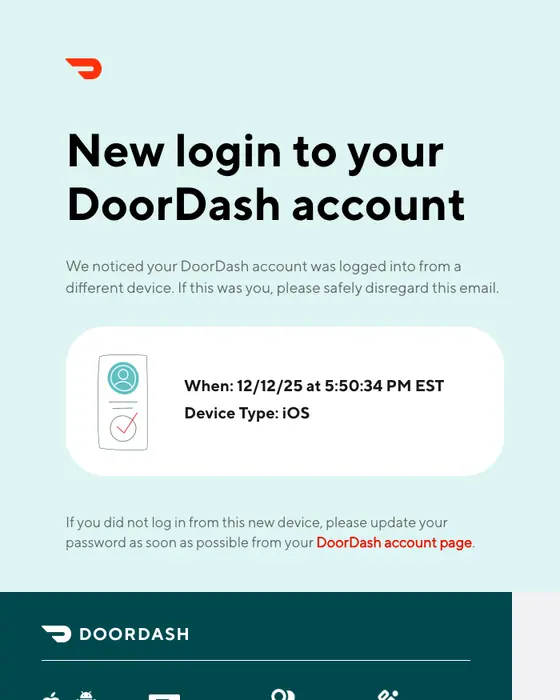
DoorDash
New login to your DoorDash account
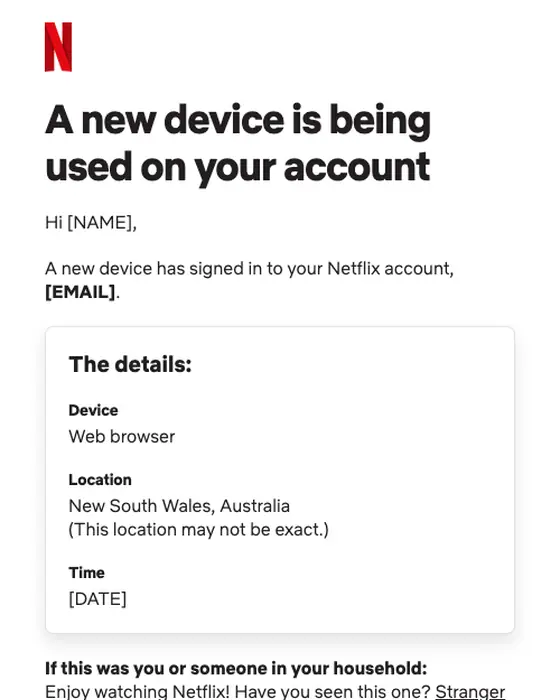
Netflix
A new device is being used on your account
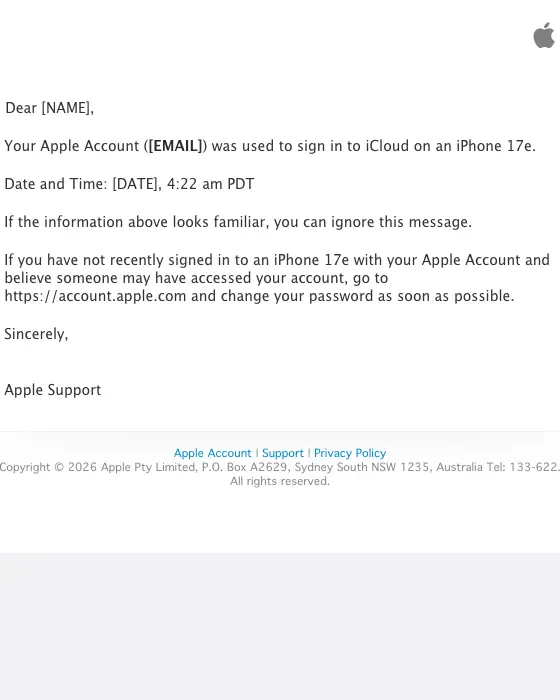
Apple
Your Apple Account was used to sign in to iCloud on an iPhone 17e
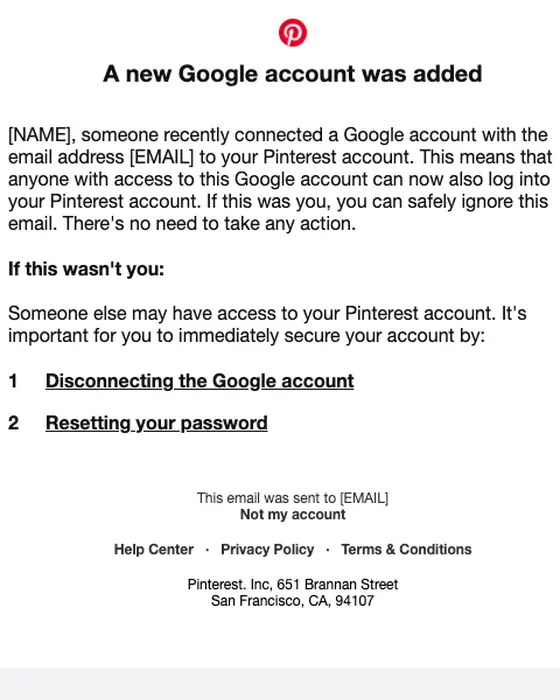
Pinterest account security alert: Did you make this change to your Pinterest account?
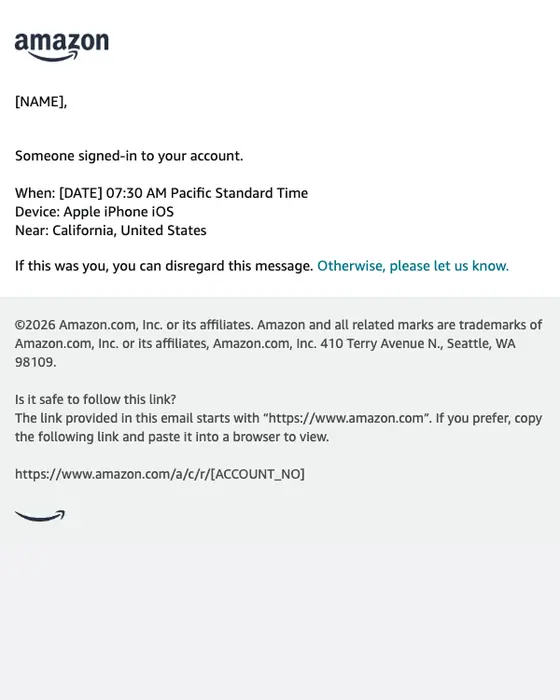
Amazon
amazon.com: Sign-in
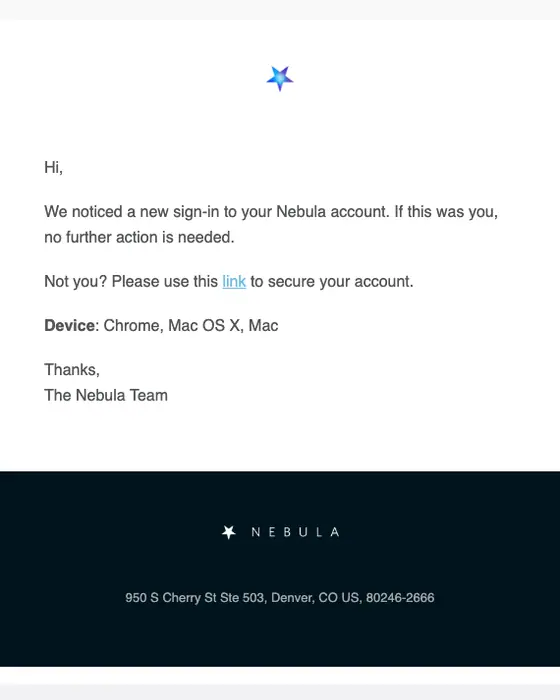
Nebula
Nebula Sign-in Notification
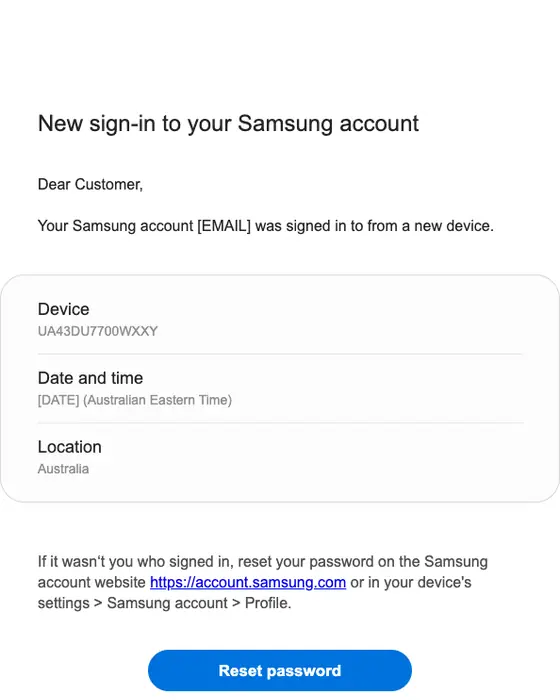
Samsung account
New sign-in to your Samsung account
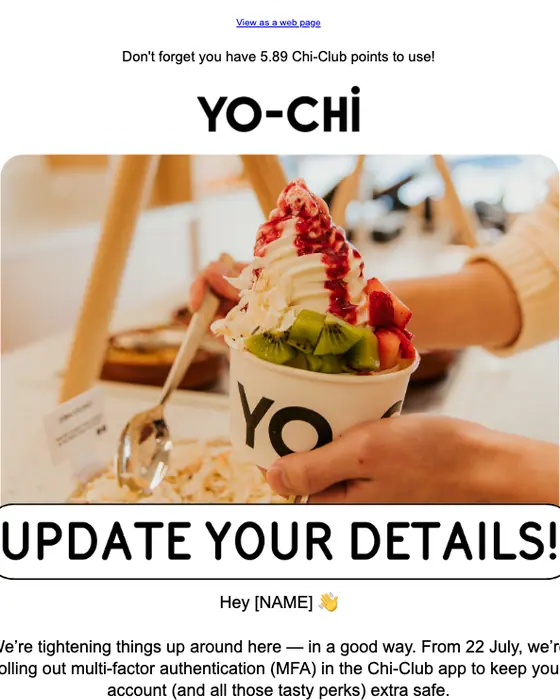
Yo-Chi
LEVEL UP! Your account’s flexing new security 😉
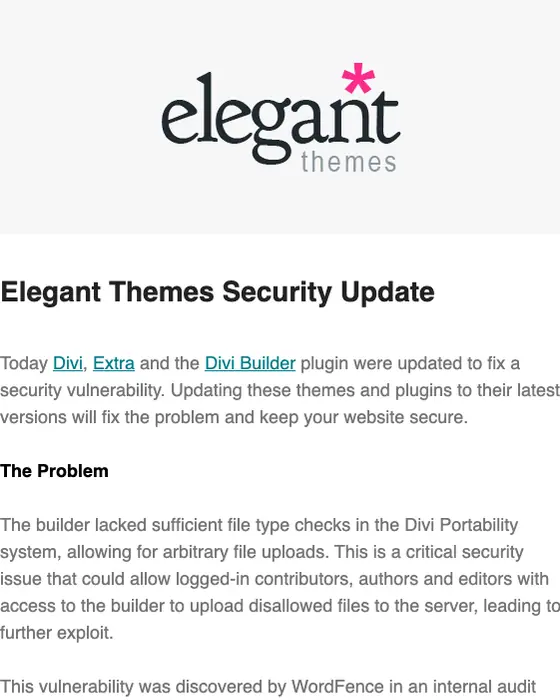
Elegant Themes
Important Elegant Themes Security Update
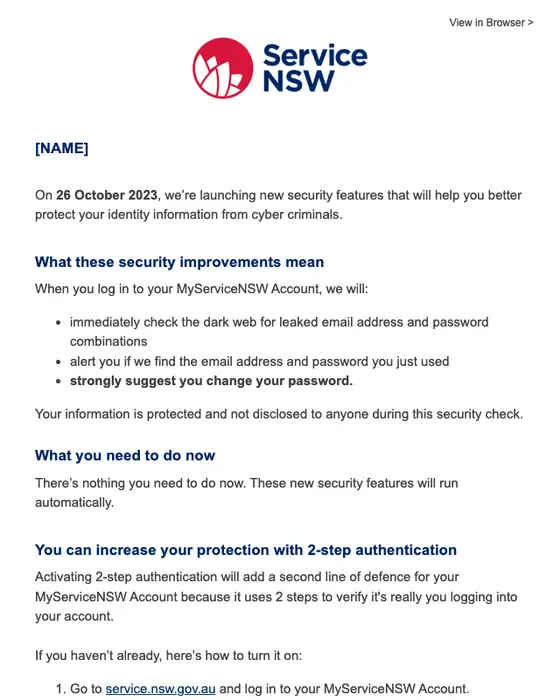
Service NSW
MyServiceNSW Account security update
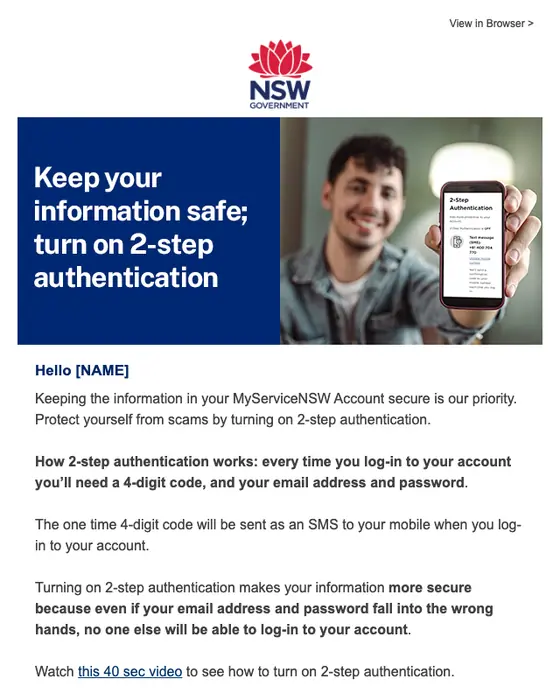
Service NSW
Protect your information, turn on 2-step authentication
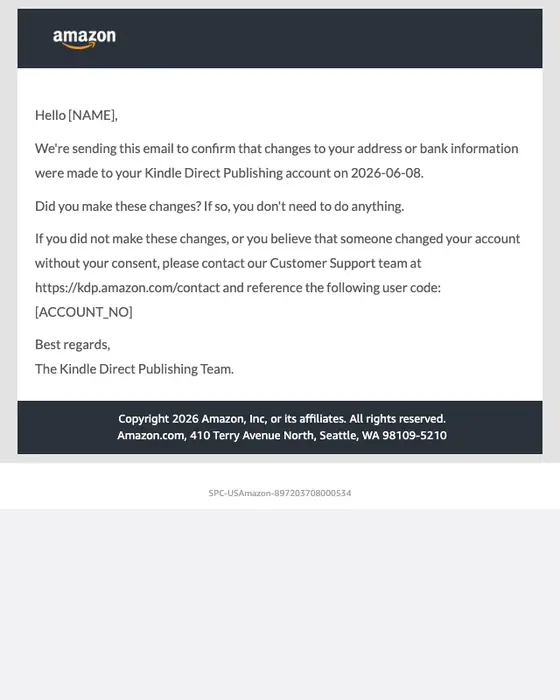
Amazon Kindle Direct Publishing
Recent update to your Kindle Direct Publishing account
What 90 of them actually do
Function wins. 70% of the 90 use a utilitarian design and about nine in ten are monochrome. Most read as a plain notice rather than a campaign, which suits a message the recipient has to trust on sight. Not every one is that plain: in the set shown here Yo-Chi and Service NSW open on a photo, and Amazon.com.au on an illustration.
They are urgent and brief. 61% use an urgent tone, 64% are short and another 14% are shorter still. Subject lines follow the same rule: 62% are plain transactional lines, like DoorDash's "New login to your DoorDash account". An unexpected request reads like phishing, and every other decision bends to that.
Most ask for one thing. 46 of the 90 (51%) carry exactly one call to action, and the median is one. 48% address the recipient by first name.
SaaS companies send the most: 33 of the 90 (37%), ahead of ecommerce (14%) and media and publishing (12%). The field worth adding is roughly where the sign-in came from, at state or country level the way Coinbase does it, because location is the detail a recipient can check against their own memory fastest. An IP address or a city does not help them and leaks more than it should.
Some fields in a security alert come from the attacker
A receipt is built from the sender's own commerce data. A security alert is built partly from the event it warns about: the device name, the browser user agent and the email address someone just tried to add were chosen by whoever triggered it. Treat each as untrusted text and escape and truncate it in the template, because a device name can hold a link, a lookalike domain or a sentence of instructions.
Escape every dynamic field, not only the obvious free-text one. When Nitrosend fixed mention injection in one of its own Slack alerts, it escaped all the dynamic fields, including the brand name, recipient, verdict and send time, not just the insight text.
Where a model writes the copy, the same fields become a route for prompt injection. OWASP lists it as LLM01 in its 2025 list of LLM application risks and says indirect prompt injections "occur when an LLM accepts input from external sources, such as websites or files". A new-device alert is external content by definition. The arrangement that holds is a fixed template where only typed event fields vary: nitro_send_message takes a template_id and a data object of merge variables, so the model picks which alert to send and the event supplies the values. On inbound mail the Nitrosend agent inbox applies the same rule, scanning each message body for prompt-injection attempts aimed at the agent and marking flagged content in the queue.
Getting the alert to land is a separate problem: email deliverability and transactional email.
Five alerts worth copying
- Dropbox, new sign-in. A shaded box gives the time and "Chrome on Mac OS X", then three answers: Yes, No and I'm not sure. Copy the answer buttons instead of a single "secure your account" link.
- Coinbase, verify your device. Location at state level, browser and device, one "Verify this device" button, and a line saying Coinbase will never ask for login details, software downloads or fund transfers. Copy the line about what you never ask for.
- Microsoft, security info added. The headline is the event ("Security info was added"), the body names the item (a passkey), and there is one "Review recent activity" button. Copy naming exactly what changed.
- Google, inactive-account notice with a recovery copy. A banner explains that this is a copy of a security alert sent to the recovery email, with a link to remove it if the account is not theirs. Copy the banner whenever an alert goes to a second address.
- Amazon.com.au, scam tips. Three short sections (what is happening, what you should do, best practices) and a plain statement of what the real domain contains. Copy telling people what your genuine links look like.
What is in this set
By industry
90 collected emails from 53 brands| Industry | Emails | Share of the set |
|---|---|---|
| SaaS | 33 emails | 37% of the set |
| Ecommerce | 13 emails | 14% of the set |
| Media and publishing | 11 emails | 12% of the set |
| Travel | 6 emails | 7% of the set |
| Entertainment | 5 emails | 6% of the set |
| Fintech | 4 emails | 4% of the set |
| Gaming | 4 emails | 4% of the set |
| Government | 4 emails | 4% of the set |
Eight industries with four or more alerts each; the other 10 emails come from smaller groups. Counts are from the full collected set, not only the 17 shown.
Next to this one
The rest of the security cluster: security email examples (alerts, codes and resets together), sign-in code emails, password reset emails and account notices.
Questions people ask
Do not rely on the email itself. Open the account directly and check its recent activity. Real alerts help with that: Coinbase's says it will never ask for login details, and Amazon.com.au's states that legitimate Amazon websites contain amazon.com.au. Most ask for one thing, too: 51% of the 90 alerts we collected carry exactly one call to action.
The one in our set is a plain notice from the Microsoft account team. The headline names the event, "Security info was added", the body names the item, a passkey, and one "Review recent activity" button follows. It is typical of the 90 alerts we collected: 70% use a utilitarian design.
Because anything that looks like a campaign looks like phishing, so the category stays plain. Of the 90 security alerts we collected from two inboxes, 70% use a utilitarian design, about nine in ten are monochrome and 51% carry exactly one call to action.
When it happened, what device or browser, roughly where, and one way to say it was not you. Dropbox shows the time and "Chrome on Mac OS X" with Yes and No buttons and an I'm not sure link. Coinbase gives the state, browser and device. Keep location at state or country level, never an IP address.
It should choose and trigger them, not compose them. A security alert includes values an attacker controls, such as a device name or user agent. OWASP lists prompt injection as LLM01 in its 2025 list, including the indirect kind that arrives through external content. Fix the wording in a template and let only typed event fields vary.