
![Dropbox security alert email: [NAME], we noticed a new sign in to your Dropbox account](/email-examples/img/19ac92bf331723a6-t.webp)
What a security email is
A security email is an automated email about access to an account: a sign-in alert, a one-time code, a password reset, or a check that an email address is yours.
We collected 302 of them from 195 brands out of two ordinary inboxes, sent between 2017 and 2026. Nothing here is a mockup, and these are real, legitimate sends. 123 have been published as images, and this page shows 69 of those from 64 brands, 55 of them sent in 2025 or 2026. What was left off, and why, is in the questions below.
Browse all 69 security emails and security alert email examples
Tap a type to narrow the grid: security alert emails, one-time codes, password resets or email verification. Open any email to see it full length, with its subject line, notes on what it is doing, and a prompt that rebuilds it.
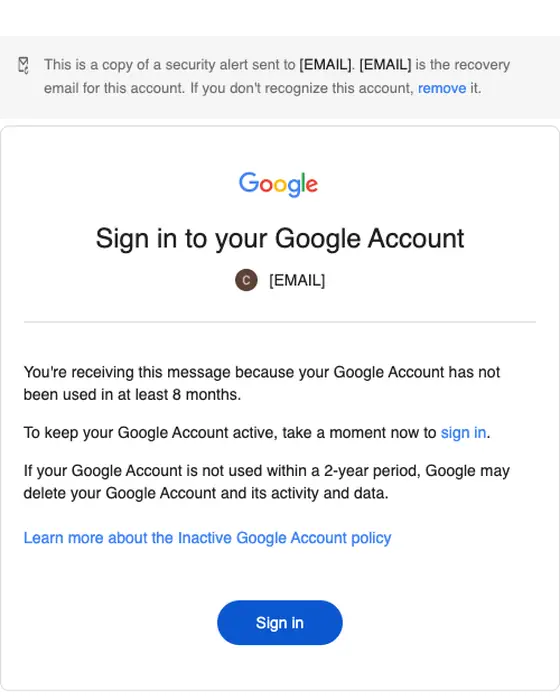
Sign in to your Google Account
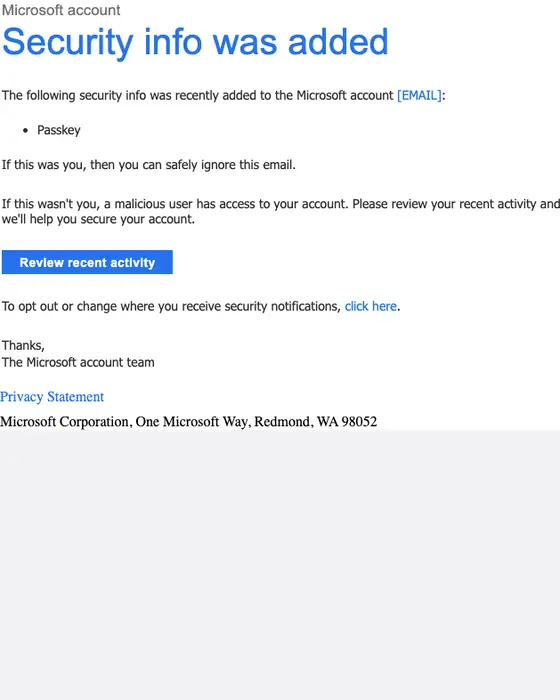
Microsoft account
Microsoft account security info was added
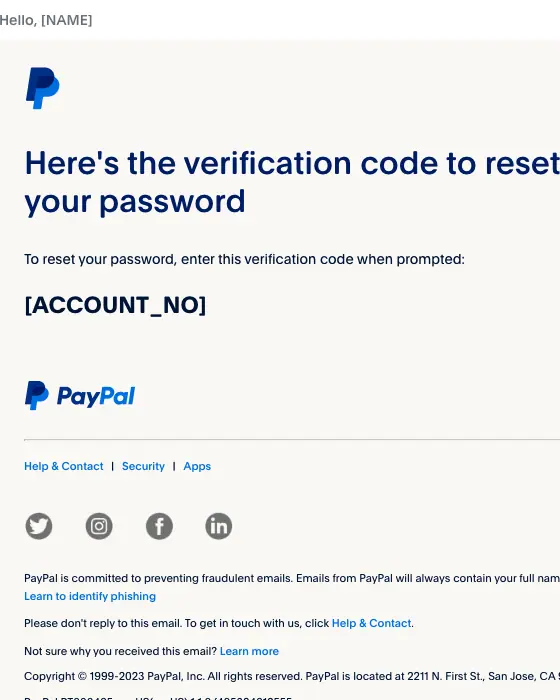
PayPal
Verification code to reset your PayPal password
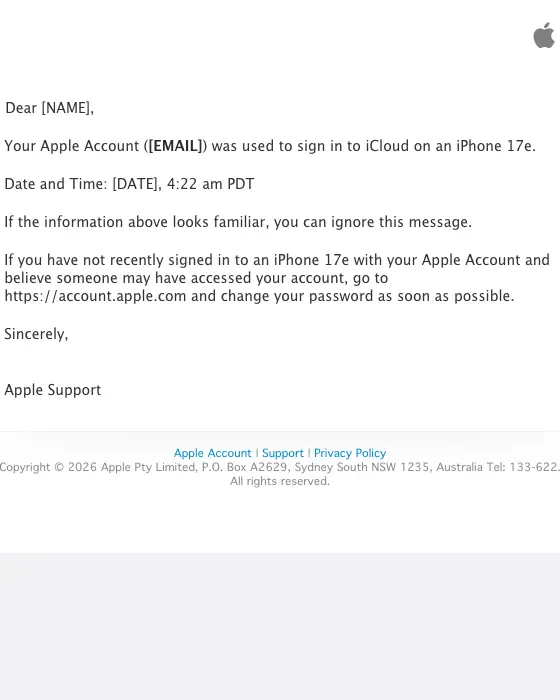
Apple
Your Apple Account was used to sign in to iCloud on an iPhone 17e
Dropbox
[NAME], we noticed a new sign in to your Dropbox account
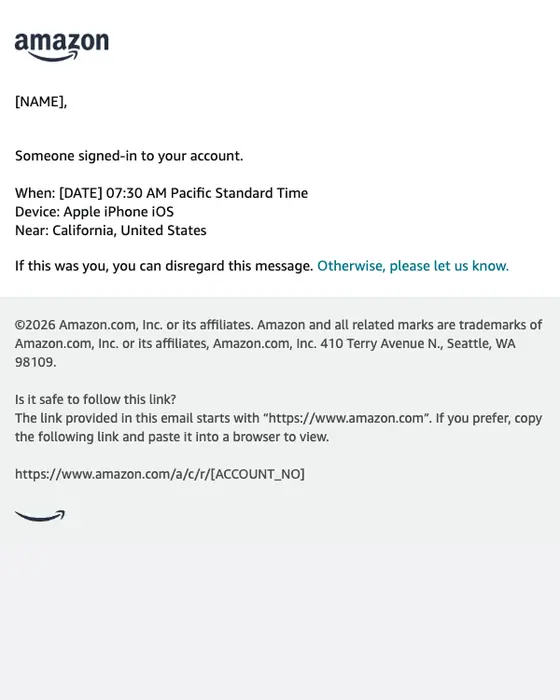
Amazon
amazon.com: Sign-in
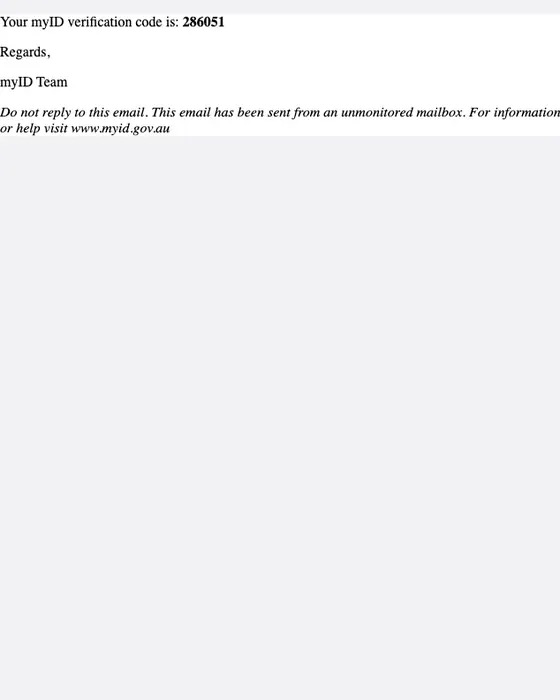
myID
myID verification code
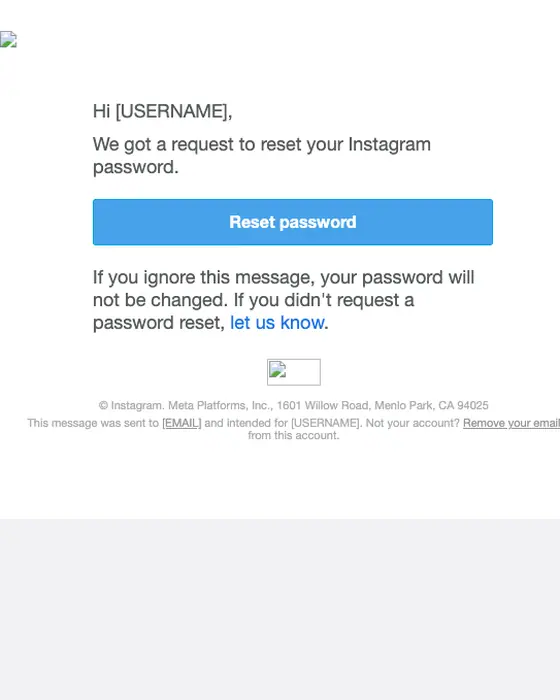
Reset your password
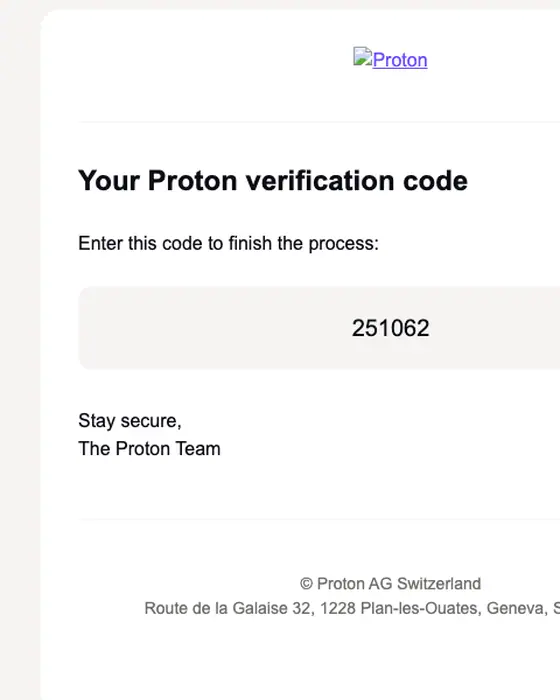
Proton
Proton Verification Code
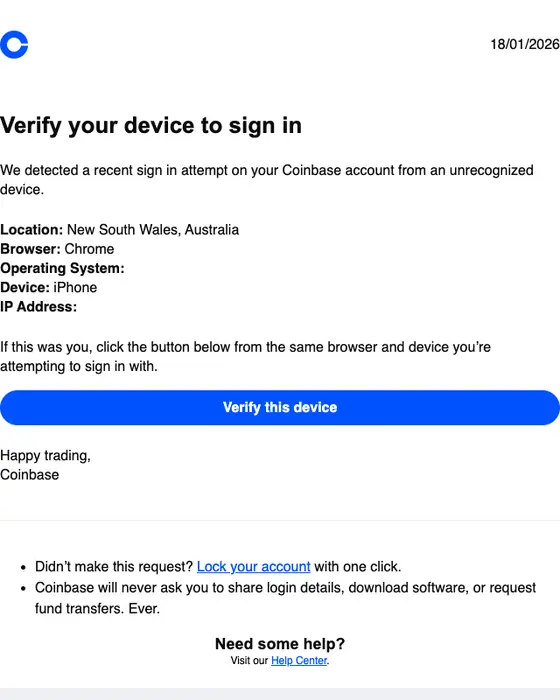
Coinbase
Verify your device to sign in
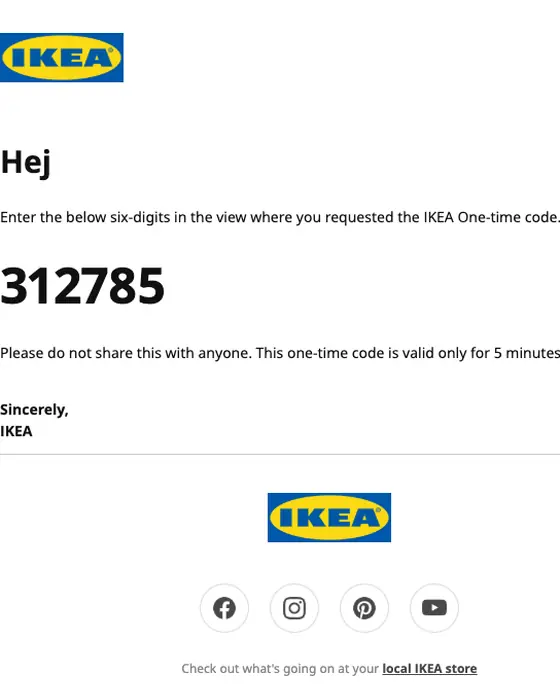
IKEA
One-time code to access your IKEA account.
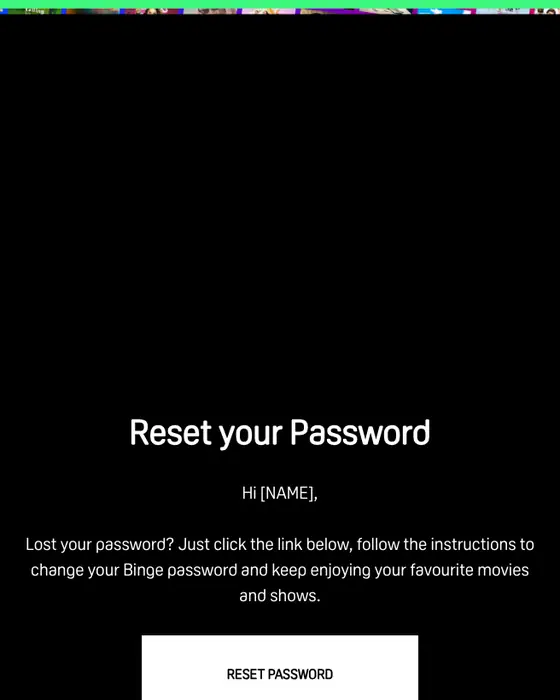
BINGE
Reset your password
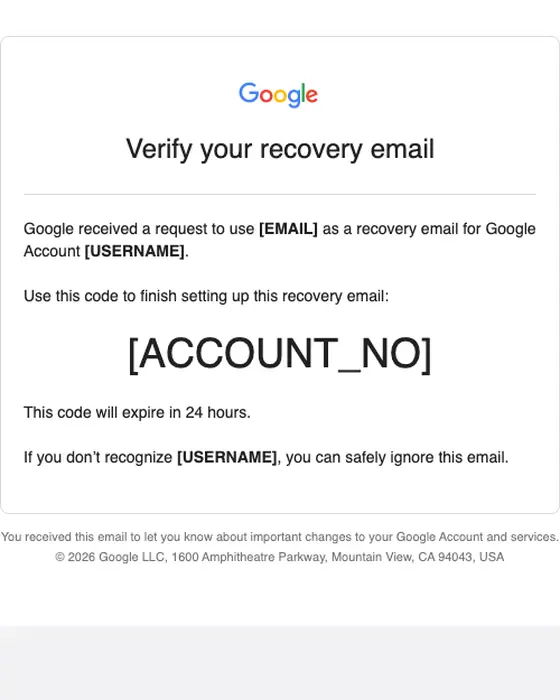
Email verification code: [ACCOUNT_NO]
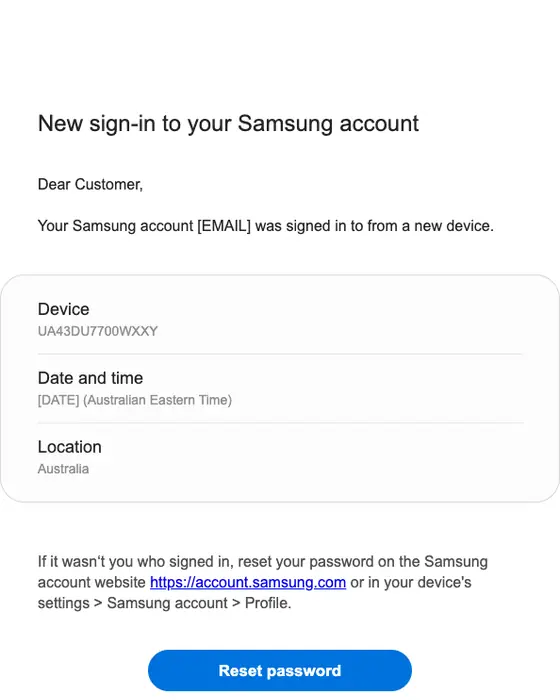
Samsung account
New sign-in to your Samsung account
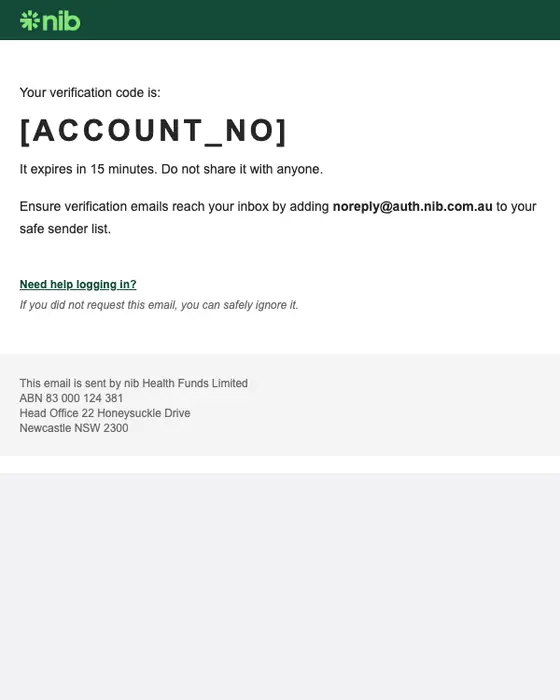
nib
nib verification code: [ACCOUNT_NO]
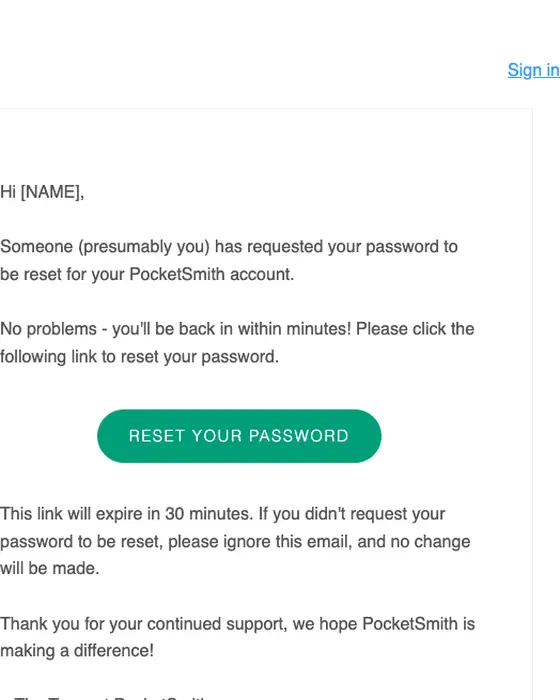
PocketSmith
PocketSmith | Password Reset Instructions
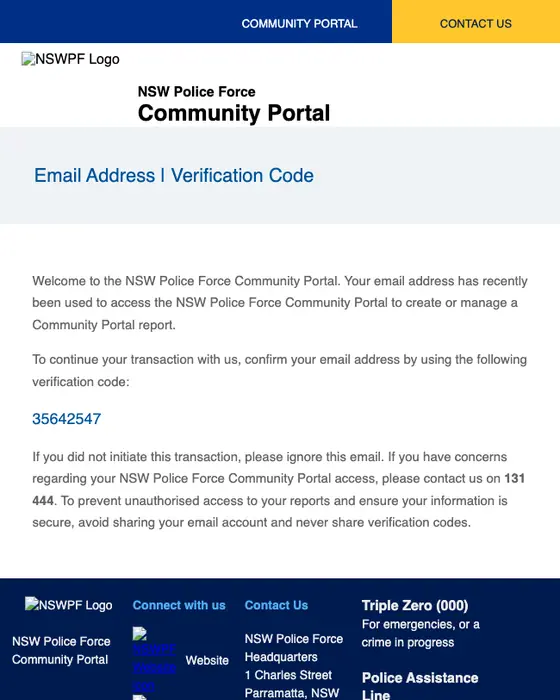
NSW Police Force Community Portal
NSW Police Force Community Portal Verification Code
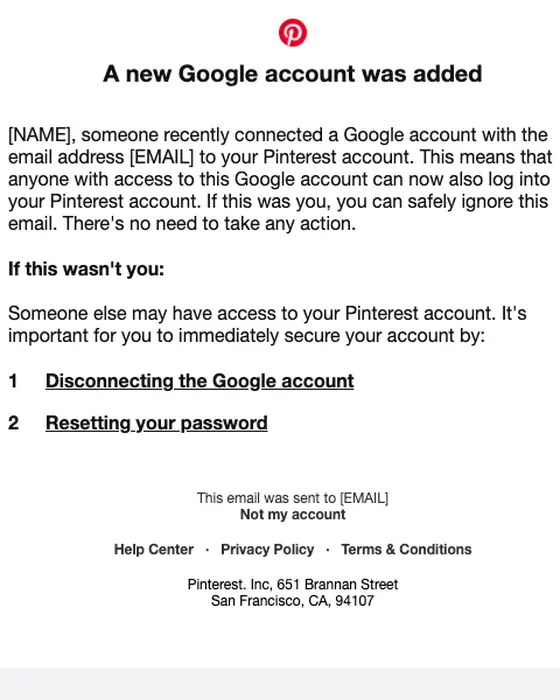
Pinterest account security alert: Did you make this change to your Pinterest account?
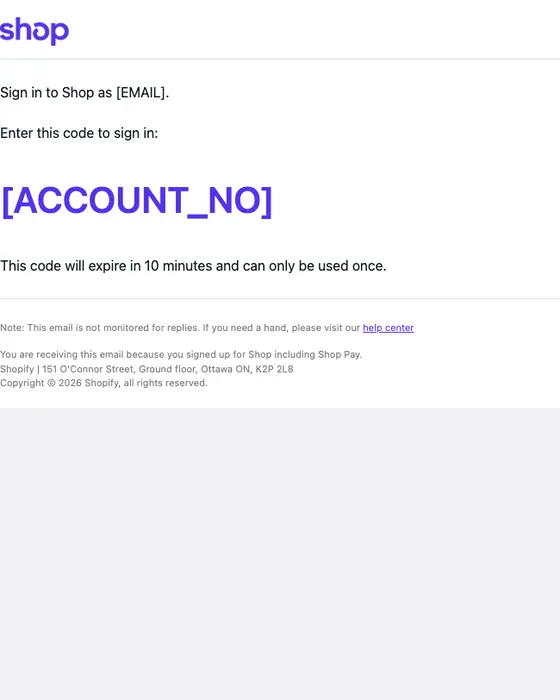
Shop
Sign in to Shop
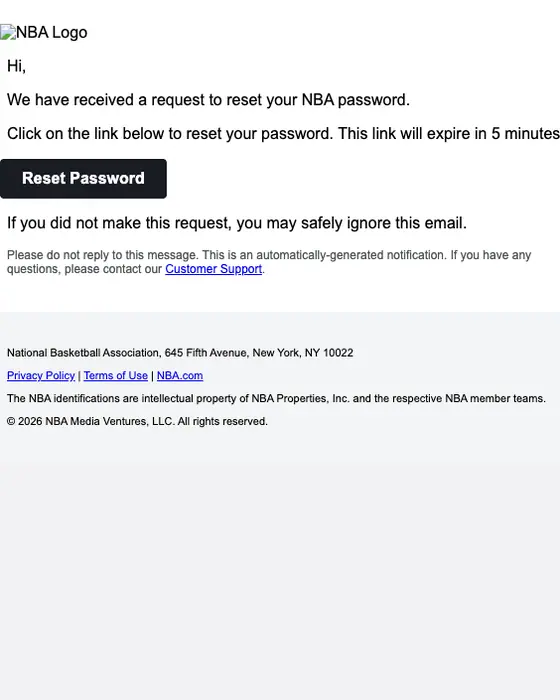
NBA
Your NBA Password Reset Request
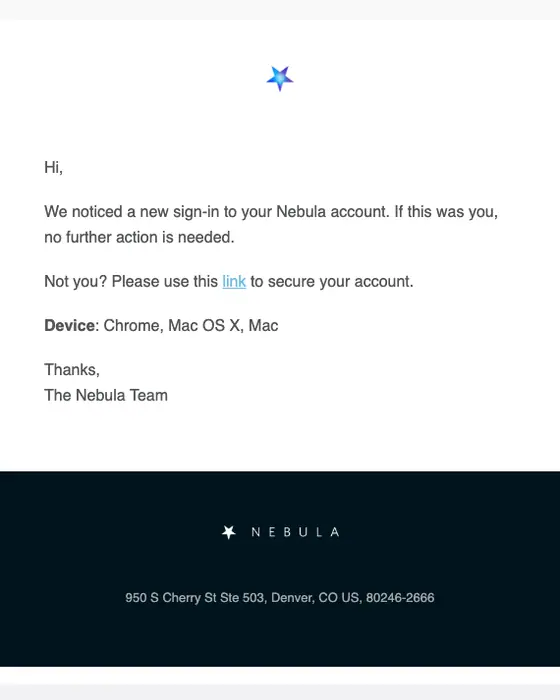
Nebula
Nebula Sign-in Notification
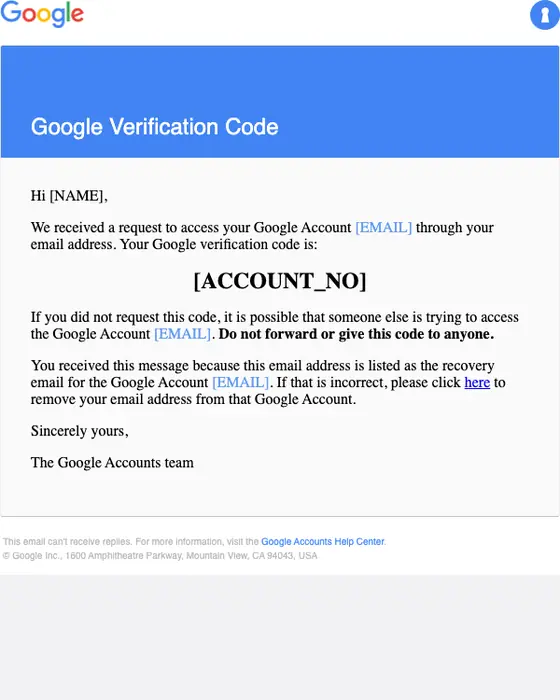
Google Verification Code
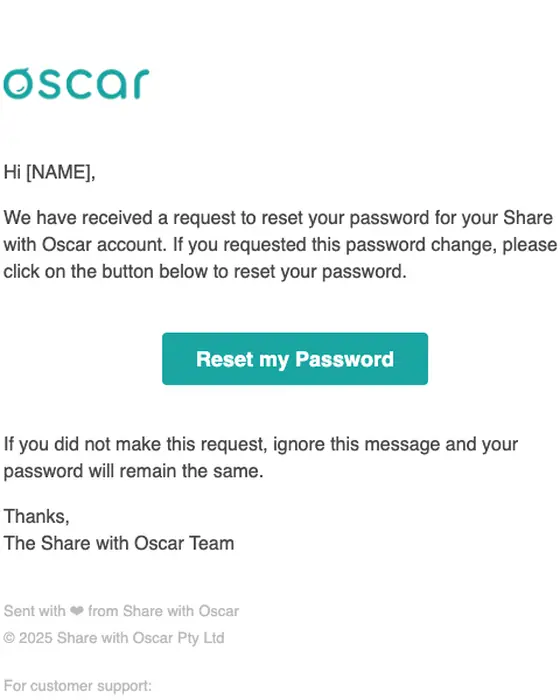
Share with Oscar
Reset password: Reset Password Request
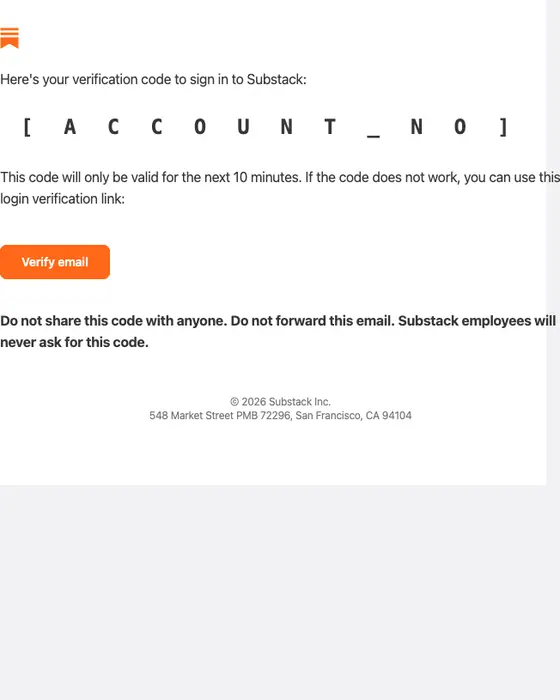
Substack
[ACCOUNT_NO] is your Substack verification code
Which domain real security alerts come from
Eight real alerts from this page, with the sender domain each was sent from. The domain is stored as received; the library does not keep the full sender address.
Sender domains on real security alerts
one email per brand, from this page| Brand | Sender domain | Subject line |
|---|---|---|
| Microsoft account | accountprotection.microsoft.com | Microsoft account security info was added (2026) |
| accounts.google.com | Sign in to your Google Account (2026) | |
| Apple | email.apple.com | Your Apple Account was used to sign in to iCloud on an iPhone 17e (2026) |
| Amazon | amazon.com | amazon.com: Sign-in (2026) |
| Dropbox | dropbox.com | [NAME], we noticed a new sign in to your Dropbox account (2025) |
| Coinbase | info.coinbase.com | Verify your device to sign in (2026) |
| Sony | email03.account.sony.com | Sony: Sign-In Detected on Your Account (2024) |
| Netflix | mailer.netflix.com | A new device is being used on your account (2022) |
A brand can use more than one domain: of the 3 Sony security alerts we collected, 2 came from email03.account.sony.com and 1 from txn-email03.playstation.com.
How security emails differ from all email
Security emails and all email, same two inboxes
302 security emails, 12,711 emails| What we measured | Security emails | All email |
|---|---|---|
| Plain text layout, no designed template | 69% | 32% |
| Monochrome color | 96% | 62% |
| Micro or short | 92% | 53% |
| Plain transactional subject line | 88% | 33% |
| Exactly one link or button to act on | 53% | 30% |
| No link or button at all | 19% | 5% |
| Urgent in tone | 23% | 12% |
| Greets the reader by first name | 31% | 40% |
| Has a hero image | 0% | 12% |
Security emails strip out what other email adds. 69% are plain text against 32% of all the email we collected, 96% are monochrome, and none of the 302 has a hero image. 88% use a plain subject line that names the event, such as a code or a sign-in, against 33% of all email. When they ask for an action, most ask for one: 53% have exactly one link or button. 19% have none, mostly codes that only need reading. They greet the reader by first name less often than other email, 31% against 40%.
What is in the collected set
By type
all 302 security emails collected| Type | Emails | Share of the set |
|---|---|---|
| Security alert | 91 emails | 30% of the set |
| One-time code | 89 emails | 29% of the set |
| Password reset | 79 emails | 26% of the set |
| Email verification | 24 emails | 8% of the set |
| Magic sign-in link | 9 emails | 3% of the set |
| Account notice | 7 emails | 2% of the set |
| Other | 3 emails | 1% of the set |
Alerts, one-time codes and password resets make up 259 of the 302, or 86%. Each of those types has its own collection, linked in the table. Magic sign-in links and account notices are too few here to show on their own.
By industry
all 302 security emails collected| Industry | Emails | Share of the set |
|---|---|---|
| SaaS | 79 emails | 26% of the set |
| Media and publishing | 43 emails | 14% of the set |
| Government | 24 emails | 8% of the set |
| Ecommerce | 21 emails | 7% of the set |
| Fintech | 18 emails | 6% of the set |
| Health and fitness | 13 emails | 4% of the set |
| Entertainment | 13 emails | 4% of the set |
Next to this one
The same library, cut by the stage around account access: account admin emails, onboarding emails and activation emails.
Questions people ask
The Microsoft account alert on this page, sent in 2026, is plain: the heading “Security info was added”, the account address, what was added (a passkey), one line for if it was you and one for if it was not, and a single “Review recent activity” button. All 3 Microsoft account emails we collected came from accountprotection.microsoft.com.
The Google alert on this page is an account-inactivity notice: the Google logo, the account address, and plain text saying the account has not been used in at least 8 months, with a link and a button to sign in. It is one of 3 Google security alerts in this set, and the set has no Google new-sign-in alert.
Dropbox’s new sign-in alert is a clean example: one sentence saying a new web browser signed in, then when it happened and what it was (Chrome on Mac OS X), then Yes and No buttons and an “I’m not sure” link. Security alerts are 91 of the 302 security emails we collected, the largest single type.
All 3 Microsoft account security emails in this set came from the domain accountprotection.microsoft.com. The library stores the sender domain, not the full address, so the part before the @ is not recorded. The table above lists the domain for eight brands’ security alerts.
All 3 Google security alerts in this set came from the domain accounts.google.com, and Google’s 4 verification codes came from google.com. The library stores the sender domain, not the full address, so the part before the @ is not recorded.
Only 123 of the 302 have been published as images. Of those, we left off 36 that print the recipient’s details, such as a sign-in IP address or town, a reset link with its token, a card number or a code in the subject line, 15 that repeat a brand’s template, and 3 that did not render cleanly or are not about account access. The numbers in the tables use all 302.