
What a government email is
A government email is a message a public body sends to the people it serves: account and security notices, one-time codes, receipts for fees and registrations, council and library newsletters, and invitations to local events.
We collected 173 emails tagged government from 80 senders in two ordinary inboxes, sent between 2016 and 2026, and show 22 of them here. 54 of the 173 came from political parties, election campaigns and fundraising committees, which are not government mail, so the percentages below describe the other 119, from 53 government senders. 95 of those 119 are Australian: Service NSW, myGov, the Australian Taxation Office, and councils such as the City of Sydney and Randwick.
Browse 22 government emails
Filter by type, or search a sender or subject line. Open any email to see it full length, with its subject line, notes on what it is doing, and a prompt that rebuilds it.
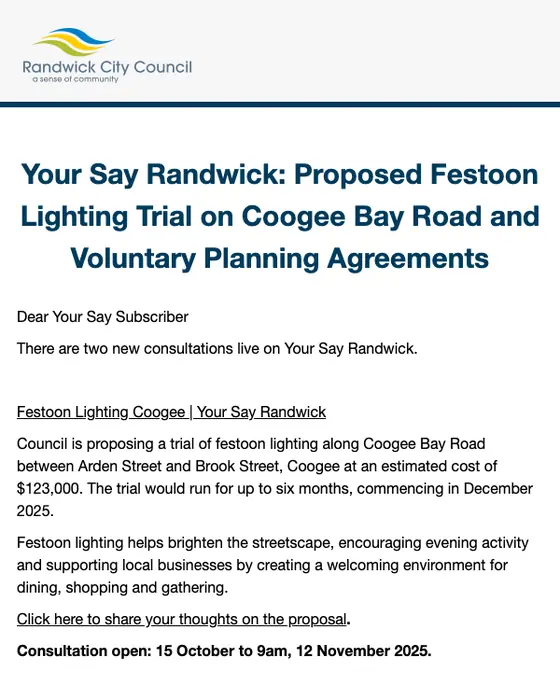
Your Say Randwick
Your Say Randwick: Proposed Festoon Lighting Trial on Coogee Bay Road and Voluntary Planning Agreements
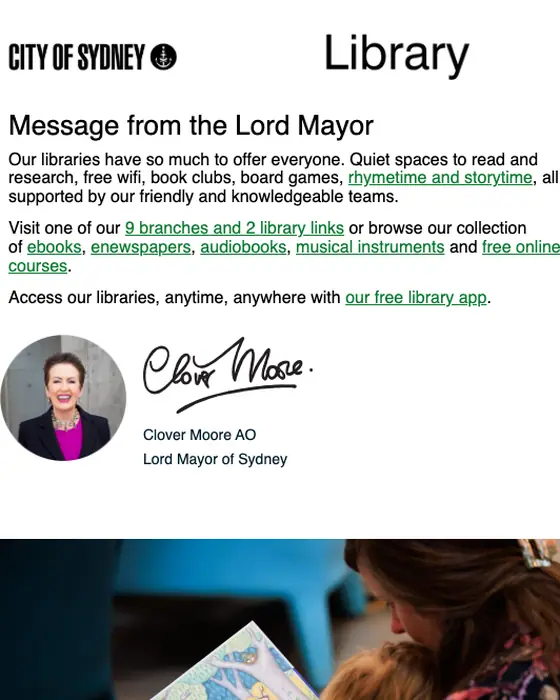
City of Sydney
National simultaneous storytime, talks, makerspace, reading lists
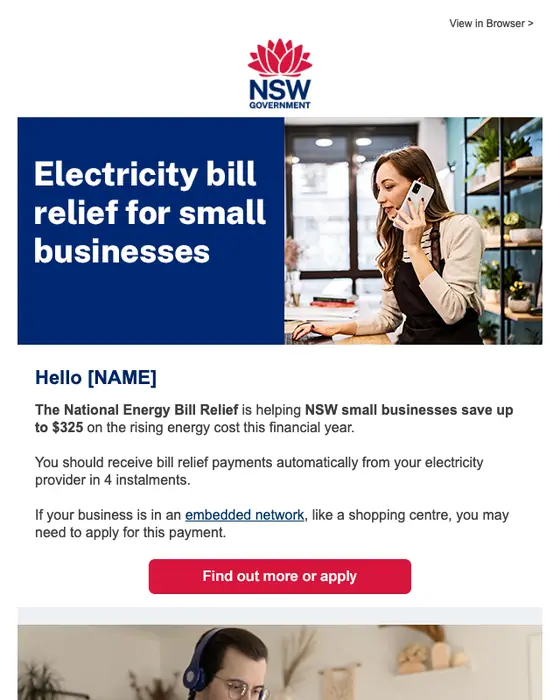
NSW Government
Electricity bill relief for small businesses
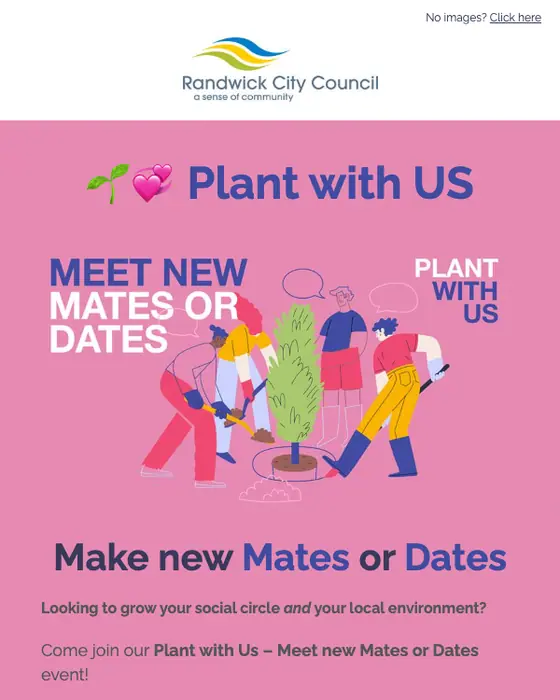
Randwick City Council
Plant with Us - Meet new Mates or Dates
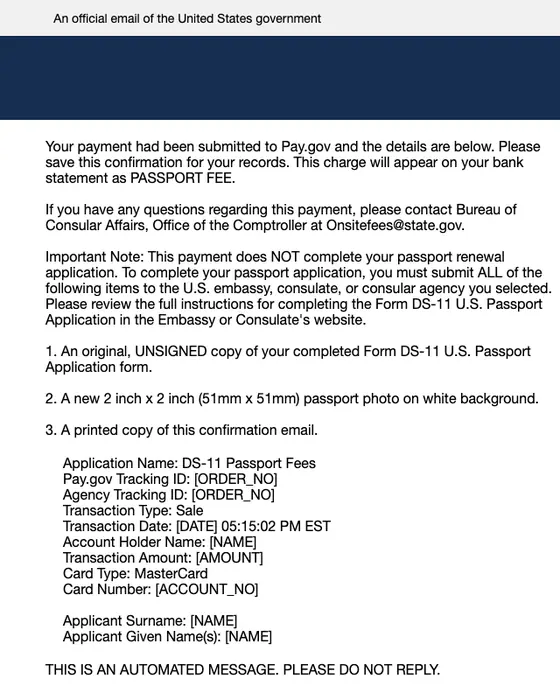
Pay.gov
Pay.gov Payment Confirmation: DS-11 Passport Fees
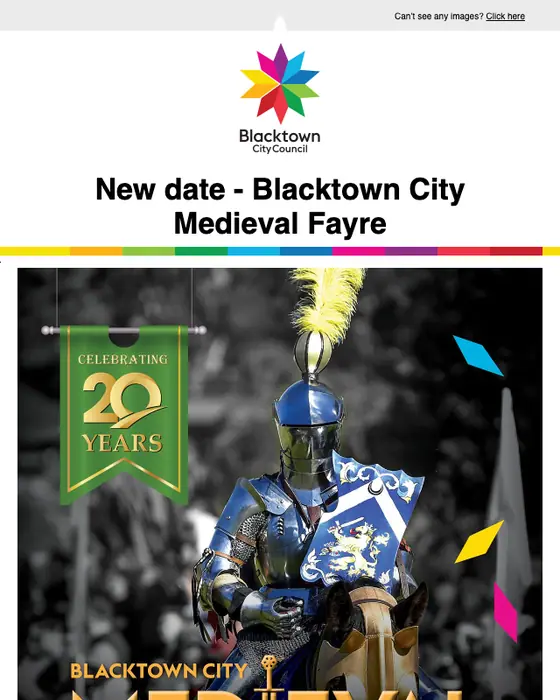
Blacktown City Council
New date - Blacktown City Medieval Fayre
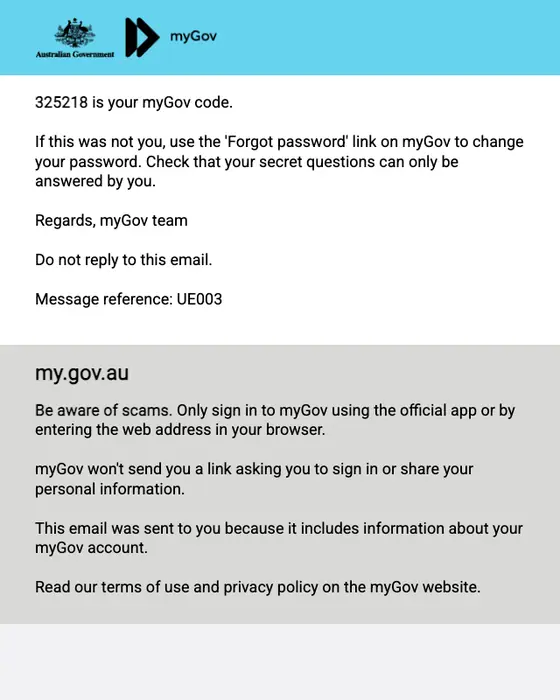
myGov
Your myGov password reset
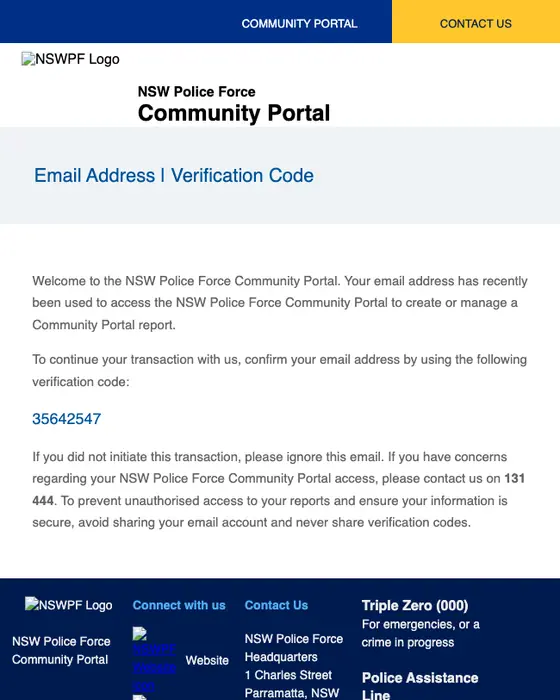
NSW Police Force Community Portal
NSW Police Force Community Portal Verification Code
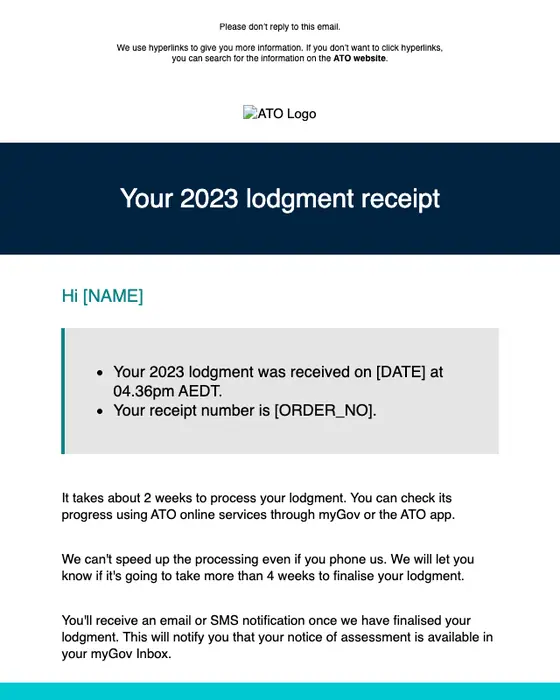
Australian Taxation Office
Your 2023 lodgment receipt [SEC=OFFICIAL]
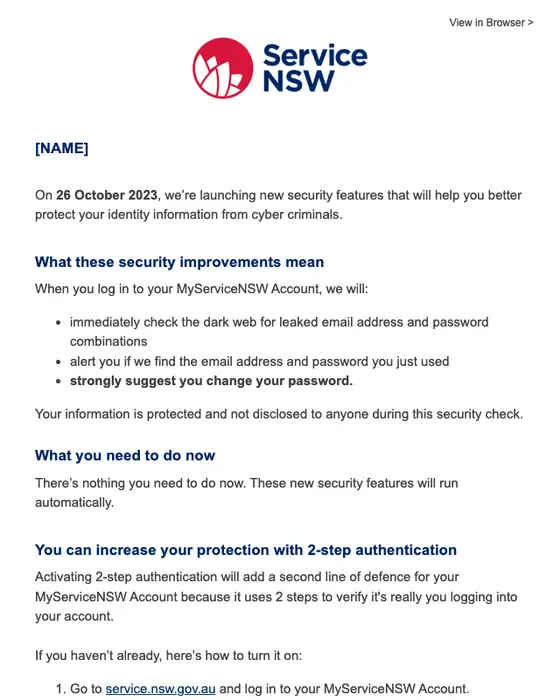
Service NSW
MyServiceNSW Account security update
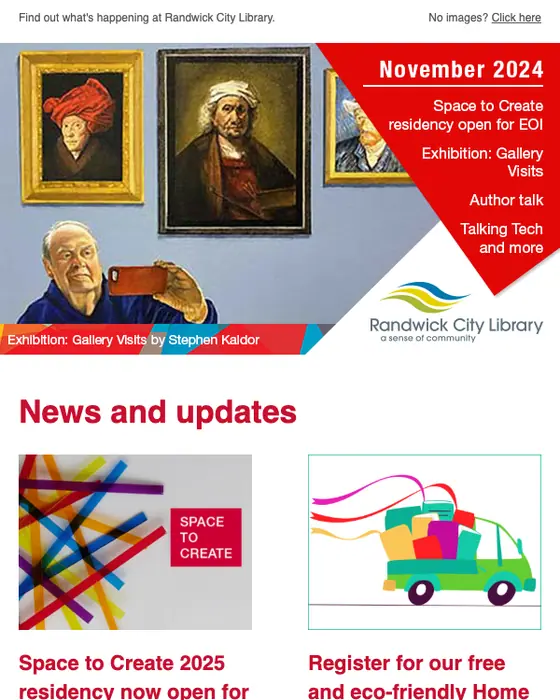
Randwick City Library
Library News - Space to Create residency open for EOI, new exhibition, author talk and more
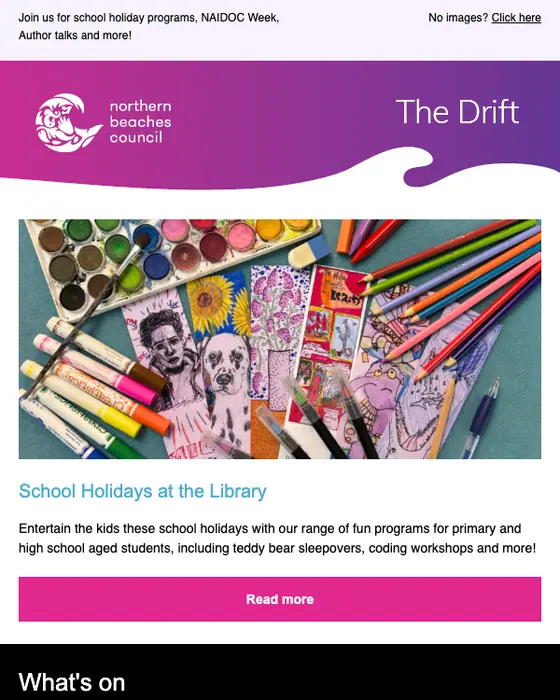
Northern Beaches Council Library Service
The Drift - What’s on at the Library? 📖
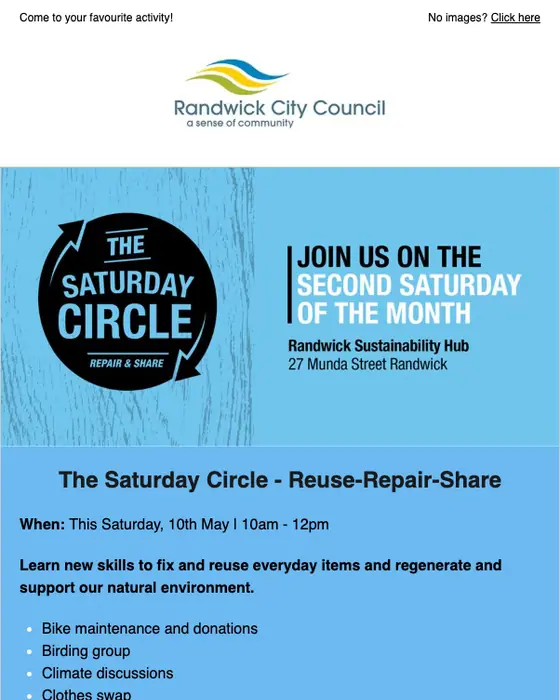
Randwick City Council
Saturday Circle this weekend!
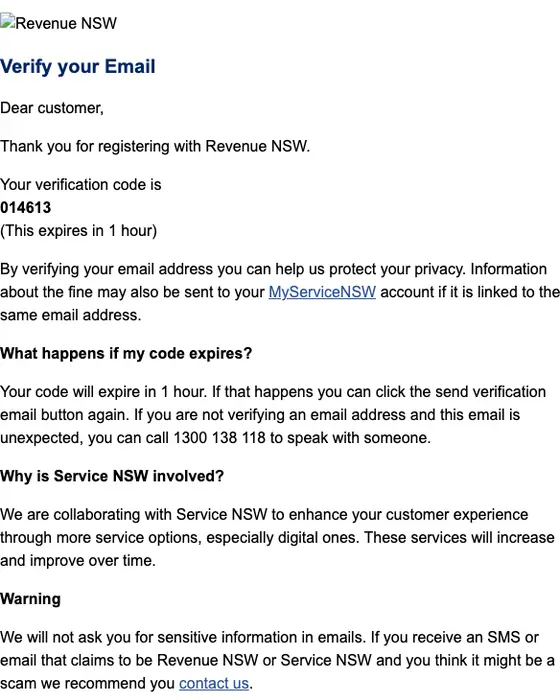
Revenue NSW
Please verify your email address
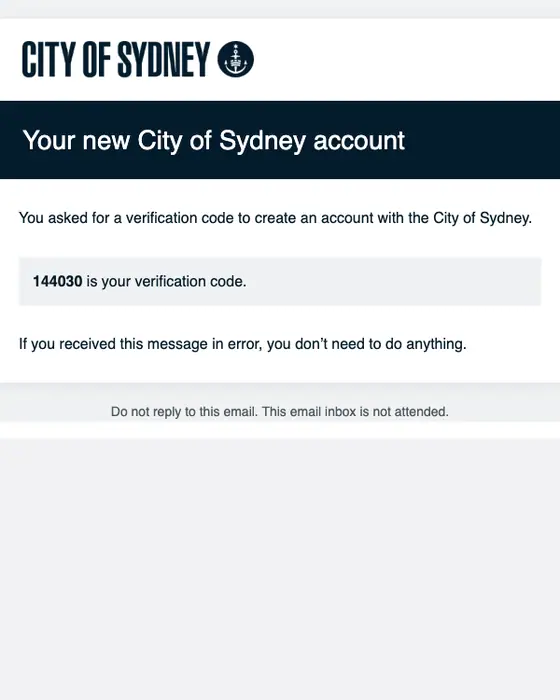
City of Sydney
Verification code: new City of Sydney account
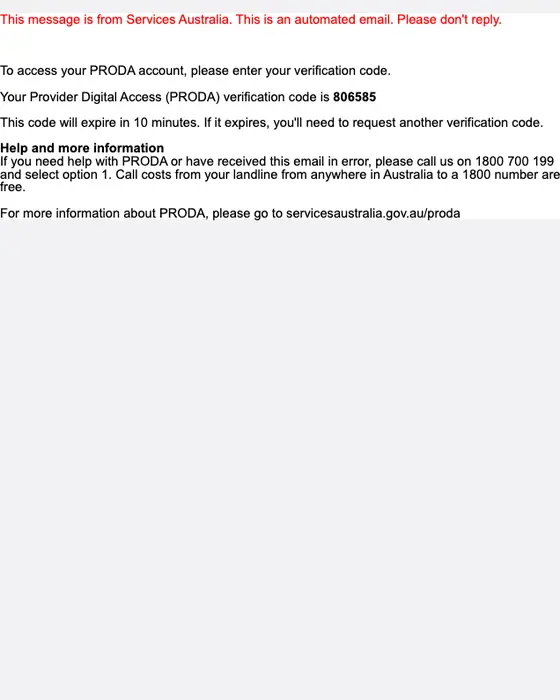
Services Australia
Your PRODA verification code [SEC=OFFICIAL]
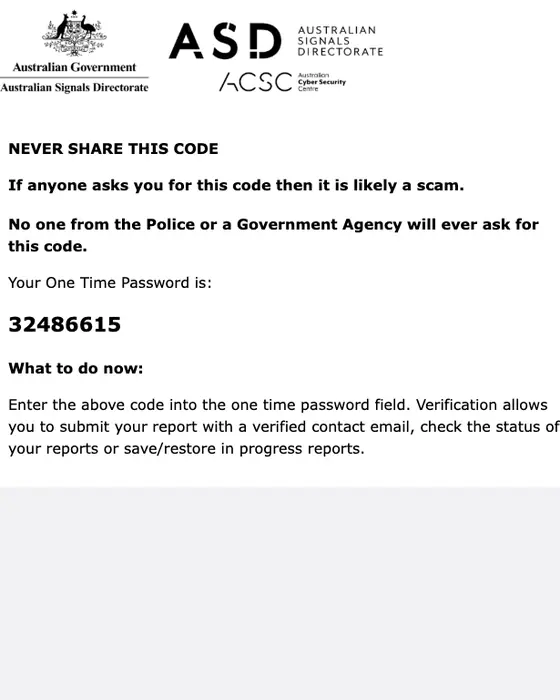
ReportCyber
ReportCyber - One Time Password (Do Not Share)
myID
myID verification code
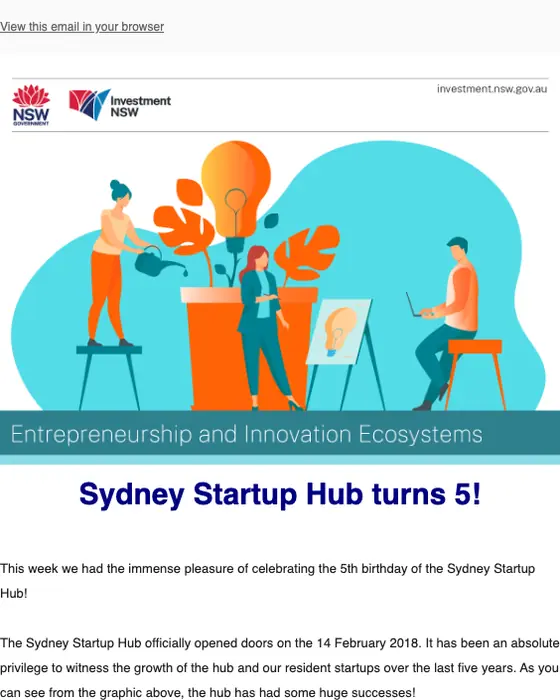
Sydney Startup Hub
Newsletter | 17th February 2023
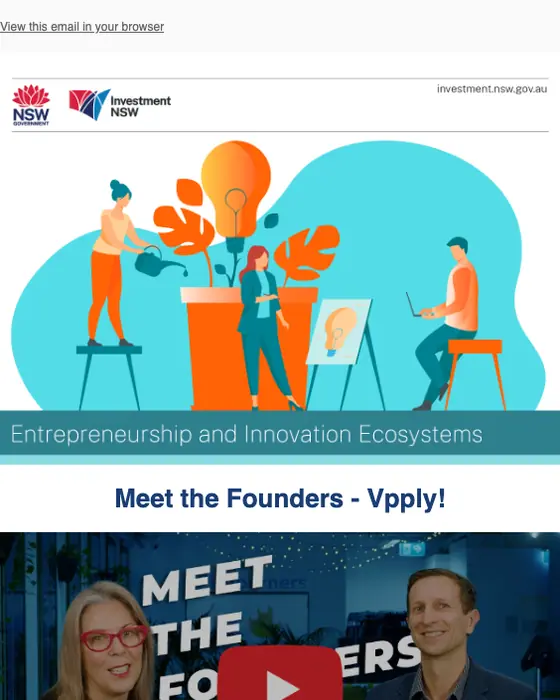
Entrepreneurship and Innovation Ecosystems
Newsletter | 28th October 2022
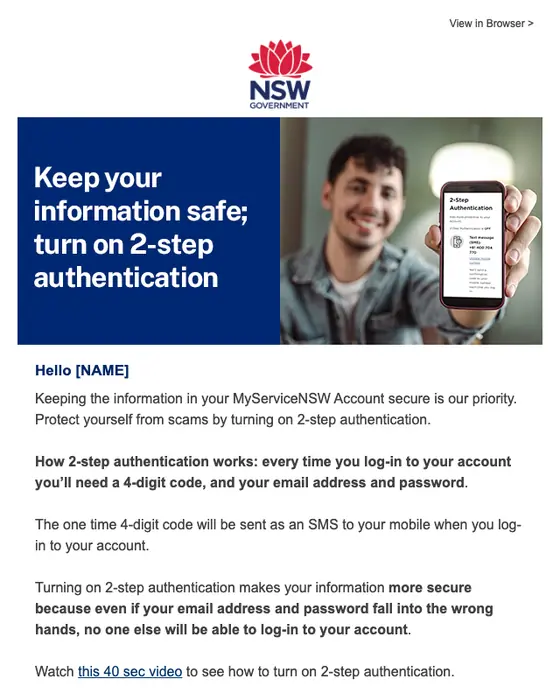
Service NSW
Protect your information, turn on 2-step authentication
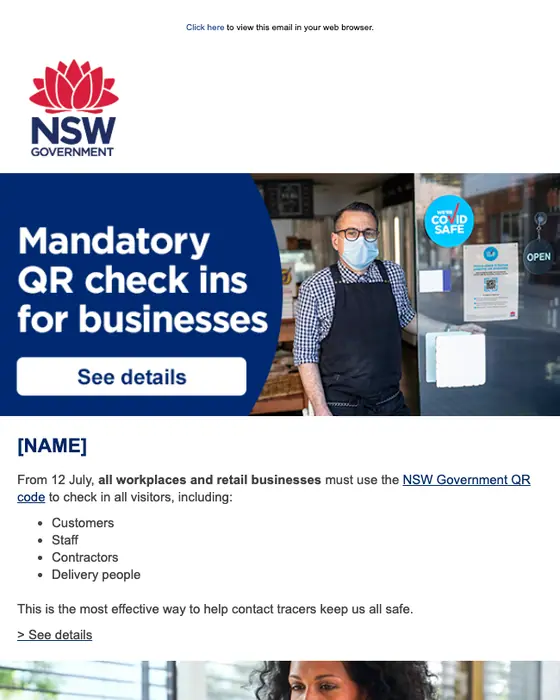
NSW Government
Mandatory QR code check ins for businesses
How government email differs from campaign email and everything else
Government email against campaign email and every other email
119 emails from government senders, 54 from parties, campaigns and fundraising committees (elected officials' own office mail from .gov addresses counts as government), and 12,538 other emails| What we measured | Government | Parties and campaigns | Everything else |
|---|---|---|---|
| Codes, verification, password resets and security alerts | 21% | 0% | 3% |
| Newsletters | 32% | 0% | 12% |
| Promotional email | 1% | 78% | 22% |
| Plain-text style layout | 60% | 83% | 31% |
| Text heavy | 90% | 100% | 60% |
| Instructional tone | 65% | 7% | 37% |
| Urgent tone | 4% | 83% | 12% |
| Subject line says plainly what is inside | 99% | 43% | 64% |
| Greets the reader by first name | 34% | 69% | 40% |
| No link or button at all | 18% | 0% | 5% |
| Median calls to action | 2 | 7 | 2 |
Government email tells you something you have to act on. 65% of it is written in an instructional tone, against 37% of other email, and 99% has a subject line that says plainly what is inside, against 64%. 21% is codes, verification, password resets or security alerts, against 3% of other email, and 18% has no link or button at all, mostly codes you type somewhere else.
If you are building a government email template, that is the shape to copy: mostly text, a subject line that says what is inside, an instructional tone, and two calls to action at the median. For a one-time code, you can leave the link out: 18% of government emails have none, most of them codes.
Campaign email arrives in the same inboxes and is easy to mistake for government mail, but it reads the other way. 78% of it is promotional, 83% is urgent in tone, against 4% of government email, and the median campaign email carries 7 calls to action. Both lean on a plain-text style layout, mostly bare type and sometimes a logo band: 60% of government email and 83% of campaign email, against 31% of the rest.
What is in the collected set
By type
the 119 emails from government senders| Type | Emails | Share of the set |
|---|---|---|
| Newsletter | 38 emails | 32% of the set |
| Account notice | 21 emails | 18% of the set |
| Email verification | 9 emails | 8% of the set |
| One-time password | 9 emails | 8% of the set |
| Receipt | 8 emails | 7% of the set |
| Event invite | 8 emails | 7% of the set |
| Security alert | 4 emails | 3% of the set |
| 10 other types | 22 emails | 18% of the set |
12 of the 38 newsletters are from US senators' offices, sent from .gov addresses. The grid shows 22 emails from 18 senders, 21 of them Australian and 19 sent in 2023 or later. It shows 7 newsletters and 9 codes, verification and security emails. 7 of the 22 use a plain-text style layout, against 60% of the 119 collected. Only 35 of the 173 have been rendered for the library so far.
Next to this one
The same library, cut a different way: nonprofit emails and education emails by industry, or by the job the email does: one-time password emails, email verification emails, security alerts, account notices, receipts, newsletters and event invites.
Questions about the collection
Plain. Of the 119 emails from government senders we collected, 60% use a plain-text style layout and 90% are text heavy, against 31% and 60% of other email. 65% are written in an instructional tone that tells you what to do next.
Newsletters lead at 32% of the 119, from councils, libraries and senators' offices. Account notices follow at 18%, then email verification and one-time passwords at 8% each, and receipts and event invites at 7% each. Codes, verification, password resets and security alerts together make up 21%, against 3% of other email.
No. 54 of the 173 emails tagged government in our inboxes came from parties, election campaigns and fundraising committees. We leave them out of the government numbers and the grid. 78% of them are promotional, most of them asking for donations, and 83% are urgent in tone. An elected official's own .gov office newsletter counts as government.
35 of the 173 have been rendered full length for the library so far. We took 13 of those off this page: two campaign emails, three duplicates, six more sends from senders already shown, one receipt that shows a car's number plate and one render that is clipped. The other 138 count in every percentage but are not shown yet.