
What an account notification email is
An account notification email, also called an account admin email, is an operational message a company sends about an account the reader already has: updated terms or a privacy policy, a price or plan change, a billing problem, a cancellation, or a sign-in or security step.
We collected 476 of them from 326 brands out of two ordinary inboxes, 2016 to 2026. Nothing here is a mockup. This page shows 53, from 53 brands, and 43 of them were sent in 2023 or later. 77 of the 476 are published as images so far, and we left 24 of those off this page: emails that show personal details, broken renders, one-time codes, a repeat of one brand's template, and notices that are not about the reader's account. 48% of the 476 carry one link or button or none, against 35% of all email from the same inboxes.
Browse all 53 account notification emails
Tap an industry to narrow the grid, or search a brand or subject line. 41 of the 53 are account notices, 3 confirm a cancellation, and the other 9 cover invoices, plan changes, alerts, an ending free plan, a sign-in link and an email check. Open any email to see it full length, with its subject line, notes on what it is doing, and a prompt that rebuilds it.
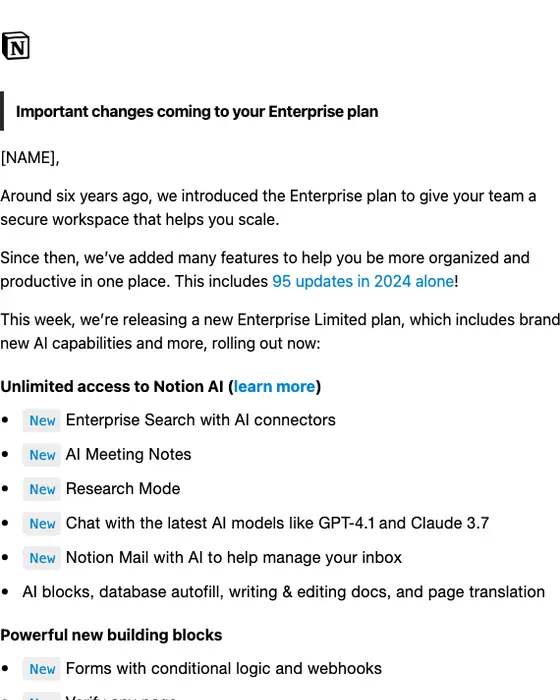
Notion
Important changes coming to your Enterprise plan
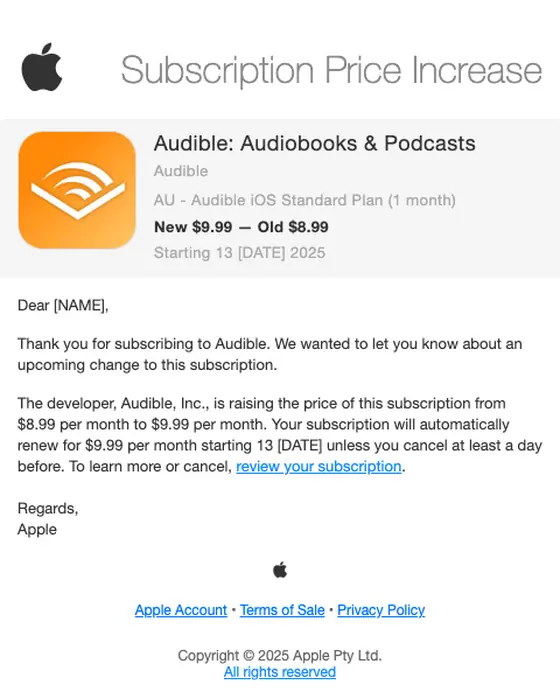
Apple
Your Subscription Price Increase
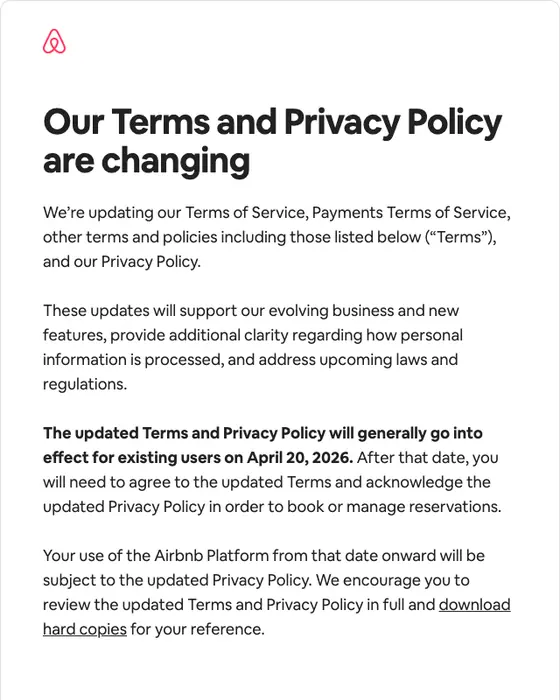
Airbnb
We’re updating our Terms and Privacy Policy
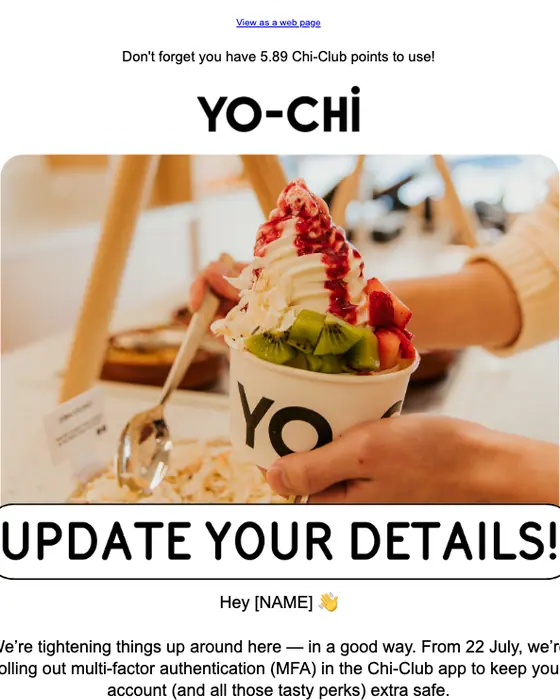
Yo-Chi
LEVEL UP! Your account’s flexing new security 😉
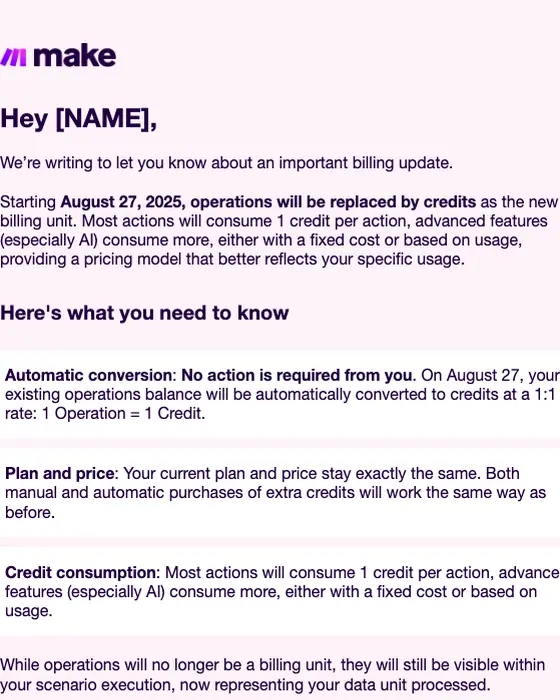
Make
Important update: Introducing Credits as our new billing unit
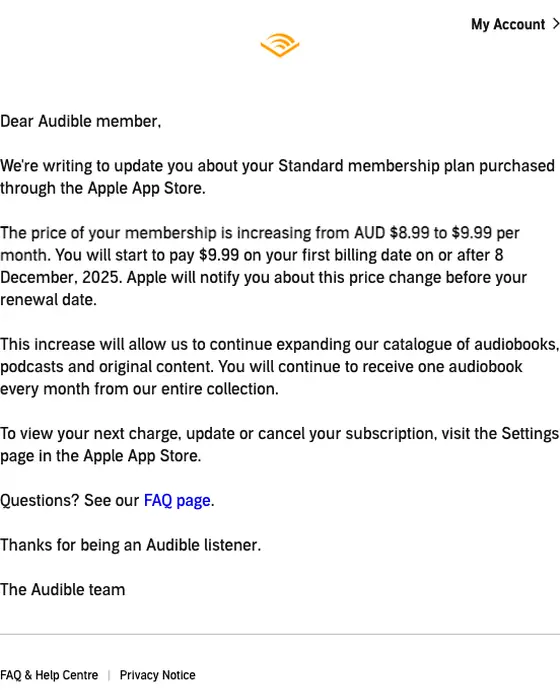
Audible.com.au
Your Audible Standard membership price is increasing
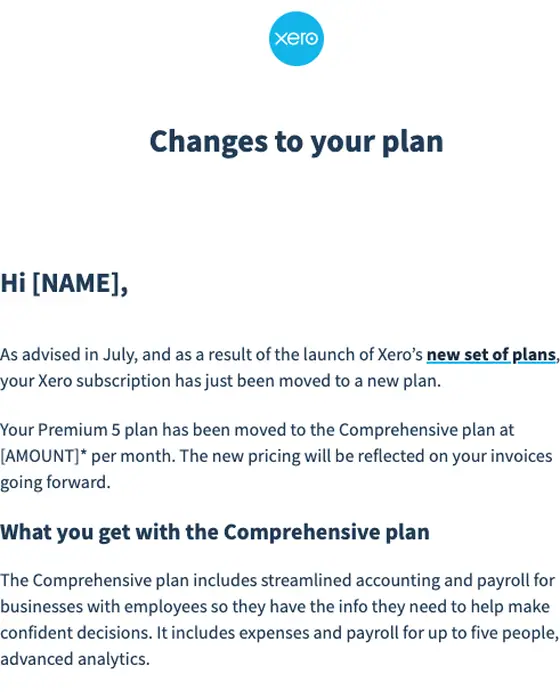
Xero
Welcome to the Xero Comprehensive plan
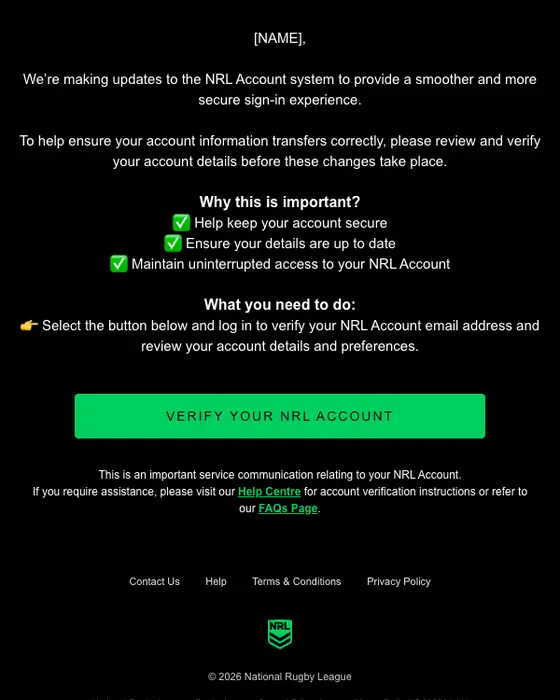
NRL
Important update to your NRL Account.
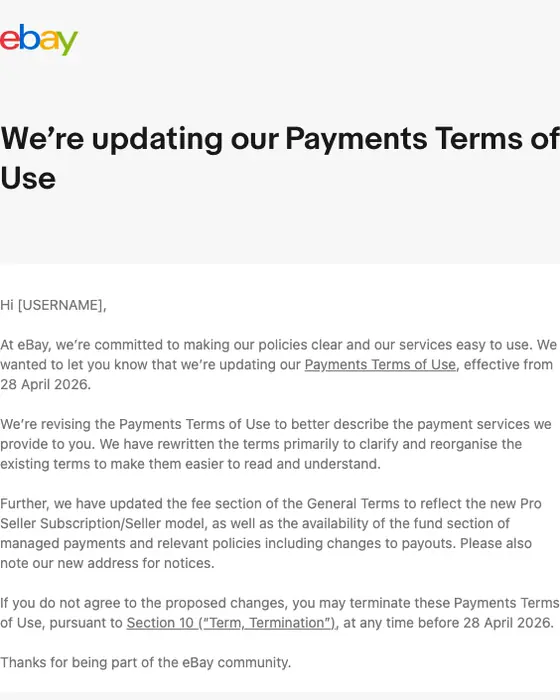
eBay
We’re updating our Payments Terms of Use
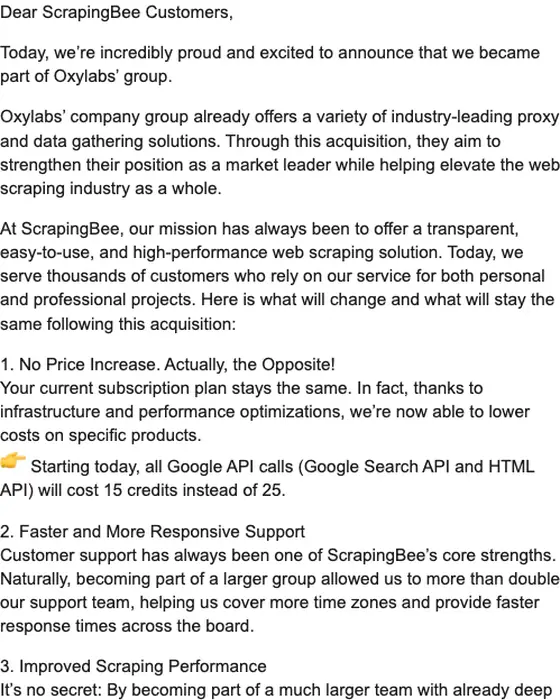
ScrapingBee
ScrapingBee is joining forces with Oxylabs' group
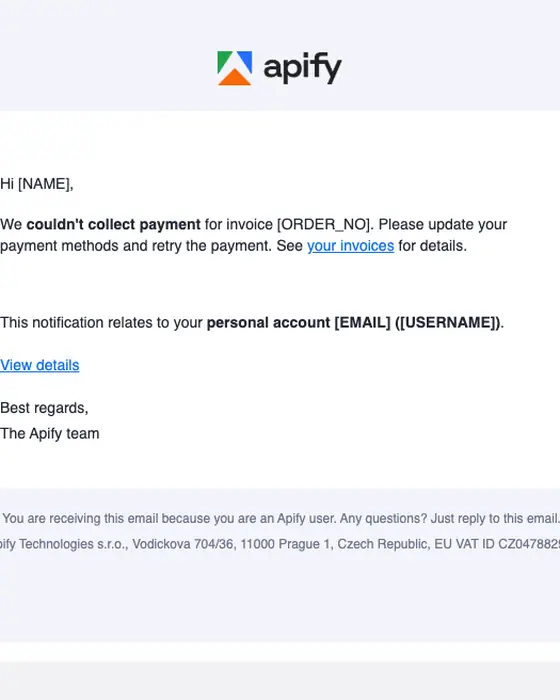
Apify
Invoice payment failed
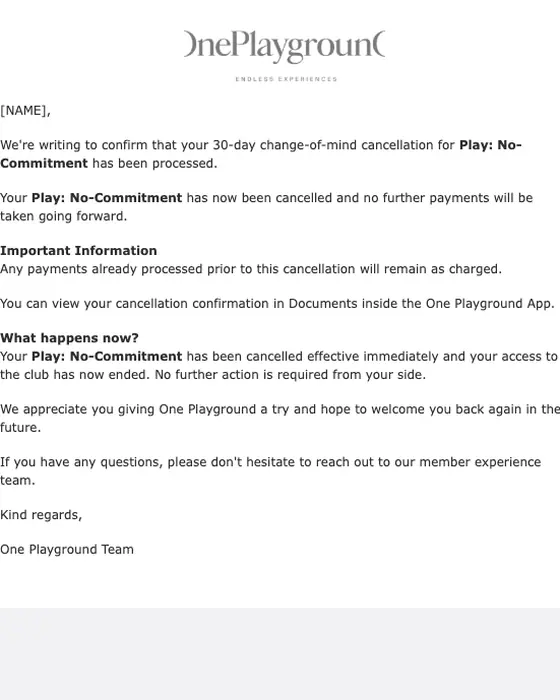
One Playground
Your Cancellation Has Been Confirmed
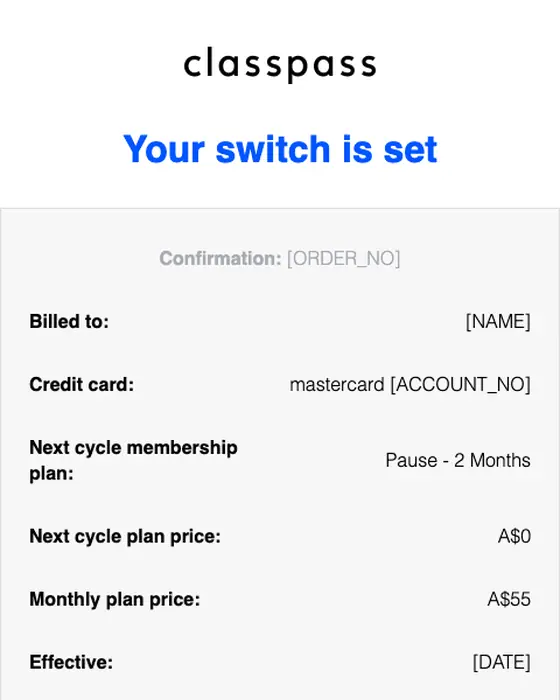
ClassPass
Your ClassPass Membership Change Is Confirmed
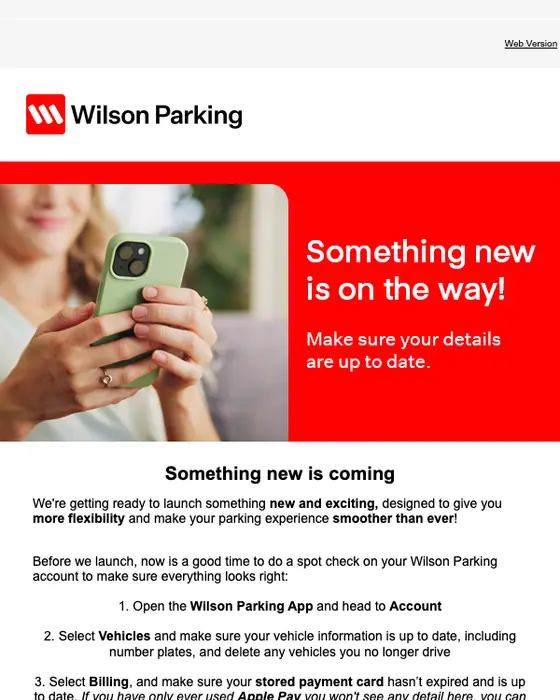
Wilson Parking Australia
Something new is coming, [NAME]
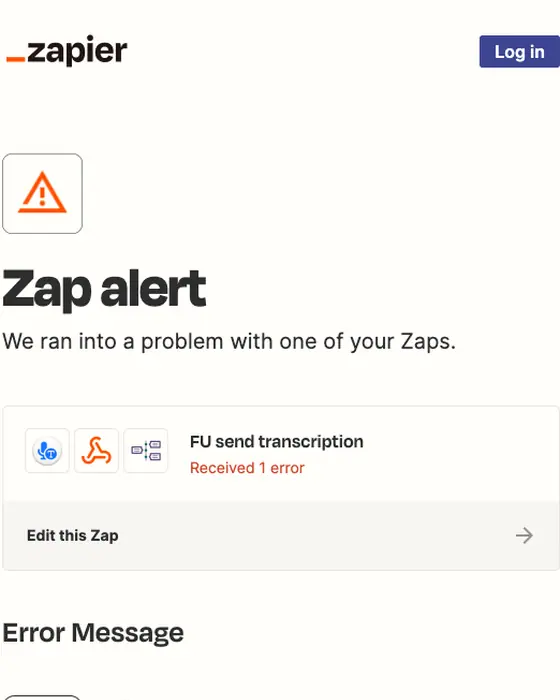
Zapier Alerts
[ALERT] Possible error on your FU send transcription Zap!
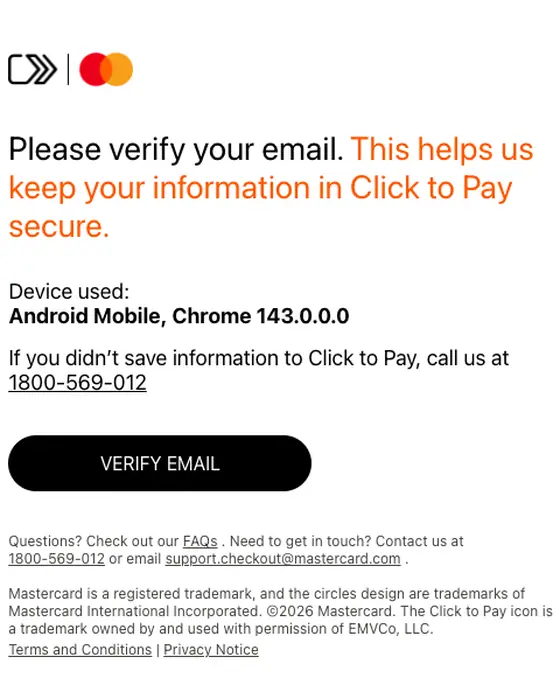
Mastercard Click to Pay
Verify your email
Mirage (Captions)
Your customer portal login link
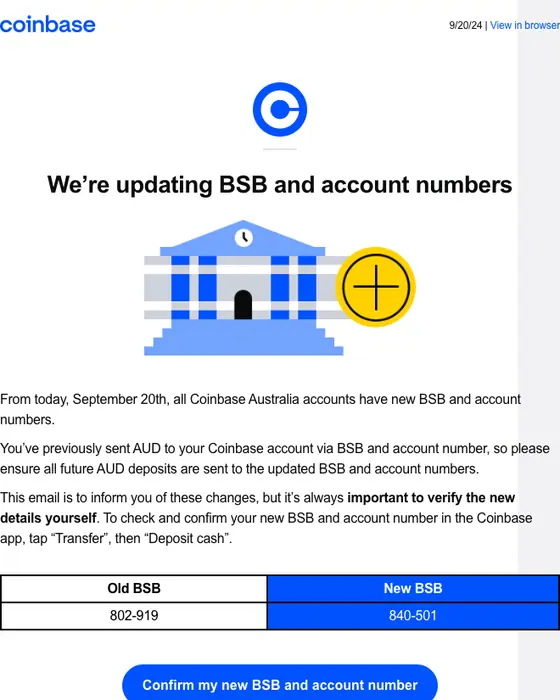
Coinbase
Important Update: BSB and account numbers are changing for deposits.
BCF
Update to our Club Terms and Conditions
Genki
🍂 Your subscription with Genki is canceled
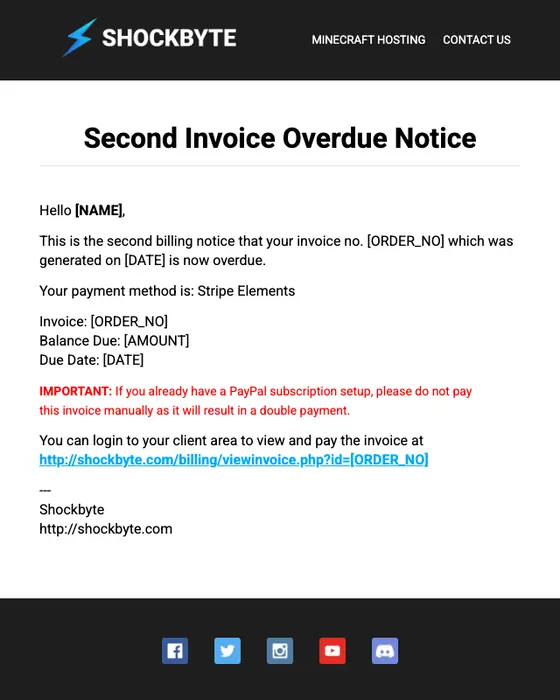
Shockbyte
Second Invoice Overdue Notice
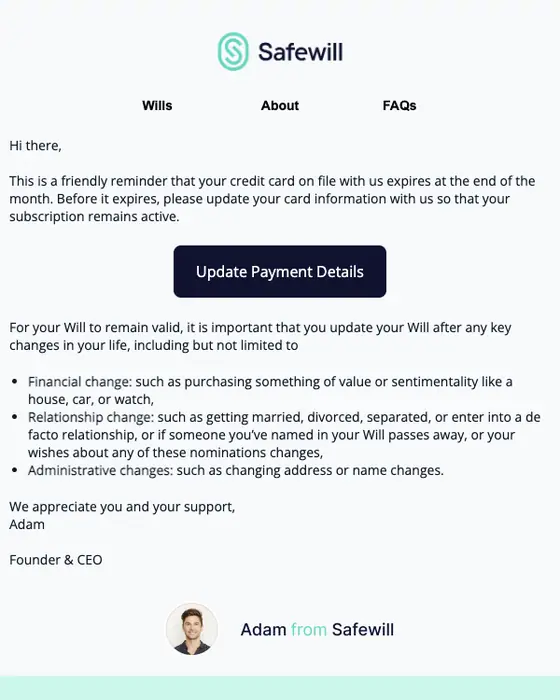
Safewill
[Action Required] Keep Your Will Accessible – Avoid the $80 Unlock Fee
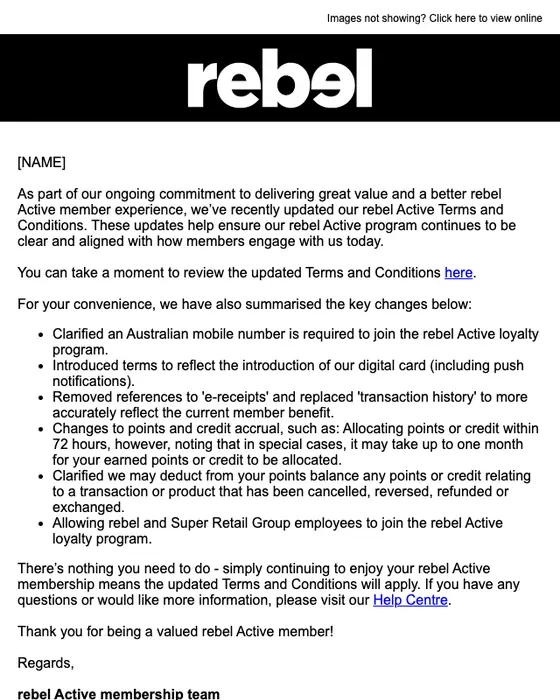
rebel active
Update to our rebel Active Terms and Conditions
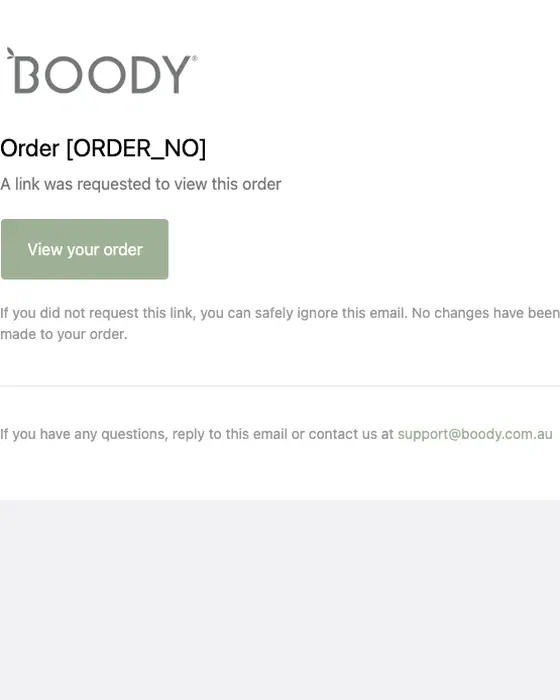
Boody Australia
Link to order [REF]
How account notification emails differ from other email
Account notification (account admin) emails and all email, same two inboxes
476 account admin emails, 12,711 emails| What we measured | Account notification | All email |
|---|---|---|
| Text heavy | 88% | 60% |
| Monochrome palette | 88% | 62% |
| Plain-text layout | 57% | 32% |
| Opens with a hero image | 1% | 12% |
| Plain transactional subject line | 61% | 33% |
| Subject line leads with a discount | 0% | 11% |
| Neutral in tone | 43% | 27% |
| Formal in tone | 10% | 1% |
| No link or button at all | 14% | 5% |
| Exactly one link or button | 34% | 30% |
| Text links only, no button | 70% | 55% |
| Greets the reader by first name | 45% | 40% |
| Sent by a SaaS brand | 32% | 20% |
| Median links or buttons | 2 | 2 |
The widest gaps are in how the email looks. 88% of account admin email is text heavy against 60% of all email, 88% uses a monochrome palette against 62%, 57% is a plain-text layout against 32%, and 1% opens with a hero image against 12%.
Subject line and tone follow. 61% use a plain transactional subject line against 33%, and none leads with a discount, against 11% of all email. 43% are neutral in tone against 27%, and 10% are formal against 1%. 14% carry no link or button at all, against 5%, and 70% use text links only, against 55%. 32% come from SaaS brands, against 20%.
Nitrosend treats this plainness as unused space. Its view is that a transactional email is real estate most brands waste on a default template, and that the account notice is a place for voice and brand rather than a bare system message. In this set, 57% use a plain-text layout and 1% open with a hero image.
Types of account notification email in the set
By kind of account email
all 476 account admin emails collected| Kind | Emails | Share of the set | Exactly one link or button | No link or button |
|---|---|---|---|---|
| Account notice (terms, policies, plan and product changes) | 394 | 83% | 32% | 14% |
| Billing and plans (cancellations, invoices, plan changes, expiring plans, a refund) | 46 | 10% | 39% | 15% |
| Sign-in and verification (security alerts, password resets, sign-in links, codes, email checks) | 36 | 8% | 53% | 17% |
Account notices are 83% of the set. Sign-in and verification emails most often carry exactly one link or button: 53% of them, against 32% of account notices.
94 of the 476, from 70 brands, mention terms, a policy, privacy or an agreement in the subject line. 80% of those carry text links only, 10% a button only, 6% both and 4% no link at all, and none is urgent in tone. The privacy policy update emails shown include Airbnb (2026), Nintendo Australia & New Zealand (2025), Best Buy (2024) and Skillshare (2023).
Five of the emails shown state the change in prices, dates or steps. Notion's Enterprise email gives the new and old price per user, $32 a month on monthly billing against $28 before, and a three-month window before it applies to existing users. Apple's Audible notice puts New $9.99, Old $8.99 above the letter. Make's first point on its billing change is "No action is required from you", in bold. Airbnb names April 20, 2026 as the date its new terms apply to existing users and links six of the updated documents. Yo-Chi announces multi-factor authentication with three app screenshots numbered as steps.
The other emails sorted into the account admin stage
58 of 534, not counted on this page| Type | Emails |
|---|---|
| Appointment | 31 |
| Newsletter | 10 |
| Event invite | 9 |
| Survey | 3 |
| Other (quote, promotional, digest, order reminder, thank you) | 5 |
534 emails from 345 brands were sorted into the account admin stage. These 58 are reminders, newsletters, invitations and surveys sent to people with an account, and no number on this page counts them. They have their own pages: appointment reminders, newsletters, event invitations and survey emails.
Next to this one
This page is a stage: every kind of email sent about an existing account. Account notice email examples is the type page: all 845 account notices we collected, including the 451 sent at other stages. The rest of the set has type pages too: security alerts, password resets, email verification, cancellation confirmations, invoices, subscription emails and expiration notices. Security email examples is the neighboring stage. Most password resets (79 of 88 collected) and new sign-in alerts (91 of 99) were sent at the security stage, so they sit there, not on this page.
Questions about account notification emails
An account notification email, also called an account admin email, is an operational message about an account the reader already has: new terms, a price or plan change, a billing problem, a cancellation, or a sign-in or security step. Of the 476 we collected, 83% are account notices, 10% cover billing and plans, and 8% cover sign-in and verification.
Notion's "Important changes coming to your Enterprise plan" is one: it explains what the plan adds, then gives the old and new price per user and a three-month window before the change applies. Airbnb's terms update names the date, links the updated documents and says what happens if you disagree. All 53 on this page open full length.
Compare it with real ones. 94 of the 476 emails here, from 70 brands, mention terms, a policy, privacy or an agreement in the subject line. 80% carry text links only, 10% a button only, 6% both and 4% no link, and none is urgent in tone. Airbnb's 2026 update links six documents and its Help Center.
Our email notification template guide covers the wording and structure. The emails collected here keep it plain: 61% use a plain transactional subject line against 33% of all email, 57% use a plain-text layout against 32%, and 48% carry one link or button or none, against 35%.
77 of the 476 are published as images in this library so far. We left 24 of those off this page: 9 showing personal details or a private support case, 5 broken renders, 2 showing a one-time code, 1 repeat of a brand's template, and 7 not about the reader's account. The percentages on this page describe all 476.